512GB vs 1TB vs 2TB SSD: Real Usable Space & Is 512GB Enough?
Software updates, high-resolution media, and game installations demand significantly more storage space every year. Users often underestimate the operating system's requirements and purchase base-model 512GB drives to reduce initial costs. This decision frequently leads to "low disk space" warnings and performance degradation within months of ownership.
Replacing a primary drive in a compact device costs more time and money than selecting the correct capacity initially. This guide analyzes technical capacity, real-world file sizes, performance metrics, and cost efficiency to determine the optimal SSD size for specific workflows in 2026.
Quick Recommendation Summary
| User Profile | Recommended Capacity | Key Reason |
| Office / Student | 512GB | Sufficient for documents and cloud-based work. |
| Gamer / General | 1TB | The sweet spot for OS + 5-10 AAA games. |
| Pro / Creator | 2TB+ | Necessary for 4K editing and large asset libraries. |
What Is a Solid State Drive (SSD)?
A solid state drive (SSD) is a storage device that uses flash memory to store data instead of traditional spinning disks used by hard disk drives (HDDs). Because SSDs have no moving parts, they provide faster boot times, quicker file transfers, lower power consumption, and better durability compared with HDD storage.
In simple terms, a 512GB SSD means the drive provides 512GB of storage capacity using solid-state technology. A 512GB solid-state drive is commonly used in laptops and mini PCs because it offers fast performance while keeping device costs reasonable.
SSD Comparison: 512GB vs 1TB vs 2TB
| SSD Capacity | Speed | Endurance (TBW) | Wear Risk | Recommended Use |
|---|---|---|---|---|
| 512GB SSD | Around 3,000-5,000 MB/s | Lower (≈200-300 TBW) | Higher under heavy workloads | Office work, browsing, students, light gaming |
| 1TB SSD | Around 5,000-7,000 MB/s | Medium (≈400-600 TBW) | Balanced | Gaming, multimedia, daily productivity |
| 2TB SSD | Around 7,000-10,000+ MB/s | Higher (≈800-1200 TBW) | Lower | Video editing, professional workloads, large libraries |
Why 512GB Drives Do Not Offer 512GB of Free Space
Storage manufacturers and operating systems use different measurement systems. Manufacturers market storage using the decimal system, where 1 gigabyte equals 1,000 megabytes. Windows and other operating systems use the binary system, where 1 gigabyte equals 1,024 megabytes. A drive labeled as "512GB" displays a raw capacity of approximately 476GB in Windows.
System files further reduce this available space. A standard Windows 11 installation, combined with essential updates and the hidden recovery partition, occupies between 40GB and 60GB. Hibernation files and virtual memory (pagefiles) consume additional space equal to the system's RAM size.

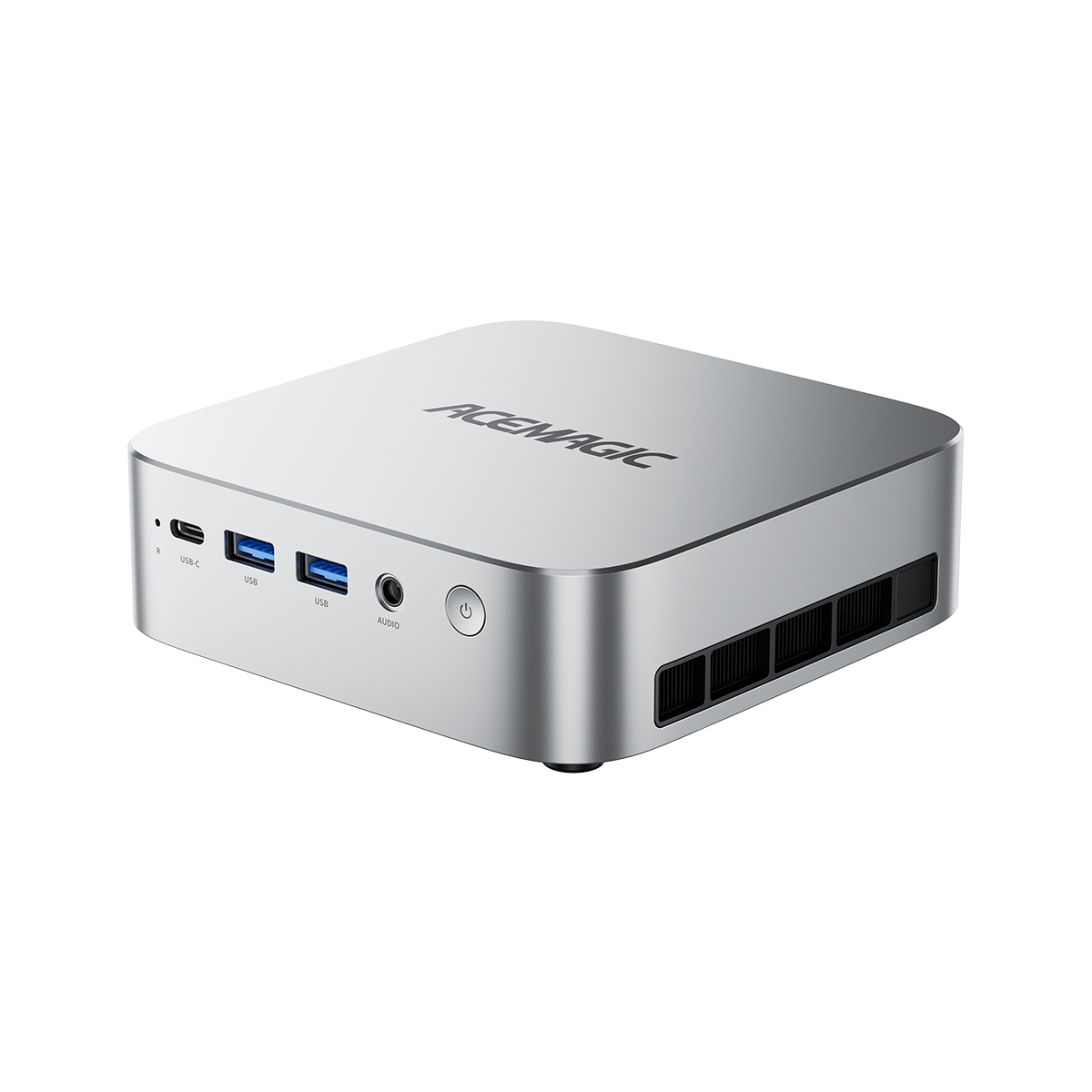
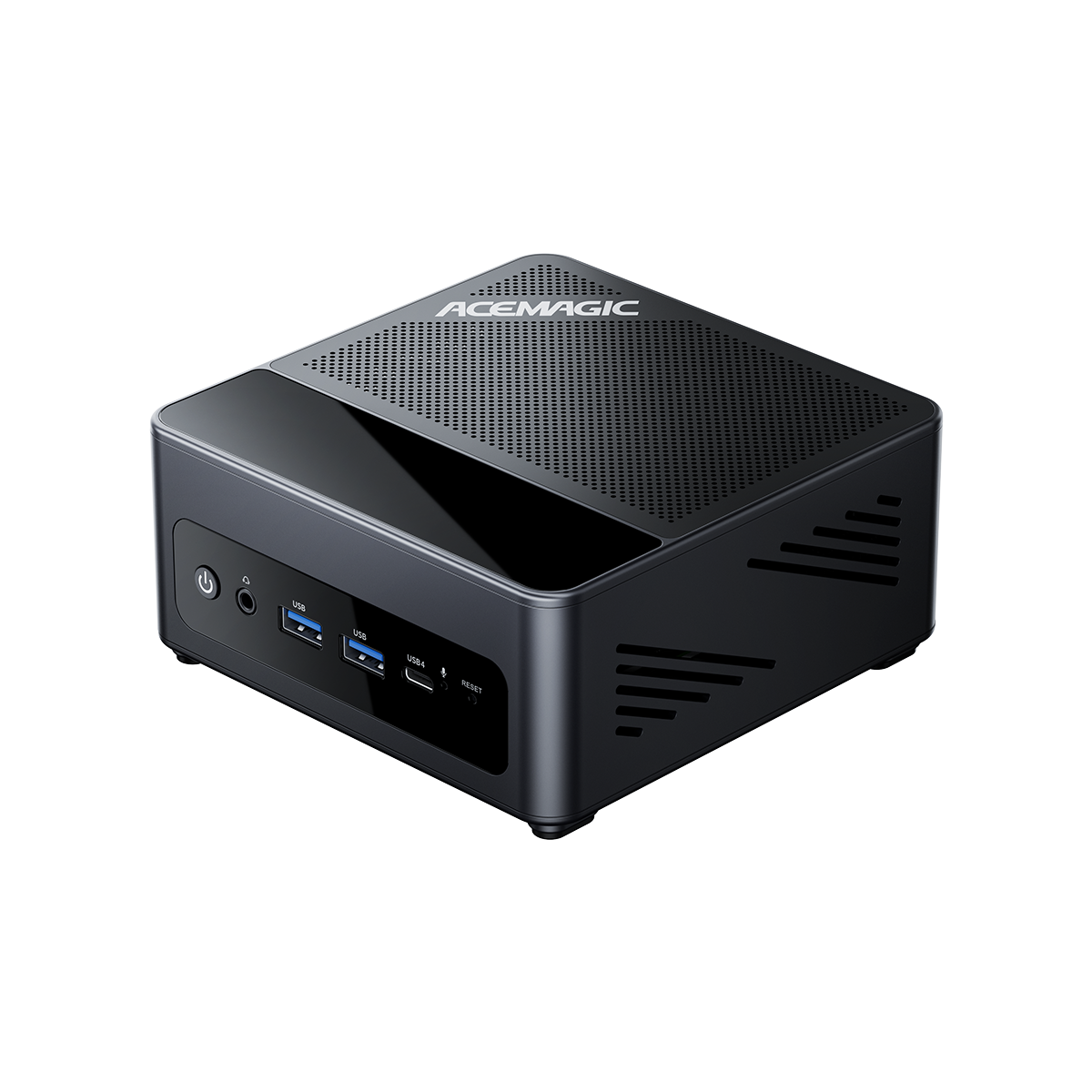
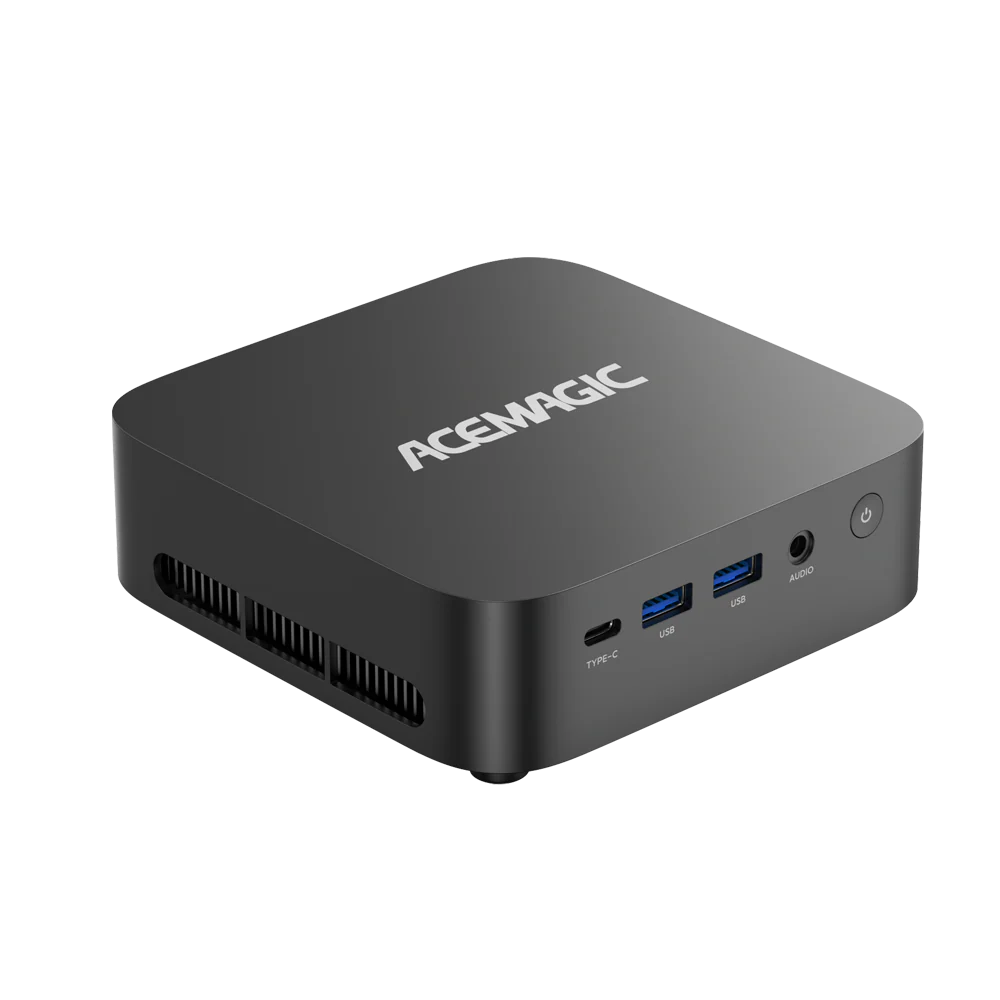
Equipped with 16GB DDR5 memory (expandable), 512GB NVMe SSD, USB4, and an OCuLink port for external GPU support, it offers desktop-level connectivity in a small footprint.
- AMD Ryzen™ 5 7640HS
- Radeon 760M integrated graphics
- USB4 + OCuLink
- Dual 2.5G LAN
NVMe drives also require free space to maintain performance. SSD controllers use empty blocks to manage data efficiently and execute wear-leveling algorithms. Write speeds often decrease significantly if the drive fills beyond 85% capacity.
Real-World Usable Space Comparison
| Advertised Capacity | Windows Reported Space | Space Required for OS & Buffer | Actual User-Available Space |
| 512 GB | ~476 GB | ~90 GB | ~386 GB |
| 1 TB | ~931 GB | ~100 GB | ~831 GB |
| 2 TB | ~1862 GB | ~120 GB | ~1742 GB |
Storage Requirements for AAA Games and 4K Media
Game developers increase asset quality and texture resolution annually. A user with a 350GB usable limit can install the operating system and perhaps two large titles before reaching critical capacity. Small patches then trigger storage errors.
2026 Common File Size Reference
- Call of Duty: Modern Warfare III: ~210 GB
- Cyberpunk 2077 (Ultimate Ed.): ~70 GB
- GTA VI (Estimated): ~180 GB
- 4K 60FPS Video (ProRes): ~50 GB per hour
- Adobe Media Cache: ~20-50 GB (Dynamic)
Media files present similar challenges. Smartphones record 4K video at 60 frames per second. High-bitrate footage consumes approximately 50GB per hour. Content creators using Adobe Premiere Pro or DaVinci Resolve generate large cache files during the editing process. These "scratch disk" files fill hundreds of gigabytes quickly. A 512GB drive prevents efficient video editing workflows by limiting the space available for render caches and proxies.
Speed and Lifespan Differences: 512GB vs 1TB vs 2TB
Capacity directly impacts write speed and hardware durability. Solid State Drives store data on NAND flash chips. Higher capacity drives contain more chips. The controller writes data to these chips simultaneously. A 1TB drive often writes data faster than a 512GB model because it utilizes more parallel data channels.
Endurance follows the same logic. Manufacturers rate drives by Terabytes Written (TBW). This metric indicates the total amount of data a drive can write before potential failure.
Technical Specifications Comparison
| Feature | 512GB SSD | 1TB SSD | 2TB SSD |
| Write Speed | Standard | Fast (+20-30%) | Fastest |
| Endurance (TBW) | ~300 TBW | ~600 TBW | ~1200 TBW |
| SLC Cache Size | Small (Fills quickly) | Medium | Large (Sustains speed) |
A 1TB drive typically has double the TBW rating of a 512GB equivalent. The memory cells on the larger drive degrade more slowly because the controller distributes write operations across a larger total surface area. A 2TB drive offers even greater longevity for heavy workloads.
Expansion Limitations in Laptops and Mini PCs
Desktop computers usually offer multiple M.2 slots for storage expansion. Compact laptops and Mini PCs often include only one slot to save physical space. This limitation dictates the upgrade strategy. If a user fills a 512GB drive in a single-slot device, they cannot simply add a second drive. They must remove the original drive, clone the data to a new unit, and discard or repurpose the old hardware.
Purchasing a 1TB or 2TB drive initially avoids this redundancy. High-end Mini PCs sometimes feature dual M.2 slots. This configuration allows users to start with a smaller drive and add a secondary drive later. Checking the hardware specifications for expansion slots prevents future upgrade bottlenecks.
Soldered storage vs a second M.2 slot
Most people asking "is 512GB enough" are really asking whether they can fix a bad call later. On a MacBook and many thin laptops, storage is soldered, so the 512GB vs 1TB choice is permanent. On many mini PCs you can add another NVMe later, so starting smaller is less risky. The usable-space math above still applies either way: a "512GB" badge is closer to 450–476GB before the OS takes its share.
| Device type | Can you add storage later? | Practical 512GB vs 1TB call |
| Most MacBooks / sealed thin laptops | No (soldered) | Lean 1TB if photos, offline media, or a few big games stay on the machine for years |
| Single-slot mini PC or laptop | Only by swapping the drive | Treat it like sealed storage: prefer 1TB unless you live in the cloud |
| Mini PC with a free second M.2 | Yes (add another NVMe) | 512GB can be enough for office work; add a second drive when the library grows |
| Heavy games / 4K libraries on any sealed machine | No easy expansion | 1TB is the safer default; 2TB if you keep large projects local |
Check the product page for dual M.2 before you pay for 2TB up front just to feel safe. If the chassis only has one slot, buy the capacity you will still want two years from now.
Cost Analysis: Price Per Gigabyte
The 512GB capacity offers the lowest entry price but the highest cost per gigabyte. The manufacturing cost for the controller, printed circuit board, and packaging remains constant regardless of capacity. Users pay a premium for these fixed components on smaller drives.
The 1TB capacity currently represents the market standard. It balances the controller cost against the flash memory cost, offering a better value ratio. 2TB drives frequently offer an even lower price per gigabyte. Market trends in 2026 show 2TB NVMe prices approaching the cost of two separate 1TB drives. Users focusing on long-term value maximize their investment with 1TB or 2TB configurations.
FAQ: 512GB vs 1TB vs 2TB SSD
Is a 512GB SSD enough for gaming, or should I choose a 1TB SSD?
A 512GB SSD can run games smoothly, but storage capacity is the main limitation. After installing Windows, drivers, and essential applications, a 512GB SSD usually has around 400-450GB of available space.
Since modern AAA games can require 80-150GB or more, a 512GB SSD may only hold a few large games at the same time.
For most PC gamers, a 1TB SSD is the better choice because it provides a better balance of cost, performance, and future storage needs. A 2TB SSD is recommended for gamers who maintain a large game library and do not want to uninstall games frequently.
For users searching "is 512gb ssd good for gaming", a 512GB SSD is suitable for casual gaming, but a 1TB SSD provides more flexibility for modern game sizes.
How should I choose between a 512GB and 1TB NVMe M.2 SSD for a laptop?
When comparing a 512GB vs 1TB NVMe M.2 SSD laptop, consider the laptop price difference, storage requirements, and upgrade options.
A 512GB SSD is enough for:
- Web browsing
- Microsoft Office
- School work
- Business tasks
- Basic applications
A 1TB SSD is better if you:
- Install multiple games
- Store large photos and videos
- Use creative software such as video editing tools
- Plan to keep your laptop for several years
If the price difference between a 512GB and 1TB SSD is reasonable, choosing a 1TB SSD usually provides better long-term value.
For many users asking "is 512 GB good for a laptop", a 512GB SSD is still a good choice for everyday laptop use, while 1TB offers more future storage space.
Is a 1TB external SSD a good alternative to upgrading an internal 512GB SSD?
A 1TB external SSD can be a practical storage expansion option for users who need additional space for photos, videos, backups, and documents.
However, an external SSD has some limitations:
- Performance depends on USB connection speed
- It is less convenient than internal NVMe storage
- Some games and applications may perform better on an internal SSD
For storing files, a 1TB external SSD is a good solution. For gaming, professional workloads, or faster system performance, upgrading the internal 512GB SSD is usually the better choice.
How much usable space does a 1TB SSD actually provide compared with a 512GB SSD?
A 1TB SSD does not show the full advertised capacity after installation because Windows, system files, recovery partitions, and drivers take up storage space.
Typical usable space:
- 512GB SSD: around 400-450GB available
- 1TB SSD: around 900GB available
- 2TB SSD: around 1.8TB available
To maximize available storage:
- Remove unnecessary pre-installed applications
- Enable Windows Storage Sense
- Move large files to cloud or external storage
- Regularly clean temporary files
This is why many users searching "is 512gb ssd enough" compare usable storage rather than advertised capacity.
Is upgrading from 1TB to 2TB SSD worth it for video editing and large media files?
For video editing, the upgrade from a 1TB SSD to a 2TB SSD depends on your workflow.
A 1TB SSD is usually enough for:
- 1080p video editing
- Small 4K projects
- Everyday content creation
A 2TB SSD is worth considering if you:
- Edit large 4K/8K video files
- Store many raw photos
- Work with professional media projects
- Use AI models or large datasets
For most users, upgrading from 512GB to 1TB SSD provides a bigger practical improvement than upgrading from 1TB to 2TB SSD.
What is the best SSD size for a laptop in 2026?
For most laptop buyers in 2026:
- 512GB SSD: Good for basic users and budget laptops
- 1TB SSD: Best overall choice for most users
- 2TB SSD: Best for professionals and power users
If you are unsure between 512GB vs 1TB SSD, choosing 1TB is usually the safer option because it provides more usable space and better future flexibility.
A 512GB solid state drive is still a practical option for users who need fast storage without requiring a large amount of space.
Conclusion
Storage needs inevitably increase over the lifespan of a computer. While 512GB functions for basic tasks, it restricts gaming and creative work. The 1TB standard offers a safe balance of performance, endurance, and capacity. Users with single-slot devices should prioritize 1TB or 2TB configurations to avoid complex upgrades later. Selecting the correct capacity now prevents data management issues in the future.