AMD Ryzen AI Max+ 395 Explained: Who It’s For and What to Look for in a Mini PC

If you’re searching for Ryzen AI Max+ 395, you’re likely already in shortlist mode, comparing a few high-end mini PCs. Before you look at specific models, it helps to understand what this platform is meant to deliver and which details are worth paying attention to.
Buy Ryzen AI Max+ 395 if you need high unified memory and a strong iGPU for local AI or heavy creative work; skip it for light office. Use the Situation / Fit / Why table later on this page to match your workload to this tier.
Ryzen AI Max+ 395 is commonly described under the Strix Halo name and framed as a CPU + GPU platform built for compact, high-performance systems. Coverage around it usually comes back to three buyer-facing themes: a higher iGPU tier, a unified memory approach that can scale to very high capacities, and enough power headroom to sustain heavier workloads in a small form factor.
Search results also use shorter labels such as Ryzen AI Max 395 (without the plus) and AI Max 395 mini PC. Those usually point to the same Max+ 395 buyer decision: whether this tier’s memory headroom and iGPU class match your work before you shortlist a specific mini PC such as the ACEMAGIC M1A Pro+.
For the wider Strix Halo platform context—architecture, unified memory behaviour, and local-AI positioning—see our AMD Strix Halo overview. This page stays on who the Max+ 395 tier is for and what to check before you buy.
A quick spec snapshot helps put the rest of this guide in context.
Ryzen™ AI Max+ 395
Core Architecture
- ModelRyzen™ AI Max+ 395
- CodenameStrix Halo
- TypeSoC (CPU+GPU)
- CPU Class≈ Ryzen 9 9900X
Graphics
- iGPURadeon 8060S
- Performance≈ RX 7700S
- Gaming2K Support
- ArchRDNA 3.5
Memory
- TypeLPDDR5x
- Max128GB
- ArchUnified
- BandwidthHigh-Speed
Power
- Max TDP140W
- IdleLow-power optimized
- FormMini PC / Mobile
AI Compute
- SegmentNext-Gen AI
- VRAMUnified Memory
- NPUXDNA 2
Market
- UsersCreators / Devs
- UsageWorkstation
- FormMini / Mobile
Now that the baseline is clear, the next step is to decide whether this tier matches what you’re trying to do and where it actually pays off in a mini PC.
What matters in the specs
At this tier, a long spec list is less useful than a few questions that explain the platform’s behaviour. The same chip can feel very different depending on memory configuration, cooling, and how the system is tuned for sustained load.
First, pay attention to memory as a system decision, not a checkbox. A big part of the appeal of Ryzen AI Max+ 395 is the unified memory approach. CPU and graphics draw from the same pool, which can make high-capacity configurations more practical for workloads that would otherwise run into hard limits. For local AI and large creation projects, the headline is not just “more RAM.” It’s fewer forced compromises: fewer cases where you have to shrink a dataset, downscale a timeline, or close half your apps to keep the system responsive.
Next, treat the iGPU tier as a buying factor, not a bonus. If the reporting you’ve seen focuses on a Radeon 8060S class iGPU, the point is that this platform is trying to deliver a higher level of graphics and media capability without a discrete GPU. That can matter for 2K gaming targets, accelerated creator tasks, and multi-display setups. But it also means real results depend on sustained clocks and memory bandwidth, so the same “8060S” label can land differently across devices.
The NPU matters, but only if your tools actually use it. You’ll see plenty of attention on XDNA 2 and TOPS figures, and those numbers are useful as a ceiling. In day-to-day use, the practical question is simpler: does your workflow include apps and features that can offload work to the NPU, and do they do it reliably on Windows? If not, most of what you feel will still come from CPU performance, graphics performance, and memory.
Finally, power and cooling decide whether the platform delivers its promise. A higher power ceiling can help sustained performance, but mini PCs live and die by thermal design. If you expect long exports, long compiles, extended gaming sessions, or local AI runs that last more than a few minutes, you should evaluate the device like a small workstation: airflow, fan profile, and whether performance holds over time. This is also why buyer guides for this tier should talk about sustained behaviour, not just short benchmarks.
Is Ryzen AI Max+ 395 the right tier for you
Most people who search Ryzen AI Max+ 395 are already comparing high-end options. The question is not whether it’s “good.” It’s whether this tier matches what you’re trying to do, so you don’t buy the wrong kind of performance.
Use this quick map to decide whether Max+ 395 is the right tier before you compare configurations.
| Situation | Fit | Why |
|---|---|---|
| Local LLMs / large-context inference | Strong fit | Unified memory headroom is often the limiter; fewer forced shrinks of models and context. |
| Creation, export, compile, heavy multitasking | Strong fit | CPU, iGPU, and memory stay busy together; you want consistency over short-burst scores. |
| Need high unified memory (64GB+ class) in a mini PC | Strong fit | This tier is built around a shared memory pool; pick capacity carefully if memory is soldered. |
| 2K gaming/creator acceleration without a discrete GPU | Good mid-path | Higher iGPU class can work in a small box; results still depend on sustained clocks and cooling. |
| Multi-display desk (dashboards, timelines, monitoring) | Good fit | Useful when ports and iGPU can drive several high-res screens without a GPU tower. |
| Office, browsing, light editing only | Usually overkill | You pay for memory and iGPU headroom you may never use; a lower tier is usually enough. |
| Max frame rates, heavy ray tracing, GPU-render pipelines | Not ideal | A discrete GPU system is still the cleaner answer for those targets. |
If you’re here for local AI, the signal is simple: you are already constrained by memory. You’ve hit RAM ceilings, you’ve watched your machine crawl when it swaps to disk, or you keep shrinking models and datasets just to get through a workflow. In that case, unified memory headroom is not a nice-to-have. It’s the difference between “it runs” and “it’s usable.”
If you’re here for creation and heavy multitasking, you likely care less about peak burst benchmarks and more about consistency. You want a compact system that can export, render, compile, or transcode while you keep working without the whole machine turning sluggish. This tier tends to be attractive when your work regularly keeps CPU, graphics, and memory busy at the same time.
If you’re here because you want strong graphics without building around a discrete GPU, be honest about your target. For 2K gaming and smoother creator acceleration in a small box, a higher iGPU class can be a practical middle path. But if your goal is heavy ray tracing, specific GPU-render pipelines, or maximum frame rates in the most demanding titles, a discrete GPU system is still the cleaner answer.
When NOT to Buy Ryzen AI Max+ 395
NOT to buy this tier if you want 1440p or 4K gaming at high refresh rates, or heavy ray tracing. The Radeon 8060S-class iGPU is strong for a mini PC, but a tower with a discrete GPU still wins those peak frame-rate and RT targets.
NOT to buy it for pro GPU pipelines that need CUDA, large dedicated VRAM, or a fat dGPU for CAD and 3D render. Shared unified memory helps many local AI and creator jobs; it does not replace a workstation card when your software expects one.
Also not to buy if you only need browsing, docs, and light editing—you would pay for memory and iGPU headroom you rarely touch—or if you are chasing raw FPS on a tight budget with used discrete parts. A cheaper CPU plus a used dGPU can still beat this iGPU on frames per dollar, at the cost of size, power, and AI-friendly unified memory.
Finally, do not buy Max+ 395 if you need many PCIe expansion slots, multi-GPU, or rack-style expandability. Mini PCs trade that room for a small chassis; a traditional desktop remains the cleaner path when expandability is the point.
| Need | Better path | Why |
|---|---|---|
| 1440p / 4K high-refresh or heavy ray tracing | Desktop with discrete GPU | Peak frames and RT still favor a dedicated card over even a strong iGPU. |
| CUDA / fat-dGPU CAD or 3D render pipelines | Workstation or gaming tower with pro/gaming GPU | Those apps expect discrete VRAM and GPU ecosystems a mini SoC does not fully replace. |
| Office, browsing, light editing only | Lower-tier mini PC or thin-and-light laptop | Max+ 395 memory and iGPU headroom go unused; you overpay for sustained workstation behavior. |
| Budget build chasing raw FPS | Used CPU + used discrete GPU tower | Frames per dollar can favor discrete parts; you give up compact size and unified-memory AI headroom. |
| Many PCIe slots, multi-GPU, or rack expandability | Traditional mid-tower or rack system | Mini PCs optimize for ports and volume, not open PCIe real estate. |
Ryzen AI Max+ 395 mini PC vs a traditional desktop
On size and placement, the mini PC can sit under a monitor or on a VESA mount and leave the desk clear. A traditional desktop needs floor or desk space for the case, PSU cables, and usually a larger cooler or GPU. Power draw and fan noise follow the same split: a well-tuned 395 system under load often stays closer to laptop-class wattage, while a gaming tower can idle and load much higher once the dGPU wakes up.
Cost of ownership is not only the sticker price. The mini consolidates CPU, graphics, and AI acceleration into one chassis, so you avoid buying a separate GPU, a high-watt PSU, and a roomy case—but you usually lock in soldered memory and cannot drop in a new graphics card in two years. The tower costs more up front in parts and electricity under heavy gaming, yet you can refresh the GPU, add DIMMs, or expand storage with fewer dead ends.
For local AI and creation without a dGPU, the 395 mini’s unified memory is the practical edge: CPU and iGPU share one large pool, which helps large-context inference and memory-hungry timelines in a small box. For peak 1440p+ gaming and expandability, the traditional desktop remains ahead. Pick the form that matches the bottleneck you actually hit—desk space and memory headroom, or frames and upgrade slots.
| Factor | 395 mini PC | Traditional desktop |
|---|---|---|
| Size/placement | Compact; desk, shelf, or VESA behind a monitor | Full tower or mid-tower footprint and cable bulk |
| Power/noise | Lower typical system draw; quieter under mixed work | Higher load watts once a discrete GPU is active; more fan noise under peak games |
| Peak gaming (1440p+ / RT) | Strong for an iGPU; trails a modern discrete GPU | Wins peak frames, high refresh, and heavy ray tracing |
| Local AI/creation without a dGPU | Unified memory pool favors large models and heavy timelines | Needs enough system RAM plus GPU VRAM; more parts to size correctly |
| Upgrade path | Often soldered RAM; storage and some I/O expand, GPU usually fixed | DIMMs, GPU swaps, and open PCIe slots are the norm |
| Ports/expandability | Dense rear/front I/O for the size; limited internal slots | More PCIe, drive bays, and room for capture or specialty cards |
| Cost of ownership | Fewer discrete parts; less desk power under mixed loads | Higher parts and power cost; longer hardware refresh runway |
Buying checklist for a Ryzen AI Max+ 395 mini PC
Once you’ve decided the tier makes sense, the purchase usually comes down to a handful of checks that are easy to miss when you’re skimming product pages. Use this section to compare models quickly and avoid paying for the wrong configuration.
Start with memory, because it affects everything else. If your workflow is local AI, large creation projects, or heavy multitasking, memory capacity is often the deciding factor. Prioritise the configuration that matches your real ceiling today. If you already know 64GB is tight, do not talk yourself into “starting smaller and upgrading later” unless the product explicitly supports it. Many compact systems at this level use soldered memory, so the configuration you buy is the configuration you live with.
Next, treat storage as two decisions: speed and layout. A single large SSD can work, but two drives are often cleaner if you separate system and apps from projects and datasets. When you compare products, check the SSD form factor and the number of internal slots, then consider how you actually work. If you move large files daily or keep big datasets locally, you will feel the difference between “enough capacity” and “enough capacity with breathing room.” Also look for clear notes on SSD cooling, because sustained transfers can throttle in small enclosures.
Ports should be judged against your desk setup, not a marketing icon list. Write down what you plug in today: number of displays, wired networking, external drives, audio gear, capture devices, and docks. Then verify the exact port types and positions. For this tier, small details matter, like whether your fastest USB port is on the front, whether the display outputs match your monitors without adapters, and whether the system can drive your preferred multi-display layout without compromises.
Cooling and noise are part of the spec at this level. For short tasks, almost any modern system looks fine. The real difference shows up in longer loads, such as exports, compiles, gaming sessions, or local AI runs. When you compare devices, look for signs the design is built for sustained behaviour: a chassis that can move air, a fan profile that does not spike constantly, and review notes that mention performance holding over time rather than only quick benchmarks.
Also check the published TDP and power modes. A higher ceiling only helps if the chassis and fan profile can hold clocks under long loads; treat peak wattage as a sustained-performance signal, not a marketing score.
Do not ignore networking and stability. If this machine is going to be your daily driver, Wi-Fi quality, driver behaviour, and BIOS updates matter. Check whether the vendor provides regular firmware updates and clear support documentation. This is boring, but it is the kind of detail that decides whether a high-end mini PC feels effortless or fiddly after the first week.
Finally, make your decision on a configuration, not a chip name. Two Ryzen AI Max+ 395 systems can be priced similarly but feel different in real use because of memory capacity, SSD layout, port selection, and thermal design. Once those are aligned with your needs, then it makes sense to compare the few models that match your checklist.
Where the ACEMAGIC M1A Pro+ fits
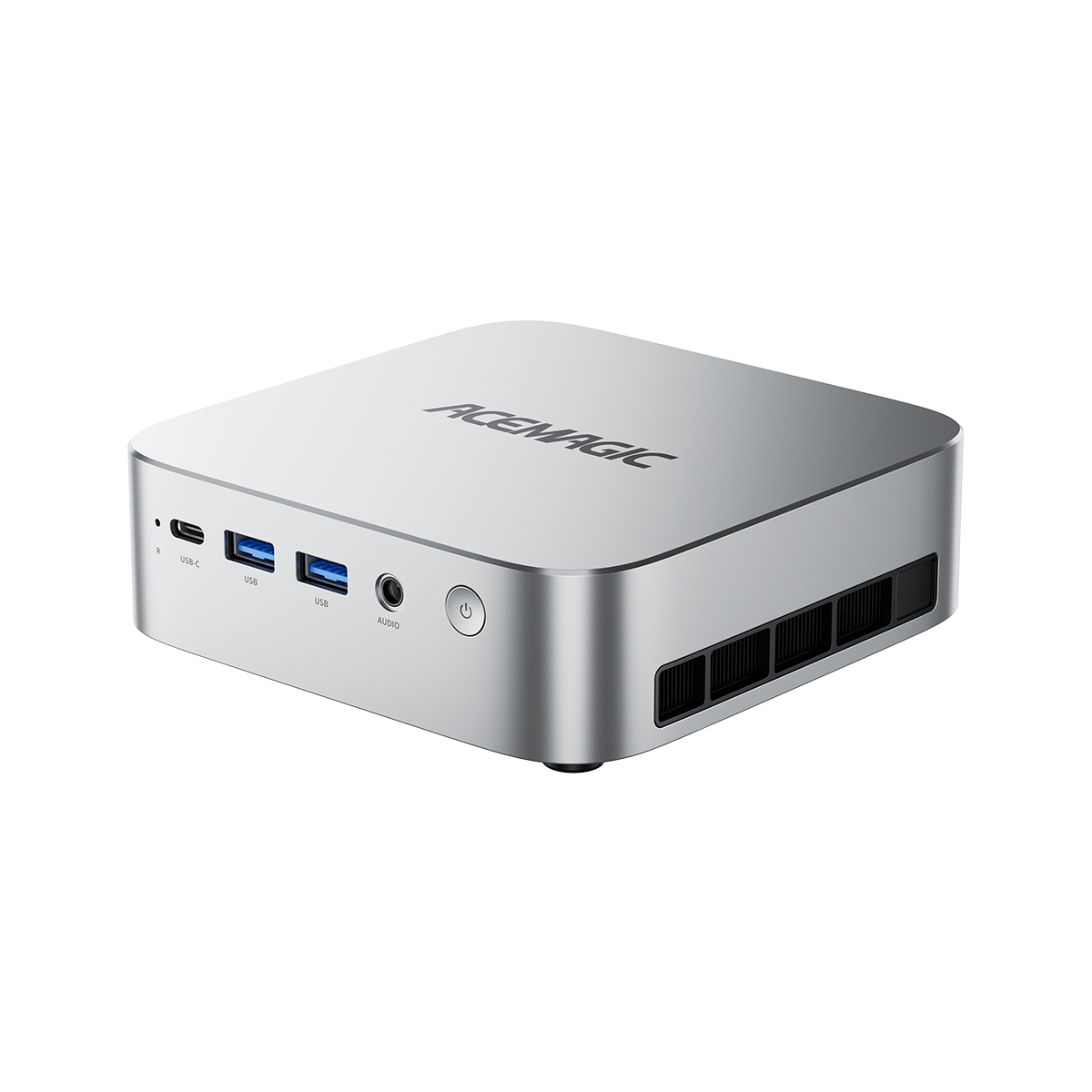
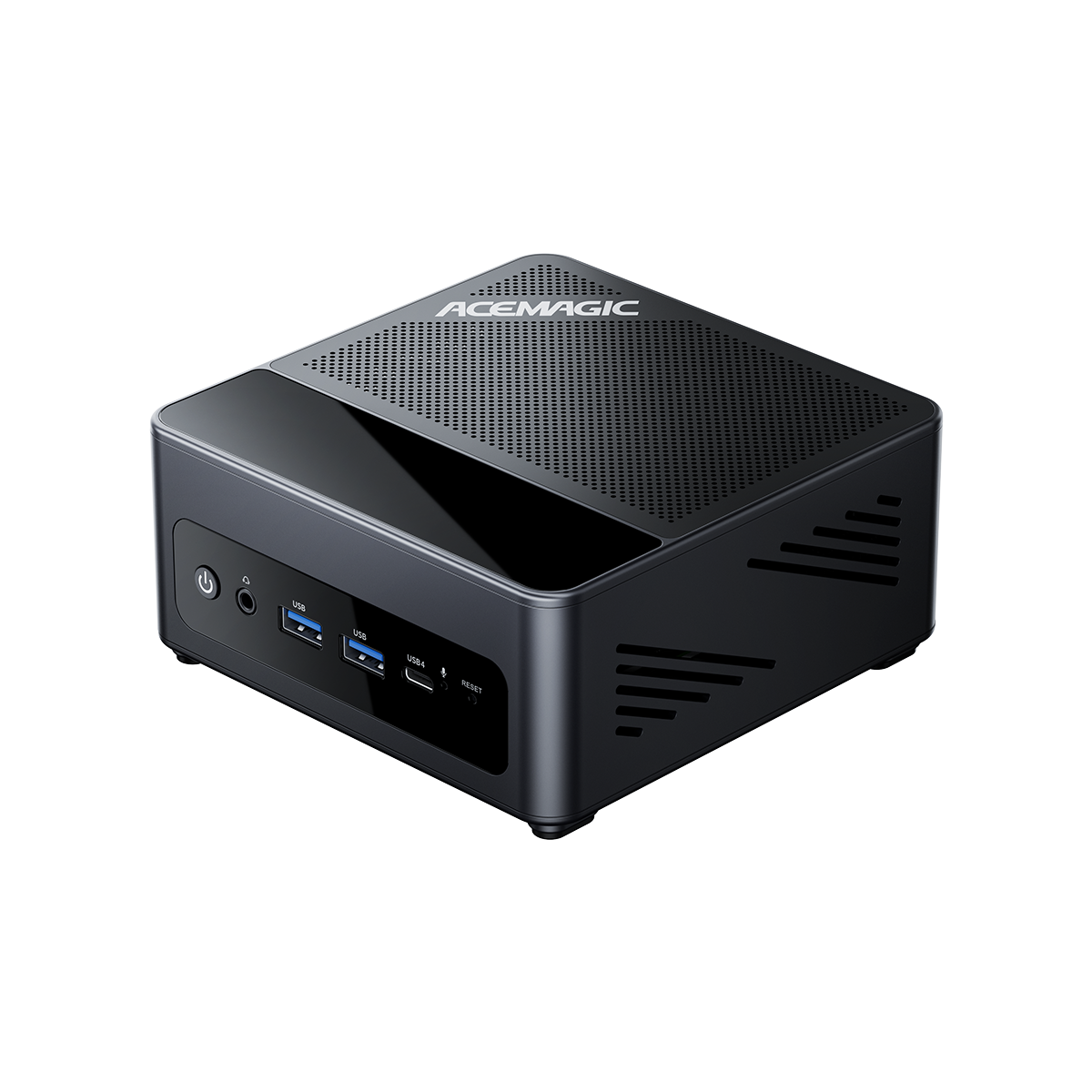
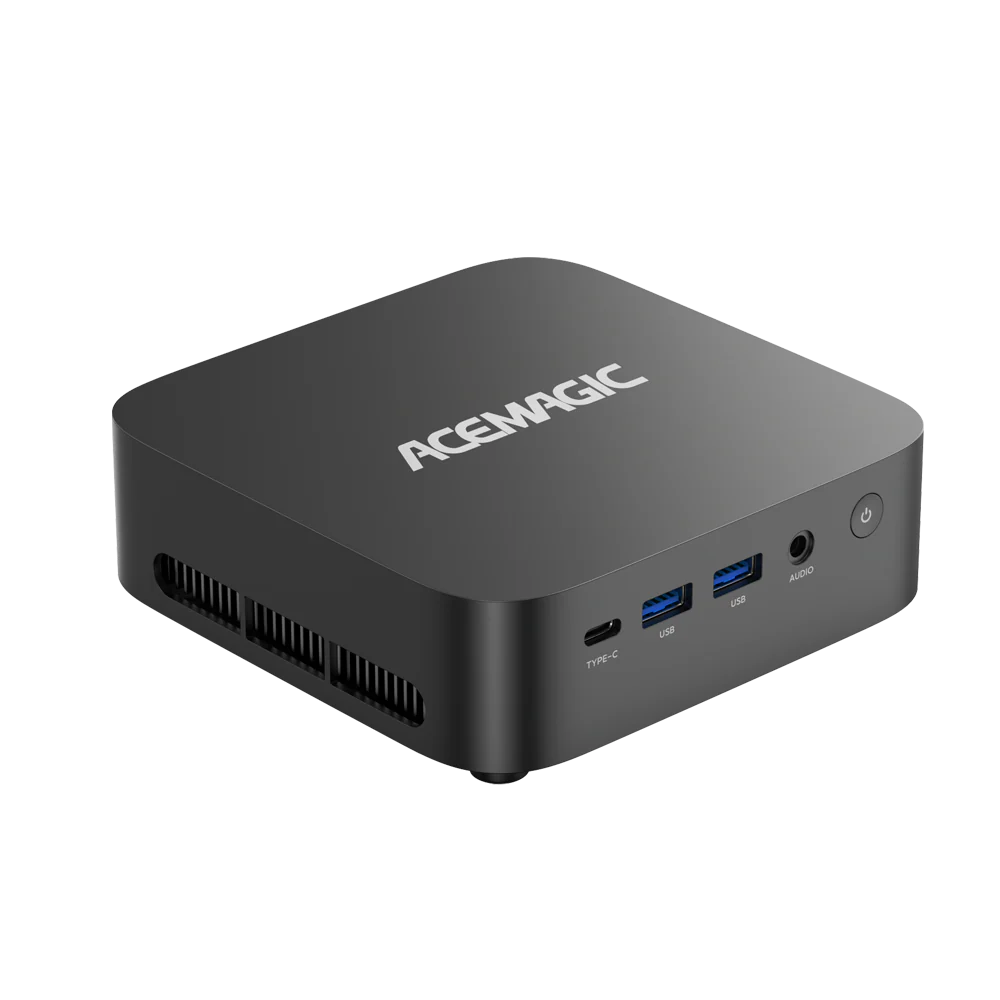
If Ryzen AI Max+ 395 is on your shortlist because you want high memory capacity, strong integrated graphics in a compact system, and ports that can handle a multi-display desk, M1A Pro+ is built around those priorities. It’s our ready-to-run mini PC for buyers who want this platform’s strengths without turning the setup into a project.
On the core platform side, M1A Pro+ is listed with an AMD Ryzen AI 9 HX 395 (16 cores / 32 threads) paired with Radeon 8060S graphics. Memory is LPDDR5X rated up to 8000 MT/s, and the page notes that the memory is onboard and non-replaceable, so you should choose the capacity you actually need up front.
Storage is designed for internal expansion. The product page lists three PCIe 4.0 x4 M.2 2280 slots with support up to 12 TB, which is a practical fit if your work involves large project libraries, datasets, or local files you do not want to keep on external drives.
For display-heavy desks, M1A Pro+ is built to drive up to four 8K displays. The listed outputs include two HDMI 2.1 ports (8K@60Hz), one USB4 Type-C video output (8K@60Hz), and one DP 2.0 port (8K@60Hz). That layout is useful if you run multiple high-resolution monitors for creation, trading dashboards, monitoring, or multitasking.
On connectivity and day-to-day usability, the port list includes dual 2.5G Ethernet, an SD card slot, and a wide set of USB-A ports (USB 3.2 Gen 2 and Gen 1). Wireless is listed as Wi-Fi 7 with Bluetooth 5.4. These are the details that tend to matter once the system is on your desk, not just on a spec sheet.
Power tuning and cooling matter on a system like this. M1A Pro+ uses three power modes with up to 140 W available, and the cooling design is meant to keep performance steadier during longer work sessions.
Access is designed to be straightforward. M1A Pro+ uses a quick-release fastener for tool-free entry, and the left-side expansion space supports M.2 adapters such as OCULINK, 10Gb fiber connections, multiple HDD bays, PCIe slots, and more. It’s a better fit if you want a compact system now but still want room to expand later.
TANK M1A
PRO+

Conclusion
Ryzen AI Max+ 395 is worth considering when your work benefits from high memory headroom, stronger integrated graphics, and sustained performance in a compact system. If that matches what you’re building toward, pick the configuration first, then compare ports, storage layout, and cooling so the machine performs the same way on day 30 as it did on day one. M1A Pro+ is our way of delivering those priorities in a ready-to-run mini PC for high-end local AI, creation, and multi-display desks.
FAQ
Is the Ryzen AI Max+ 395 worth the high price?
It can be, if you’re paying for headroom you’ll use: a high-capacity unified memory design, a stronger iGPU tier, and performance that stays steadier during longer workloads. This tier is usually the right call when your projects are limited by memory, or when you want a compact system that can handle sustained work without constant slowdowns.
If your workload is mostly everyday productivity, light editing, or you already rely on a discrete GPU for the heavy lifting, the premium can be harder to justify.
How does it perform for Large Language Models (LLMs)?
For local LLMs, the biggest advantage is often memory capacity. More headroom can let you run larger local models, keep bigger contexts, and multitask without running into hard limits as quickly.
Real results depend heavily on your software stack (inference backend, quantization, OS, drivers). If LLMs are the main reason you’re buying, decide your toolchain first, because setup and compatibility can matter as much as raw hardware.
How does it compare to a Mac mini or Mac Studio?
The clean comparison is about workflow and memory ceiling, not just benchmarks. Mac mini and Mac Studio can be excellent if your apps are macOS-first and you want a simple, tightly integrated experience.
A Ryzen AI Max+ 395 mini PC is often the better fit when you want Windows/Linux flexibility, strong integrated graphics, and configurations centered on high memory headroom for demanding local workloads.
Should I get 64GB or 128GB for a Ryzen AI Max+ 395 mini PC?
If you’re buying this tier for local AI or consistently heavy projects, 128GB is usually the configuration that makes the platform feel different: fewer compromises and more room as your workloads grow.
64GB can still be a smart choice if your local AI use is occasional, you run smaller models, or your work is more typical creator tasks, and you’re trying to keep the total cost in check.
Windows or Linux: which is better for Ryzen AI Max+ 395 local AI?
Many local-AI users choose Linux because certain open-source stacks and acceleration paths are often easier to control and tune there. That said, it can require more hands-on setup depending on your tools.
Windows can be the better pick if you want a general daily-driver PC, Windows-native apps, and a simpler desktop experience. The best choice is the one that matches the exact apps you plan to run.
Are drivers and app compatibility (ROCm, local AI tools, games) mature yet?
They’re improving quickly, but you should still expect occasional friction—especially if your workflow depends on a specific ML stack or newer features. Compatibility often comes down to your exact OS version, driver version, and the tools you use.
If your workload is mission-critical, verify your must-have apps first. If you’re comfortable tuning and updating, the platform can be a strong fit, but it’s not the best choice for people who want zero setup time.
What is an AI Max 395 mini PC, and is Ryzen AI Max 395 the same as Max+ 395?
In most shopping and review coverage, AI Max 395 mini PC and Ryzen AI Max 395 refer to systems built around AMD’s Ryzen AI Max+ 395 (Strix Halo) class. Use the Max+ 395 label when you compare memory capacity, iGPU tier, and sustained power; then verify the exact SKU on the product page.
What should I verify on a Ryzen AI Max+ 395 mini PC checklist before buying?
Confirm memory capacity (often soldered), SSD slot count and form factor, display outputs for your monitors, cooling for long loads, networking, and the TDP or power modes the chassis actually sustains. Match the configuration to your workload first, then compare a short list of models.
When should I skip a Ryzen AI Max+ 395 mini PC?
Skip it for 1440p or 4K high-refresh gaming, heavy ray tracing, CUDA or fat-dGPU CAD and render pipelines, light office-only use, budget FPS builds with used discrete parts, or when you need many PCIe slots and multi-GPU expandability. In those cases, a discrete-GPU desktop or a lower-tier mini PC is the clearer fit.
How does a Ryzen AI Max+ 395 mini PC compare to a traditional desktop?
The mini PC wins on size, VESA placement, efficiency, and unified memory for local AI and creation without a dGPU. A traditional desktop still wins peak 1440p+ gaming, ray tracing, and long-term upgrades such as GPU swaps and open PCIe. Match the form to whether memory headroom and desk space matter more than frames and expandability.