Ryzen AI 9 HX 370: What You Get and What to Look For in a System

The Ryzen AI 9 HX 370 sits near the top of AMD's Ryzen AI 300 laptop lineup. It's designed for thin-and-light performance machines that still need strong multi-core CPU throughput, capable integrated graphics, and an on-die NPU for local AI features.
This overview keeps things practical: you'll get the key specifications (cores/threads, clocks, cache, iGPU, NPU performance, memory and I/O support), plus what each spec changes in real use.
Sources used to verify specifications:
- AMD: Ryzen AI 9 HX 370 product specifications
- Notebookcheck: Ryzen AI 9 HX 370 benchmarks and specs
- CPU-Monkey: Ryzen AI 9 HX 370 specs (cache, iGPU, NPU)
- Microsoft: Copilot+ PC requirements (NPU capability)
Ryzen AI 9 HX 370 at a glance
Ryzen AI 9 HX 370 is a premium laptop-class processor from AMD's Ryzen AI 300 family. It combines high-end CPU performance, a strong integrated GPU, and a dedicated AI engine in one chip—so the system can stay thin and quiet while still handling real work.
Ryzen AI 9 HX 370
AMD XDNA™ 2 NPU | Zen 5 Architecture
CPU Core Architecture
ProcessorFrequency & Process
Graphics & AI
The three specs that most affect the experience
- CPU layout + peak boost clocks: sets the baseline for responsiveness and multitasking.
- Radeon 890M iGPU: determines whether integrated graphics are enough for your games and light creative work.
- XDNA 2 NPU (up to 50 TOPS): matters if you want supported local AI features without leaning on the CPU/GPU.
CPU architecture and core layout
Ryzen AI 9 HX 370 uses a hybrid layout: 4 Zen 5 cores + 8 Zen 5c cores, with 12 cores / 24 threads in total (SMT is enabled). AMD lists a maximum boost clock up to 5.1 GHz, and also calls out a separate max Zen 5c clock up to 3.3 GHz.
Zen 5 vs Zen 5c: the simple way to think about it
Zen 5 cores are the performance-focused cores. They're designed to reach higher clocks and keep the system feeling quick when one task is in the foreground.
Zen 5c cores are the efficiency-focused cores. They handle background work and parallel tasks without wasting power, which helps the whole system stay smooth under load.
You do not need to manage this yourself—the operating system schedules threads across the available cores automatically. Windows and AMD's firmware scheduling are meant to push the right work to the right cores.
What this layout is good at
- Heavy multitasking: lots of browser tabs, a few office apps, a call, and a download in the background.
- Mixed workloads: light editing or exporting while you keep working without the system feeling "stuck."
- Short bursts + long sessions: quick jobs benefit from high boost clocks, while longer tasks can spread across 24 threads.
Cache, clocks, and real-world responsiveness
HX 370 isn't just about having more cores. How it feels day to day is shaped by cache and how the chip boosts for short, interactive tasks.
L2 vs L3 cache: what each one changes
AMD lists 12 MB of L2 and 24 MB of L3 cache on the HX 370.
| Cache | What you'll notice in real use |
| L2 | Helps with smaller working sets and repeated actions (office work, common code paths, everyday UI responsiveness). |
| L3 | Helps when you juggle larger datasets or many apps at once (lots of tabs, large spreadsheets, photo libraries, build tools). |
If you keep 20+ tabs open while running a call, a downloader, and a couple of desktop apps, cache is one reason a higher-tier chip tends to stay smooth.
How to read clock speeds without getting misled
HX 370 is rated for up to 5.1 GHz boost on Zen 5 cores, and up to 3.3 GHz on Zen 5c cores.
A few practical rules:
- Boost is a ceiling, not a guarantee. You'll see it during short bursts (opening apps, loading a page, quick filters), not as an all-day fixed speed.
- Multi-core work is more about throughput than the top GHz number. Exports, compiles, and heavy multitasking benefit from 24 threads and good scheduling.
- System tuning still matters. Two systems with the same CPU can feel different if one has better cooling, memory configuration, or faster storage.
Manufacturing process and efficiency
AMD lists the HX 370's CPU cores as being built on TSMC 4nm FinFET. In plain terms, a newer process node usually gives the chip more headroom to balance speed and power.
In a laptop or compact PC, efficiency is what keeps performance usable for longer stretches. Better efficiency means the system can stay quieter, keep clocks steadier, and avoid feeling "hot and sluggish" during normal work.
What graphics card should you pair with Ryzen AI 9 HX 370?
Most HX 370 systems can be bought in two sensible ways: iGPU-only (you rely on the built-in Radeon 890M), or with a discrete GPU (you add more graphics horsepower for demanding creator and gaming workloads).
AMD lists the integrated GPU as Radeon 890M with 16 compute units, with a graphics frequency up to 2.9 GHz. That's unusually capable for an iGPU, and it's the reason many HX 370 laptops and mini PCs don't need a separate graphics card for everyday use.
iGPU-only builds
Pick the HX 370 with Radeon 890M only if your priorities are office work and web-heavy multitasking, light photo work and occasional video edits, and casual gaming at sensible settings—and you also care about quiet operation and lower power draw.
If you don't have a clear reason for a dGPU, the 890M is usually the right starting point.
Mid-range dGPU: creator and gaming
A discrete GPU becomes worth it when you regularly do one of these:
- Play modern games more often (especially if you care about higher settings).
- Edit video with GPU-accelerated effects and timelines.
- Use 3D apps where viewport performance matters.
In that case, a mid-range laptop dGPU is the practical match. As a baseline, aim for 8 GB VRAM (more if you keep large projects open) and strong hardware encoders if you record, stream, or export frequently.
Higher-tier dGPU: GPU-limited workloads
Step up further if you do heavy 3D rendering, large video projects, or you want headroom for higher-resolution gaming. The rule of thumb is simple: if your GPU usage stays pinned and the timeline/viewport stutters, you're in "needs more GPU" territory.
Local AI workloads: VRAM first
HX 370's NPU helps with supported Windows features and apps, but many popular local AI tools still lean heavily on the GPU. If you plan to run larger models locally, prioritise VRAM capacity (so models fit without constant swapping) and a GPU ecosystem your tools support well (often NVIDIA/CUDA in practice).
This is one of the few cases where pairing HX 370 with a stronger dGPU can change what you're able to run locally.
AI capability: XDNA 2 NPU
HX 370 includes AMD's XDNA 2 NPU. On AMD's specs, it's rated for up to 50 TOPS (NPU), and Microsoft's Copilot+ PC requirements call for an NPU capable of 40+ TOPS.
A practical way to think about it:
- The NPU is best for always-on, supported AI features (especially things that run while you work).
- The GPU is often still the workhorse for heavier creator tools and many local model workflows.
So, if your goal is smoother day-to-day AI features, HX 370's NPU is already in the right class. If your goal is running bigger local models, you'll care more about GPU VRAM and software support.
Who should choose Ryzen AI 9 HX 370
HX 370 makes the most sense when you want strong all-round performance in a compact, efficient system—without stepping up to a heavier, hotter, discrete-GPU-first laptop.
You should consider HX 370 if you…
- Work in a browser-heavy, multitasking setup (dozens of tabs, office apps, messaging, and calls running together) and want the system to stay responsive.
- Do light-to-moderate creator work (photo edits, short-form video, basic motion graphics) and prefer a capable iGPU-first setup.
- Want everyday "AI PC" features to feel effortless (video call effects, background AI helpers, supported app acceleration) without your CPU/GPU being constantly busy.
- Care about a clean, quiet setup for a desk or living room environment where noise and heat are noticeable.
Quick decision checklist
Use this as a quick decision tool before you choose a configuration.
- iGPU-only or dGPU? If you are not gaming heavily or doing 3D work, start with iGPU-only and spend budget on memory and SSD.
- How many apps stay open all day? If you live in a browser-heavy workflow, 32 GB RAM is the safer target.
- Do you edit video or handle large media files? Prioritise a faster SSD and enough free space so performance does not drop as the drive fills.
- Are your tools GPU-dependent? If your workflow relies on CUDA or large VRAM pools, pick the GPU tier first.
- Do you care about noise? A balanced configuration often runs cooler and quieter than a dGPU-first setup.
- Do you need specific ports? Check the I/O you actually use (multi-monitor support, fast USB, and the right connectors for your peripherals).
Conclusion: HX 370 is a strong all-around mobile chip
Ryzen AI 9 HX 370 is a strong choice if you want a modern "all-in-one" platform: fast CPU performance for real multitasking, a capable integrated GPU for everyday graphics needs, and an NPU that can handle supported local AI features without constantly leaning on the CPU.
If you're shopping for an HX 370 system, focus less on the name on the spec sheet and more on the parts that shape daily experience—memory capacity, SSD speed, ports, and how the device is built for noise and thermals.
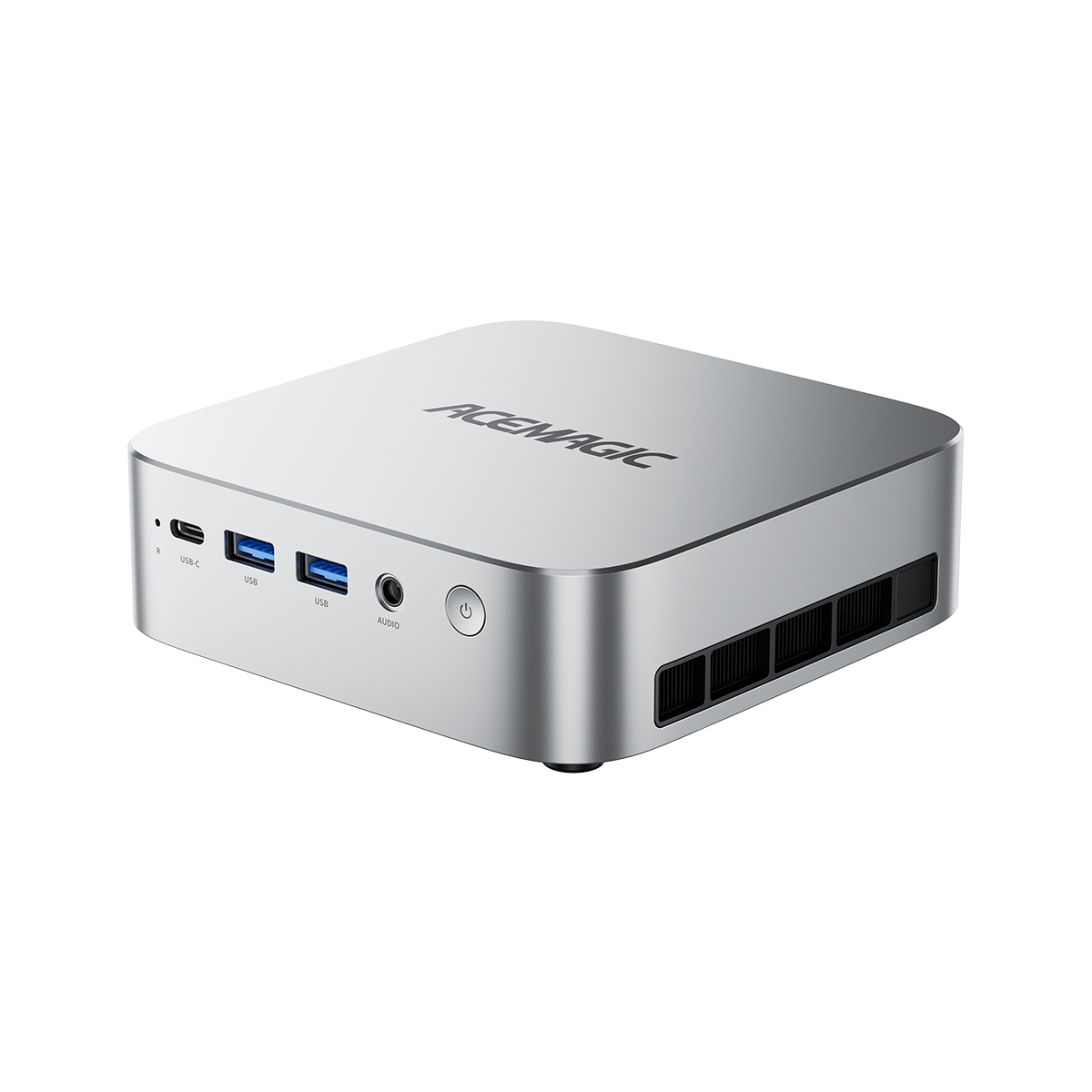
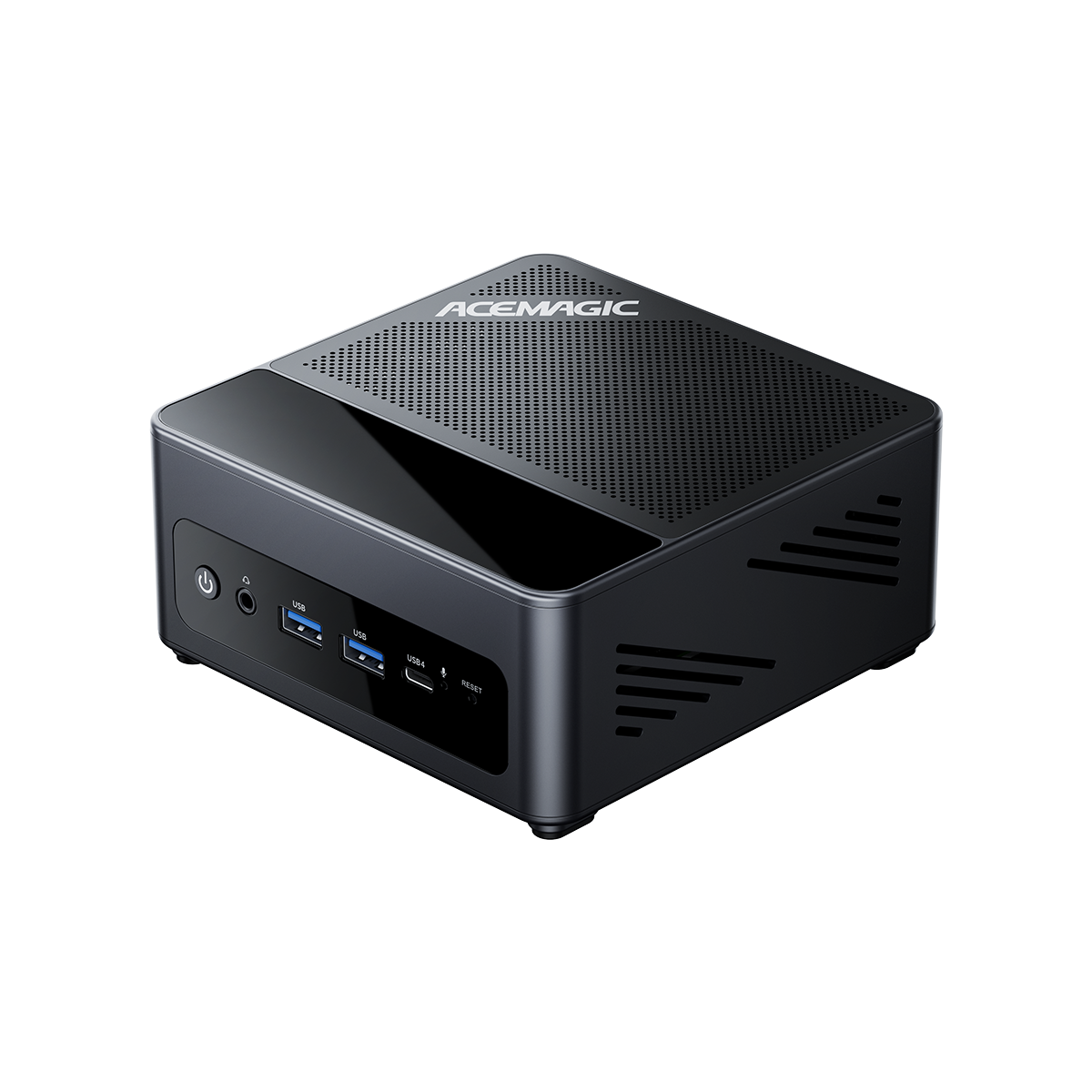
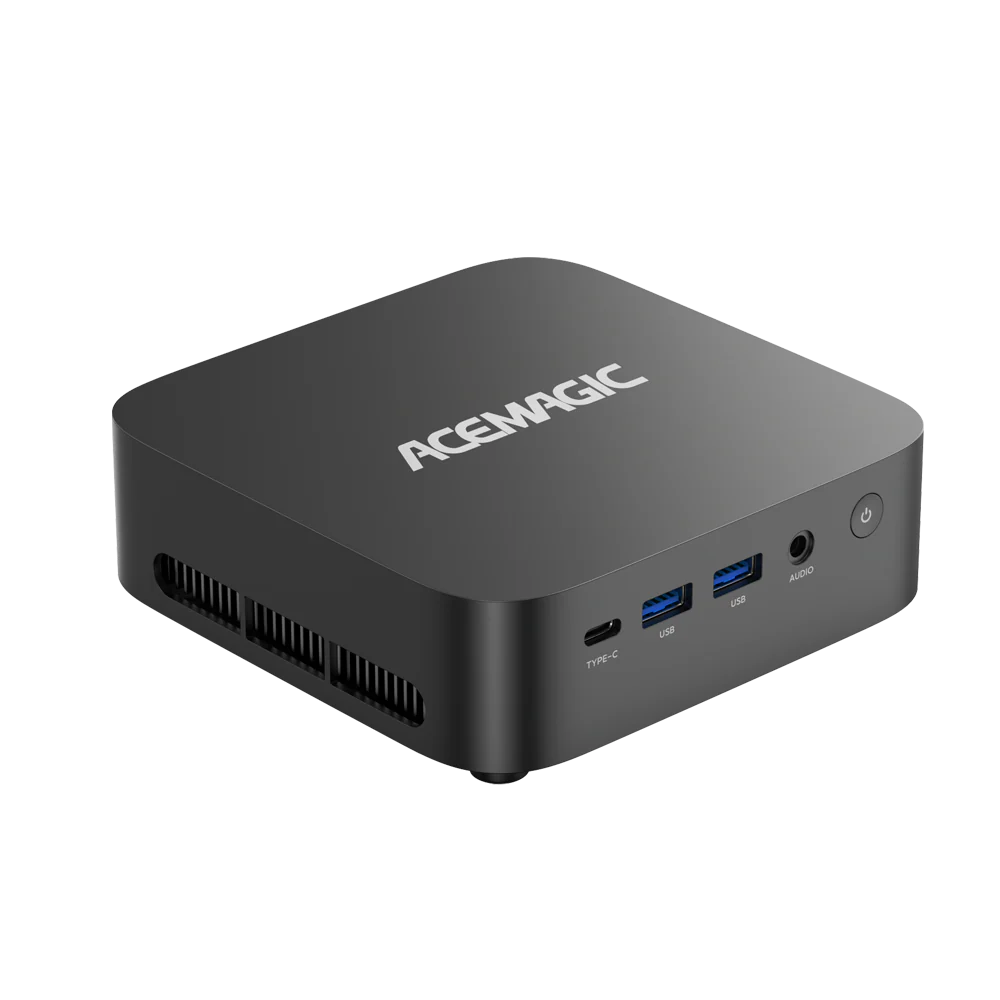
ACEMAGIC F5A with HX 370
If you want an HX 370 setup that's ready for real work out of the box, the ACEMAGIC F5A (HX 370) focuses on the basics that matter in daily use: sensible memory options, fast SSD storage, and practical ports. It also includes OCuLink, which gives you a clean way to add external graphics later if you decide you need more GPU power.

ACEMAGIC F5A
Experience the power of the Ryzen™ AI 9 HX 370 in a futuristic chassis. Features customizable RGB lighting, WiFi 7, and OCuLink support.