Intel Core Ultra 5 vs Core i5 Buying Guide for 2026

The Short Answer for Buyers in a Hurry: The Intel Core i5 handles web browsing, spreadsheet calculations, and text editing, typically costing $100 to $150 less in pre-built desktop systems. The Intel Core Ultra 5 includes an Arc integrated graphics unit for 1080p video rendering and a Neural Processing Unit (NPU) that processes background tasks. This reduces system power draw by up to 4 watts during video calls and significantly lowers operating temperatures.
Understanding Intel's Naming Strategy
Intel updated its processor naming conventions for mobile and compact desktop chips. The standard "i" series (such as the Core i5) utilizes the Raptor Lake architecture. It remains the baseline for budget-conscious computing in 2026. The "Ultra" series (such as the Core Ultra 5) utilizes the Meteor Lake architecture. The physical distinction is that Ultra processors contain a dedicated NPU (delivering approximately 11 TOPS of localized AI compute) and upgraded Arc integrated graphics directly on the silicon.
Differences Between Core Ultra 5 and Core i5 Specifications
The structural blueprint of these two processors differs in core allocation. Standard Core i5 processors split tasks between Performance Cores (P-Cores) for heavy workloads and Efficiency Cores (E-Cores) for background tasks.
The Core Ultra 5 adds a third tier: Low-Power Island E-Cores (LP E-Cores). These cores handle very light tasks, such as playing local video or background operating system processes, while the rest of the processor powers down to conserve energy.
Here is a hardware comparison using two standard mobile processors found in 2026 desktop and laptop systems:
| Specification | Intel Core i5-13500H | Intel Core Ultra 5 125H |
| Total Cores | 12 (4 P-Cores, 8 E-Cores) | 14 (4 P-Cores, 8 E-Cores, 2 LP E-Cores) |
| Total Threads | 16 | 18 |
| Max Turbo Frequency | 4.70 GHz | 4.50 GHz |
| Cache | 18 MB Intel Smart Cache | 18 MB Intel Smart Cache |
| Integrated Graphics | Intel Iris Xe (80 EUs) | Intel Arc Graphics (7 Xe-Cores) |
| NPU | None | Intel AI Boost (~11 TOPS) |
| Base Power | 45 W | 28 W |
The primary takeaway from these specifications is power distribution. The Core i5 relies on a higher base wattage (45W) to maintain clock speeds, while the Core Ultra 5 relies on a wider variety of specialized cores to manage workloads at a lower base wattage (28W).
Intel Core Ultra 5 vs i5: Performance Benchmarks
Benchmark data shows how these architectural differences translate into raw compute power.
Single-Core and Multi-Core Scores
In standard CPU tests like Geekbench 6, the Core i5-13500H typically scores around 2,400 in single-core performance, while the Core Ultra 5 125H scores approximately 2,250. The older i5-13500H scores marginally higher in single-threaded tasks due to its higher 4.70 GHz boost clock.
However, in multi-core processing, the Ultra 5 125H scores around 11,500 compared to the i5's 10,200. The Ultra 5 processes multi-threaded workloads 12% faster due to the two additional LP E-Cores and a higher total thread count.
Software Compilation and Heavy Multitasking
For extracting 50GB ZIP files or compiling Chromium code bases, both processors complete the tasks within a 5% time margin of each other. The Core i5 uses raw clock speed to force through the data, while the Core Ultra 5 distributes the data across its 18 threads.
Ultra 5 vs Intel Core i5 Graphics Performance
The graphics processing unit (GPU) built into the chip presents the most measurable difference between the two models. In the 3DMark Time Spy benchmark, the i5's Iris Xe graphics score approximately 1,450 points. The Ultra 5's Arc graphics score roughly 3,100 points—a 113% increase in graphical compute capability.
Arc provides hardware-accelerated AV1 encoding. In Adobe Premiere Pro (2026 release), exporting a 10-minute 4K H.265 video file takes approximately 12 minutes on the Core i5. The Core Ultra 5 completes the same export in 8.5 minutes.
For gaming, the Arc integrated GPU in the Ultra 5 renders an average of 58 frames per second (FPS) at 1080p resolution on medium settings in Cyberpunk 2077 using Intel XeSS upscaling. Under the same conditions, the Iris Xe graphics in the i5 output 24 FPS, resulting in unplayable stuttering.
Why the NPU Matters for Your Workflow
The NPU (Neural Processing Unit) is a hardware component specifically designed to execute machine learning algorithms without utilizing the main CPU cores.
In 2026, software applications like OBS Studio, Zoom, and Microsoft Teams route background blur and audio noise cancellation tasks directly to the NPU. Running these tasks on the NPU reduces overall CPU utilization by 20%. This lowers system power draw by 3 to 4 watts during a one-hour video call, leaving the P-Cores fully available for screen sharing complex spreadsheets or browser windows.
Power Draw and Thermal Efficiency
Because the Core Ultra 5 operates at a lower base power (28W) and shifts basic web browsing to its LP E-Cores, it generates less heat.
During light office workloads, devices utilizing the Core Ultra 5 maintain internal chassis temperatures around 40°C. Devices using the 45W Core i5 typically idle around 48°C. Consequently, the internal cooling fans in Ultra 5 systems spin at a lower RPM. Acoustic tests show Ultra 5 systems operating at 30-32 decibels (barely audible) during standard office work, whereas i5 systems average 36-39 decibels.
Finding the Right Fit for Your Needs
The Budget-Conscious Professional
Purchase the Core i5. It handles Google Workspace, Microsoft Office, and web-based CRM software efficiently. The pure text-processing performance equals that of the Ultra 5, and choosing the i5 will save you money on the initial hardware purchase.
The Casual Gamer and Content Creator
Purchase the Core Ultra 5. The integrated Arc graphics provide enough processing power to scrub 4K video timelines and play 1080p games at 60 FPS. This eliminates the need to buy a larger computer with a dedicated Nvidia or AMD graphics card.
The Remote Worker
Purchase the Core Ultra 5. The NPU processes video conferencing effects at the hardware level. The lower operating temperatures prevent fan noise from bleeding into your microphone audio during client meetings.
Packing Desktop Power into Space-Saving Mini PCs
Both the Core i5 and Core Ultra 5 mobile processors are designed for compact thermal environments. Manufacturers install these 28W to 45W chips into Mini PCs. These computers measure approximately 5 by 5 inches and mount to the back of monitors using standard VESA brackets, reducing desk space footprint by 90% compared to a standard ATX mid-tower case.
Top Core i5 Mini PC Pick
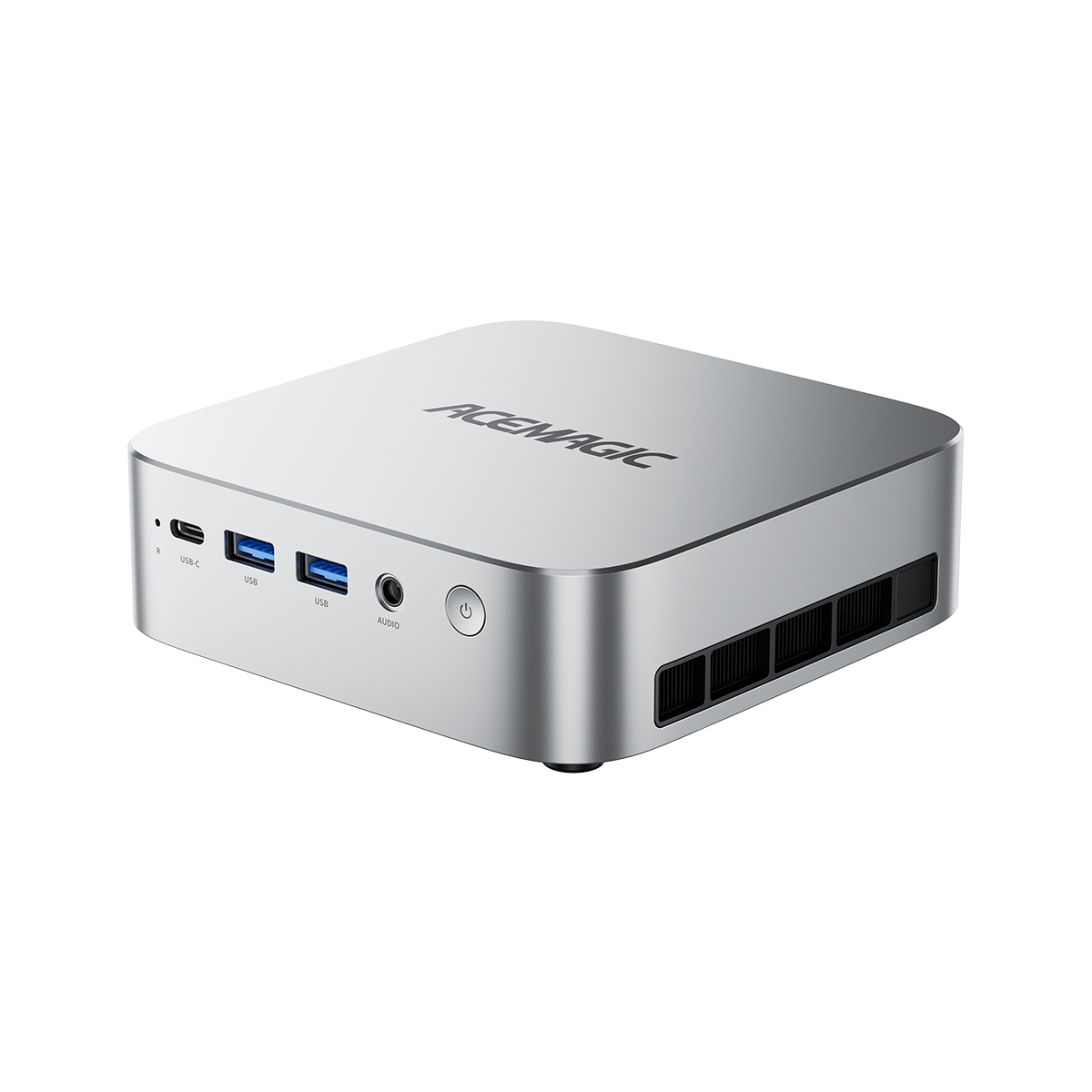
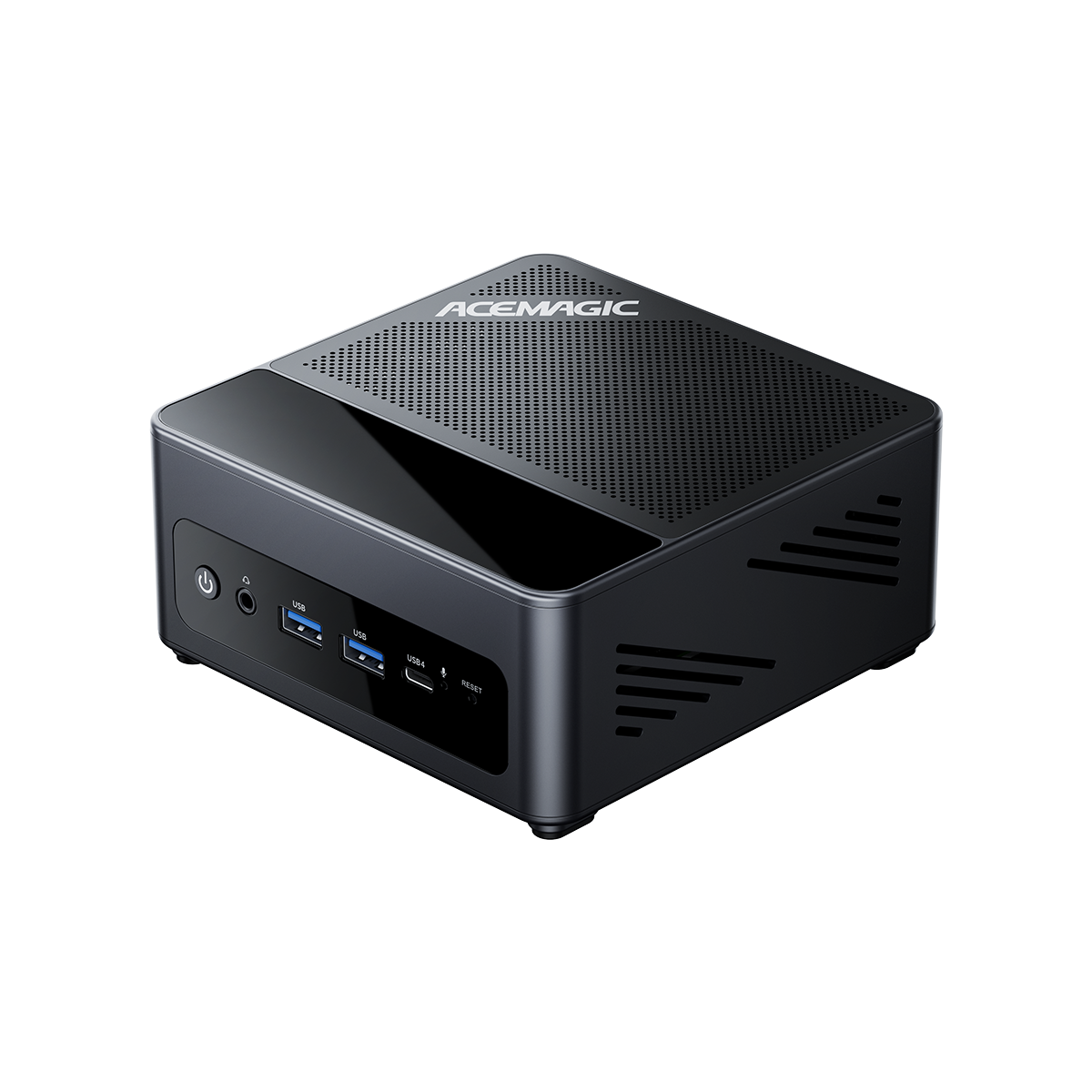
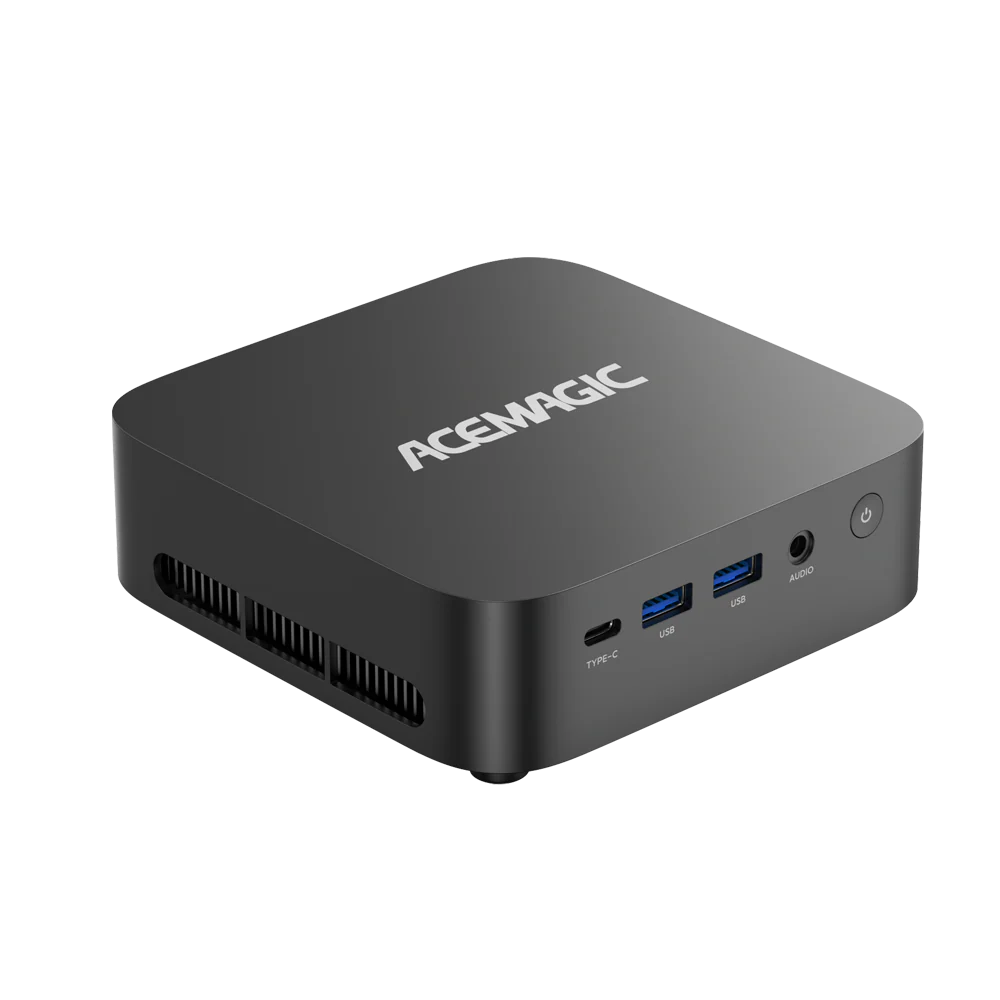
ACEMAGIC Core i5 Mini PC Designed for administrative tasks and heavy spreadsheet processing.

ACEMAGIC K1 Mini PC
- CPU: Intel® Core™ i5-12600H
- RAM: 16GB
- Storage: 512GB
-
Target Use: Office productivity, web browsing, dual-monitor setups.
FAQ
Is the Intel Core i5 obsolete in 2026?
No. While it lacks an NPU and advanced integrated graphics, the raw CPU compute power of a 12th or 13th generation Core i5 is fully capable of running Windows 11 and all standard office applications without latency.
Will an Intel Core i5 bottleneck a dedicated graphics card?
No. If you plan to connect an external GPU (eGPU) or buy a system with a dedicated graphics card, an Intel Core i5 provides sufficient PCIe data transfer rates to fully utilize mid-range cards like the Nvidia RTX 4060 at 1440p resolutions.
Can the Core Ultra 5 run dual 4K monitors?
Yes. The integrated Arc graphics support up to four simultaneous 4K displays at a 60Hz refresh rate when connected via HDMI 2.1, DisplayPort, or Thunderbolt 4 ports.
Is the Core Ultra 5 or Core i5 better for a 24/7 home server?
The Core Ultra 5 is more efficient for 24/7 operation. During idle states or light background tasks (like running basic file sharing or a local DNS server), the processor relies entirely on its two Low-Power Island E-Cores, drawing less than 10 watts. A standard Core i5 typically idles between 15 and 20 watts.
Does RAM speed affect the gaming performance of the Core Ultra 5?
Yes. The integrated Arc graphics in the Core Ultra 5 do not have dedicated VRAM; they share the system's physical RAM. Pairing a Core Ultra 5 with DDR5 memory running at 5600 MT/s increases frame rates in 3D applications by 15% to 20% compared to using slower DDR4 memory. Older Iris Xe graphics in the i5 show minimal performance differences between DDR4 and DDR5.