Do You Need 128GB RAM in 2026? A Reality Check for Local AI and Gaming

Standard advice suggests 32GB of RAM suffices for almost any desktop task. This recommendation holds true for general office work and most gaming scenarios. However, 2026 introduces specific workloads that demand significantly higher memory capacity. The rise of local Artificial Intelligence (AI) models and complex home virtualization labs shifts the hardware requirements for a specific subset of users.
Understanding the distinction between "need" and "want" prevents wasted budget. Memory capacity directly impacts the stability of large datasets, while memory speed influences frame rates in gaming. This guide analyzes specific use cases to determine if a 128GB configuration represents a necessary tool or an expensive redundancy for your workflow.
Quick Verdict: RAM Requirements by Use Case
Before diving into the technical details, compare your workflow against this matrix to see where you fit.
| User Profile | Recommended RAM | Key Bottleneck |
| Gamer (AAA Titles) | 32GB | GPU VRAM / Single-Core Speed |
| Video Editor (4K) | 64GB | Timeline Caching |
| Video Editor (8K/RAW) | 128GB | Playback Smoothness (No Dropped Frames) |
| Local AI (Llama-3 70B) | 128GB | Model Weights Loading (Avoid OOM) |
| Homelab / Virtualization | 128GB | Number of Active VMs |
| General Office | 16GB - 32GB | Browser Tab Management |
Scenario A: The Memory-Hungry Workloads (When 128GB is Essential)
Certain professional and enthusiast applications crash or fail to launch without massive memory pools. Users in this category prioritize system stability and total throughput over marginal latency gains.
Local AI and Large Language Models (LLMs)
Running Large Language Models locally provides privacy and eliminates API costs. This workflow stands as the primary driver for 128GB RAM adoption in 2026. Models utilize "weights" that must reside in active memory to function. Consumer graphics cards (GPUs) typically cap at 24GB of VRAM. A 70-billion parameter model like Llama 3, even with 4-bit quantization (GGUF format), requires approximately 40GB to 48GB of memory.
System RAM acts as a unified memory pool when VRAM fills up. Attempting to load a Mixtral 8x22B model or a high-precision Llama-3-70B on a 64GB system often triggers Out of Memory (OOM) errors. A 128GB configuration allows the operating system to offload model layers completely into system RAM. This capacity enables the inference of massive models that otherwise require enterprise-grade server hardware.
Cost Reality Check: Renting a cloud GPU instance with 80GB VRAM can cost hundreds of dollars monthly. Owning a 128GB local machine offers a one-time investment that pays for itself by eliminating cloud subscription fees.
Virtualization and Homelabs
Type-1 hypervisors like Proxmox and ESXi allow a single machine to act as multiple servers. A typical homelab setup might host a Home Assistant instance, a Plex media server, three distinct Linux development environments, and a Windows sandbox.
Allocating 16GB to each virtual machine (VM) consumes 80GB rapidly. The host operating system requires overhead. A 64GB limit forces the user to shut down specific VMs to start others. 128GB provides the headroom to keep all services active simultaneously. This prevents disk swapping, where the system uses the SSD as temporary RAM, which degrades performance and drive lifespan.
High-Fidelity 8K Video Production
Video editing software such as DaVinci Resolve and Adobe Premiere Pro relies on RAM to cache preview frames. 4K footage generally runs smoothly on 64GB. Moving to 8K resolution or handling multi-camera RAW streams increases the data throughput exponentially.
Insufficient RAM forces the software to re-render frames constantly during playback navigation. A 128GB buffer holds longer sections of the timeline in active memory. This results in smooth scrubbing and playback without dropped frames, directly saving hours of production time over the course of a project.
Scenario B: The Speed-Hungry Workloads (When 128GB is Overkill)
Users prioritizing responsiveness and frame rates often see diminishing returns or performance regression with higher capacity memory.
AAA Gaming Performance
Modern game engines, including Unreal Engine 5, stream assets from the SSD rather than loading everything into RAM at once. Benchmarks consistently show zero performance difference between 32GB and 128GB for titles like Cyberpunk 2077 or Call of Duty. The bottleneck lies in the GPU and CPU single-core speed.
High-density memory modules (such as 64GB sticks used to achieve 128GB totals) often necessitate looser timing latencies (CL40 or higher) to maintain stability. Gaming relies on low latency. A 32GB kit with tight timings (CL30) frequently produces higher frame rates than a 128GB kit with loose timings. Investing in 128GB for gaming yields a poor price-to-performance ratio.
General Productivity
Web browsers and office applications manage memory dynamically. A browser with 100 open tabs might appear to use significant RAM, but it releases that memory instantly if another application requests it. 64GB remains virtually impossible to saturate with standard productivity tasks. The unutilized 64GB in a 128GB system sits idle and draws power without accelerating workflow speed.
The Hardware Context: 128GB in a Mini PC Form Factor
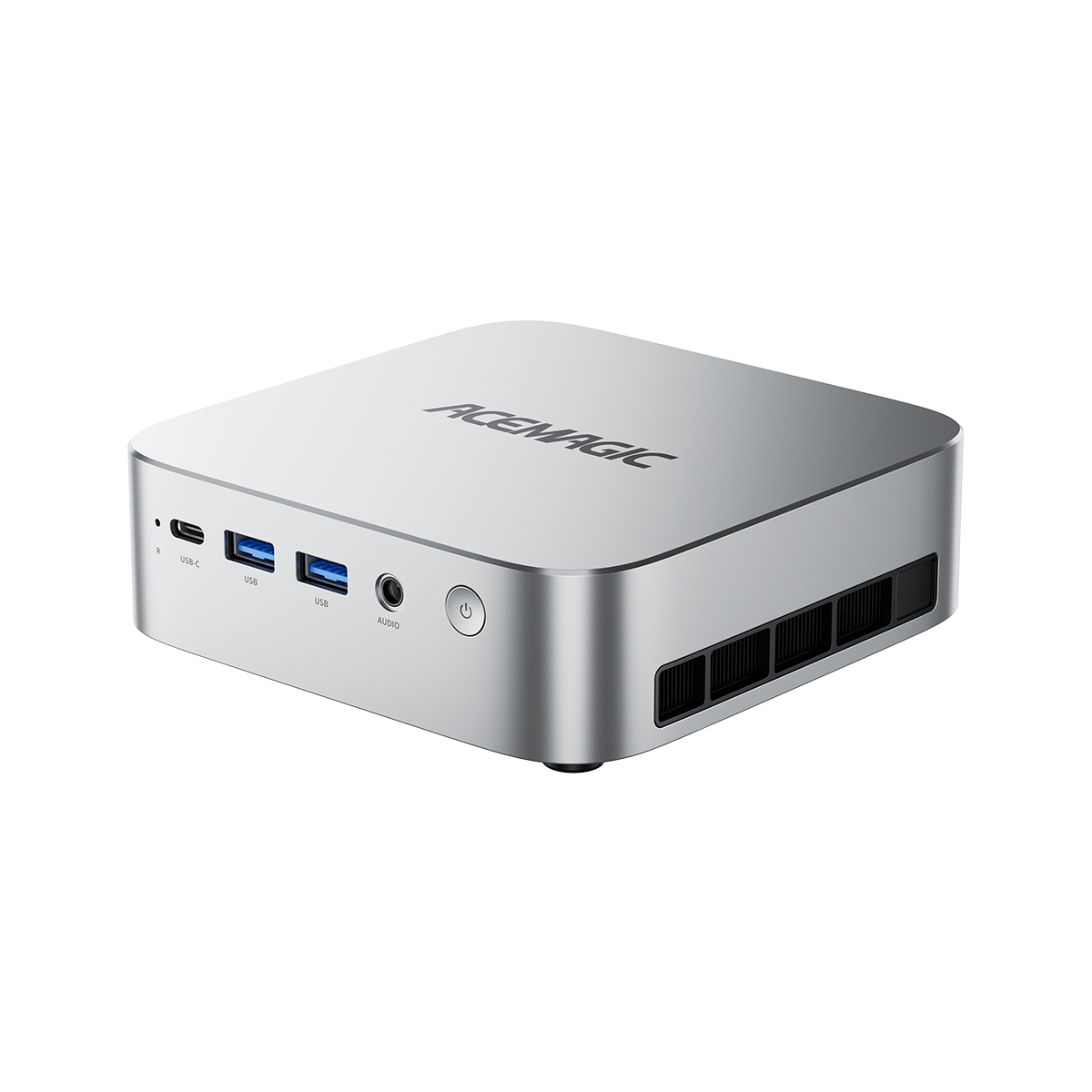
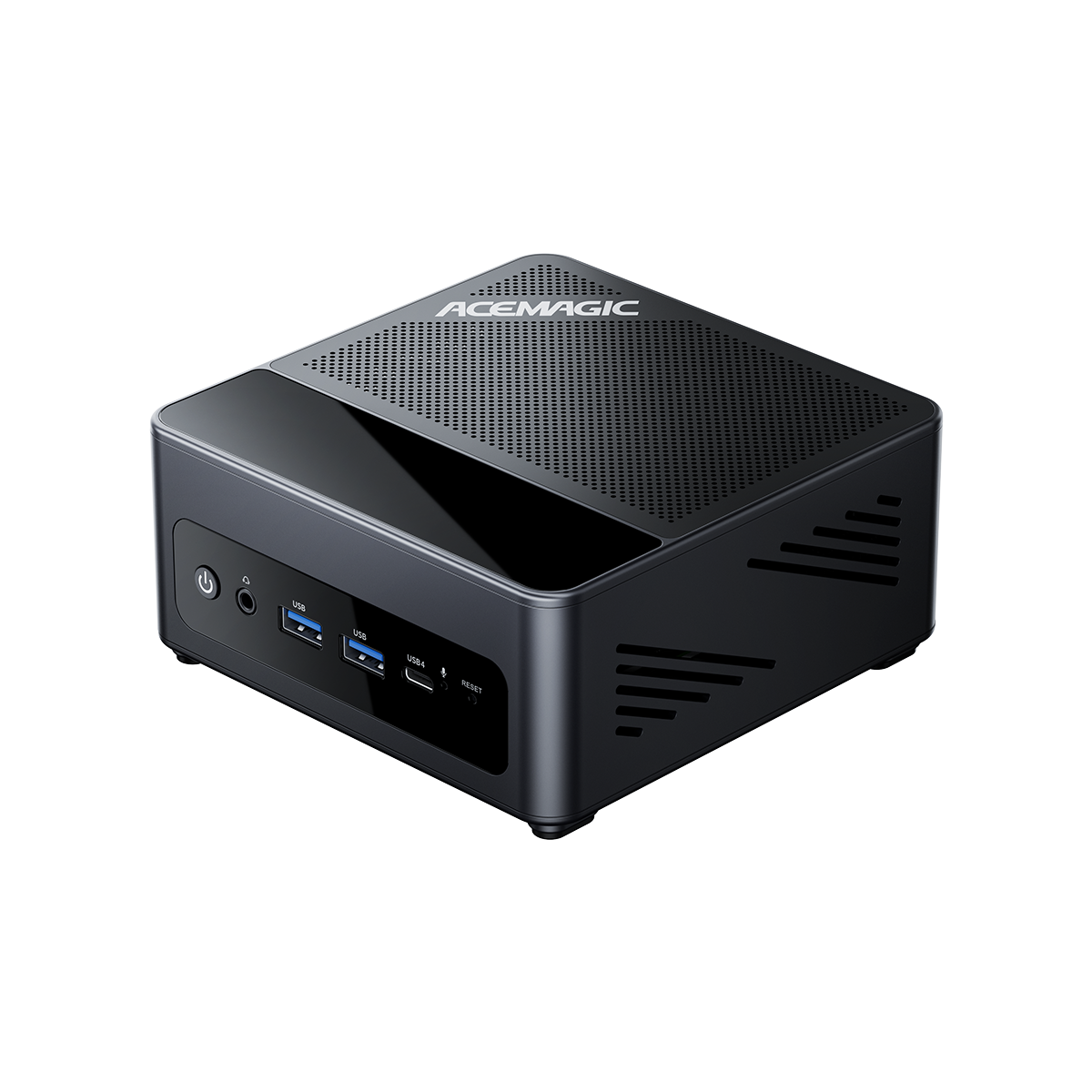
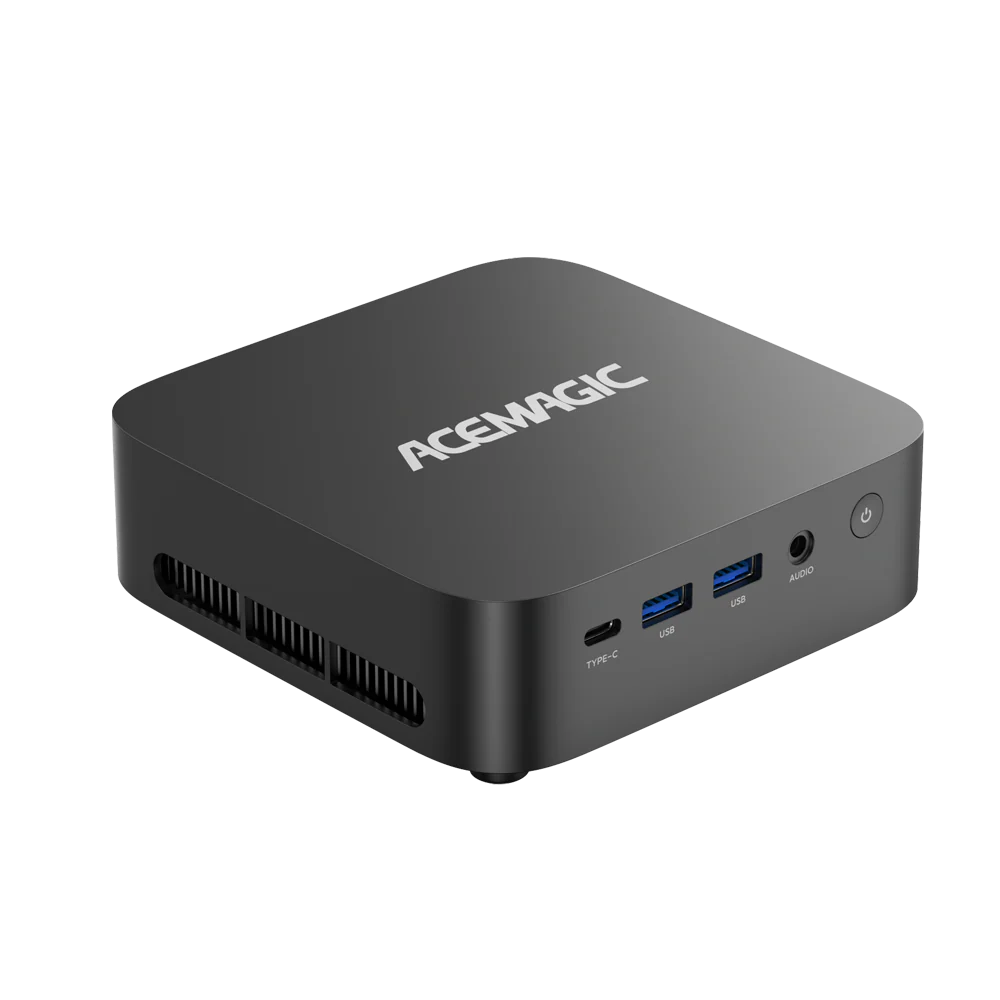
Deploying 128GB of RAM previously required large ATX towers or rack-mounted servers. Recent advancements in DDR5 SODIMM technology utilize high-density 48GB and 64GB modules. This innovation allows compact Mini PCs to support workstation-class memory capacities.
This form factor suits professionals working in space-constrained environments. A Mini PC with 128GB RAM and a 2TB SSD replaces a loud, bulky tower. It consumes less energy while delivering the specific throughput required for local AI inference or virtualization clusters.
FAQ
Will adding 128GB RAM improve my gaming FPS?
No. Most games rarely utilize more than 24GB of system memory. In fact, high-capacity 128GB kits often have higher latency (looser timings) compared to 32GB gaming kits, which can result in identical or slightly lower frame rates.
Do I need Windows 11 Pro to use 128GB RAM?
No. Windows 11 Home supports up to 128GB of RAM. However, if you plan to use this machine for advanced virtualization (Hyper-V) or remote desktop management—common use cases for 128GB builds—Windows 11 Pro is the superior choice for its software features.
Can I run Llama-3 70B on 64GB RAM?
It depends on the compression. A heavily quantized model (Q2 or Q3) might fit but will suffer from low accuracy. To run a standard Q4 or Q5 quantization with good accuracy, plus the operating system overhead, 64GB often leads to crashes or extremely slow performance due to swapping. 128GB ensures smooth operation for 70B+ parameter models.
Is 128GB RAM stable on a Mini PC?
Yes, but compatibility is key. The ACEMAGIC M1A is factory-validated with specific high-density DDR5 SODIMMs to ensure stability. Building your own 128GB Mini PC often involves trial and error with motherboard compatibility, whereas a pre-configured unit guarantees performance out of the box.
Verdict: The Ultimate Compact Workstation
For professionals and enthusiasts working with Local AI, virtualization, or complex media production, memory capacity remains the single most critical bottleneck. Compromising on RAM forces reliance on slower cloud APIs or limits the scale of local projects.
The ACEMAGIC M1A eliminates these limitations. By packing 128GB of DDR5 memory and a 2TB SSD into a compact chassis, it offers server-grade capabilities without the footprint of a full tower. For users who demand maximum throughput and future-proof performance, this configuration represents the definitive solution.
Discover the Powerhouse: ACEMAGIC M1A (128GB RAM + 2TB SSD)