Radeon 890M Benchmarks: Avg FPS, 1% Lows, Best Settings

Radeon 890M is AMD’s top-end integrated GPU for the Ryzen AI 300 generation. It can deliver high frame rates in competitive games and solid 1080p performance in many titles, but the experience depends heavily on power limits, cooling, and memory bandwidth.
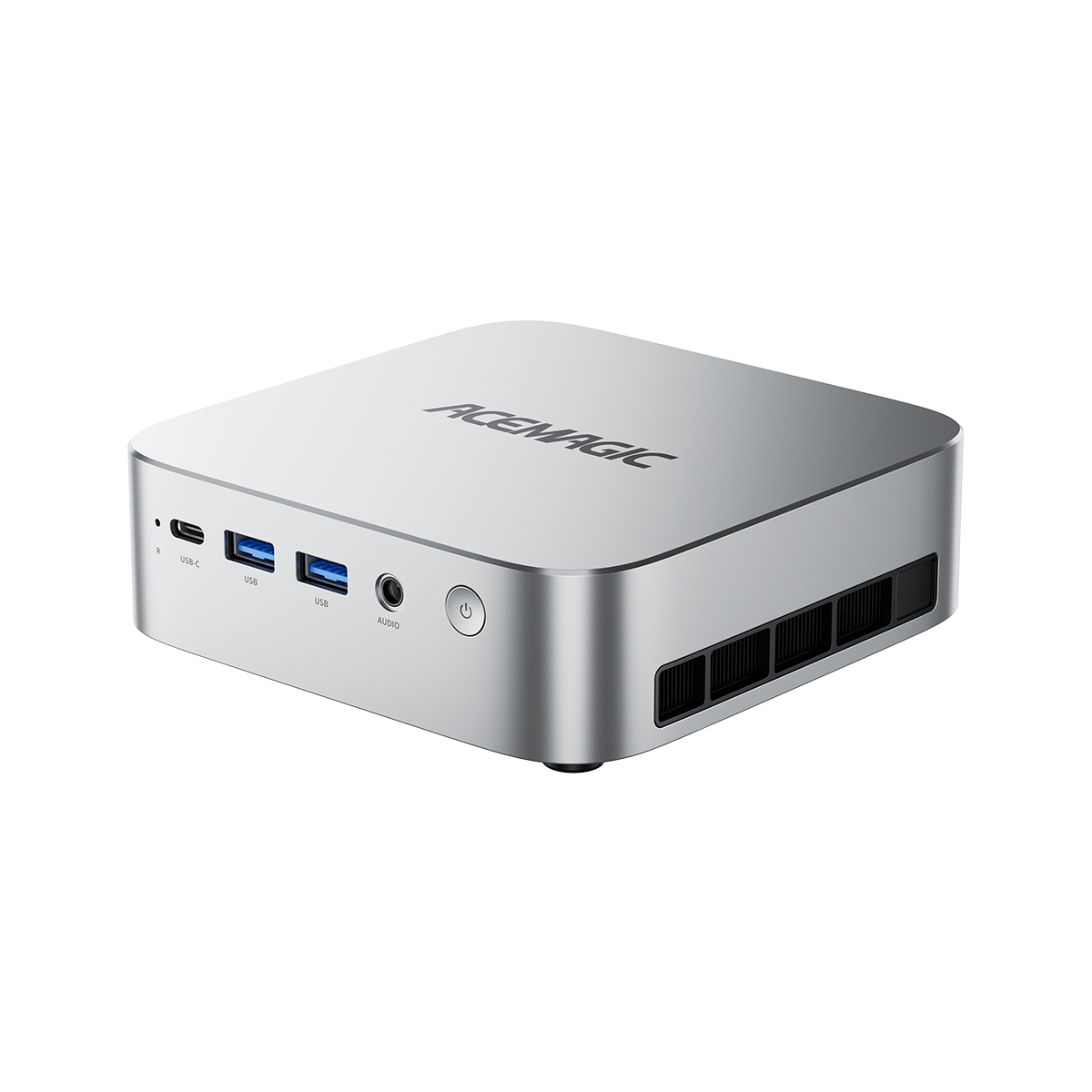
- Disclosure: We’re the brand behind the reference mini PC used for testing (ACEMAGIC F5A).
- This article uses real Avg FPS and 1% low FPS from an on-screen overlay in the linked reference video.
- All benchmark rows below are native rendering with no upscaling and no frame generation.
Video source for the benchmark overlay:
What is Radeon 890M?
Radeon 890M is an integrated GPU built into select Ryzen AI 300 series processors. It uses the RDNA 3.5 graphics architecture and scales its performance based on the overall platform: how much sustained power the APU can hold, how well the chassis cools it, and how much memory bandwidth the system provides.
If you're moving up from older AMD iGPUs, here’s what to expect:
- 890M is the top iGPU tier in this generation.
- 1440p native is realistic for lighter or well-optimized titles, but 1080p is the safer target for heavier games if you care about steadier 1% lows.
Why 890M results vary so much between devices
You may see different FPS numbers across laptops and mini PCs that all claim “Radeon 890M.” That’s normal for an iGPU.
The main reasons:
- Sustained power and cooling: An iGPU shares power and thermal budget with the CPU cores. A thin laptop that ramps down under heat will often produce lower 1% lows than a better-cooled device, even if peak Avg FPS looks similar.
- Memory bandwidth and configuration: Radeon 890M uses system memory, not dedicated VRAM. Dual-channel memory and higher memory speeds can move real FPS, especially in 1440p.
- Driver and feature settings: AMD driver features like AFMF (frame generation) and HYPR-RX can improve perceived smoothness in supported scenarios, but they do not change what a native-rendering baseline looks like. For comparisons, you want a clean native baseline first.
With those variables in mind, the benchmarks below show what 890M looks like on one well-cooled reference mini PC.
Test setup and how to read these numbers
Reference system
The benchmark tables in this article are pulled from a single reference system: ACEMAGIC F5A.
Use these results as a practical snapshot of how Radeon 890M behaves in a mini PC that is designed to hold performance under sustained load.
Rendering rules for this article
- Native rendering only
- No upscaling (no FSR, no RSR)
- No frame generation
This matters because “native” is the clean baseline. Once you add upscaling or frame generation, FPS can rise, but image quality and latency trade-offs change too.
Metrics
- Avg FPS shows overall throughput.
- 1% low FPS is your smoothness indicator. If 1% lows are close to the average, the game tends to feel stable. If 1% lows are far below average, you may feel stutter even when the average looks fine.
Benchmarks
Use these tables as your native baseline. If you want higher frame rates or steadier 1% lows, jump to the tuning section after the tables.
1440p native benchmarks
These entries show what Radeon 890M can do at 1440p native in a mix of competitive and heavier titles. In this set of results, competitive titles tend to hold steadier 1% lows, while large-scale games can swing more depending on the scene.
If the Avg FPS looks fine but the 1% lows are weak, your best first move is usually to reduce resolution or a single heavy setting (shadows, volumetrics) before touching anything else.
| Game | Resolution | Preset | Rendering | Avg FPS | 1% Low | Notes |
| Counter-Strike 2 | 1440p | Medium | Native | 84 | 61-62 | Competitive title, watch 1% lows for hitching |
| Dota 2 | 1440p | Medium | Native | 80-82 | 45-46 | Can swing by scene intensity |
| Call of Duty: Warzone | 1440p | Basic | Native | 56 | 43 | Heavier load, 1% lows matter more than Avg |
| Gears of War: Reloaded | 1440p | Medium | Native | 60 | 51-53 | Mid-weight modern title |
| The Legend of Zelda: Breath of the Wild | 1440p | Cemu config | Native | 38-39 | 34 | Emulation, see emulator notes below |
| MotorStorm: Pacific Rift | 1440p | RPCS3 config | Native | 45-46 | 35 | Emulation, see emulator notes below |
1080p native benchmarks
This section is the 1080p baseline. If you want higher, steadier 1% lows, 1080p native is the cleanest move before you consider upscaling or frame generation.
These two titles are included to show how Radeon 890M behaves in heavier, modern workloads at a clean native baseline. If you want more headroom, drop a preset step first, then consider upscaling or frame generation. If your goal is a deeper AAA experience at higher settings or resolutions, an external GPU upgrade path is the practical next step.
| Game | Resolution | Preset | Rendering | Avg FPS | 1% Low | Notes |
| METAL GEAR SOLID Δ: SNAKE EATER | 1080p | Low | Native | 25 | 13-14 | Newer title, native baseline |
| Cyberpunk 2077 | 1080p | Medium | Native | 32 | 28 | Use 1% lows to judge real smoothness |
Emulation benchmarks
Emulation note: Emulator settings can swing performance more than in native PC games, so treat these results as a tuned reference rather than a universal guarantee.
Emulation is its own category. Results depend heavily on emulator version, graphics API choice, shader compilation behavior, and per-game configuration. That means these numbers are best used as “what is possible on a tuned setup,” not as a guarantee across all user systems.
If you care about emulation on 890M, treat these as your starting point:
- Match the emulator version used in the video when possible.
- Prefer stable APIs and settings that reduce shader stutter.
- Expect per-title tuning to matter more than on native PC games.
Radeon 890M vs Radeon 780M
If you are comparing 890M to the previous high-end AMD iGPU tier (Radeon 780M), the key hardware difference is straightforward:
- Radeon 890M is RDNA 3.5 with 16 compute units.
- Radeon 780M is RDNA 3 with 12 compute units.
In practice, the uplift is real, but it is not a fixed percentage.
If you want a direct, game-by-game comparison, the same reference video includes a Radeon 890M vs Radeon 780M segment using the same metrics (Avg FPS and 1% lows). Use that section for a quick real-world feel for the gap, while the tables in this article focus on establishing a clean 890M native baseline. Two devices with the same iGPU label can produce different results if one is power-limited, runs slower memory, or cannot sustain clocks under heat.
A practical way to think about it:
- If you are iGPU-limited at 1080p, 890M often buys you the headroom to hold higher settings or smoother 1% lows.
- If you are already CPU-limited in a specific title, the difference may shrink.
- For 1440p, memory bandwidth and sustained power become even more important, so platform quality can matter as much as the iGPU name.
Settings that actually move performance on Radeon 890M
This section is intentionally practical. Start with the items that tend to improve both Avg FPS and 1% lows.
1) Get memory right first
For an iGPU, memory is a performance part.
- Use dual-channel memory.
- Prefer higher memory speeds when the platform supports it.
- If you have a choice between more capacity and slightly faster speed, prioritize dual-channel first, then capacity that matches your use.
2) Use the right power mode
Many systems ship with a balanced profile that is tuned for noise and battery, not sustained gaming.
- Use a performance or turbo profile when plugged in.
- If your device has a fan curve option, stability usually beats short peaks. Better sustained clocks often improve 1% lows.
3) Only after native tuning, consider AFMF and upscaling
Once your native baseline is stable, you can consider driver features.
AFMF (AMD Fluid Motion Frames) can add interpolated frames in supported games, which can improve perceived smoothness. It works best when your base frame rate is already decent and your display supports variable refresh rate.
Keep it simple:
- If you are below a comfortable base frame rate, reduce resolution or settings first.
- If you are already in a good range but want smoother motion, AFMF can be worth testing.
- If input latency is your priority (competitive play), be cautious with frame generation.
For image quality:
- Prefer in-game upscaling controls when available.
- Use driver-level scaling as a fallback when a game does not offer a good built-in option.
Recommended settings profiles
These are starting points you can use without overthinking.
Profile A: Competitive gaming
- Resolution: 1440p if your 1% lows hold, otherwise 1080p
- Preset: medium or optimized competitive settings
- Goal: stable 1% lows and consistent frametimes
Profile B: AAA gaming
- Resolution: 1080p
- Preset: medium as a starting point, then drop to low or enable upscaling if Avg FPS hovers around ~30 or 1% lows feel uneven
- Goal: playable Avg with 1% lows that do not stutter
Profile C: Quiet and cool
- Resolution: 1080p
- Preset: low to medium
- Goal: stable experience with lower fan noise
Who is the Radeon 890M suitable for?
Radeon 890M is a strong fit if you want:
- A compact system that can handle competitive games at high frame rates
- 1080p AAA gaming at medium/low settings (and upscaling when needed) without needing a discrete GPU
- A clear upgrade path later if you choose a system that supports external GPUs (for example, OCuLink-equipped mini PCs)
- A balanced PC for work plus gaming on the same machine
It is not the right tool if your target is:
- 1440p high settings in heavy new AAA games
- Ray tracing as a primary feature
- Consistent ultra settings without compromises
Reference system example
To keep this article about Radeon 890M rather than a single product, the benchmark tables are presented as a reference snapshot. That said, your results in the real world will depend on whether your device can deliver the same three fundamentals: sustained power, cooling, and memory bandwidth.
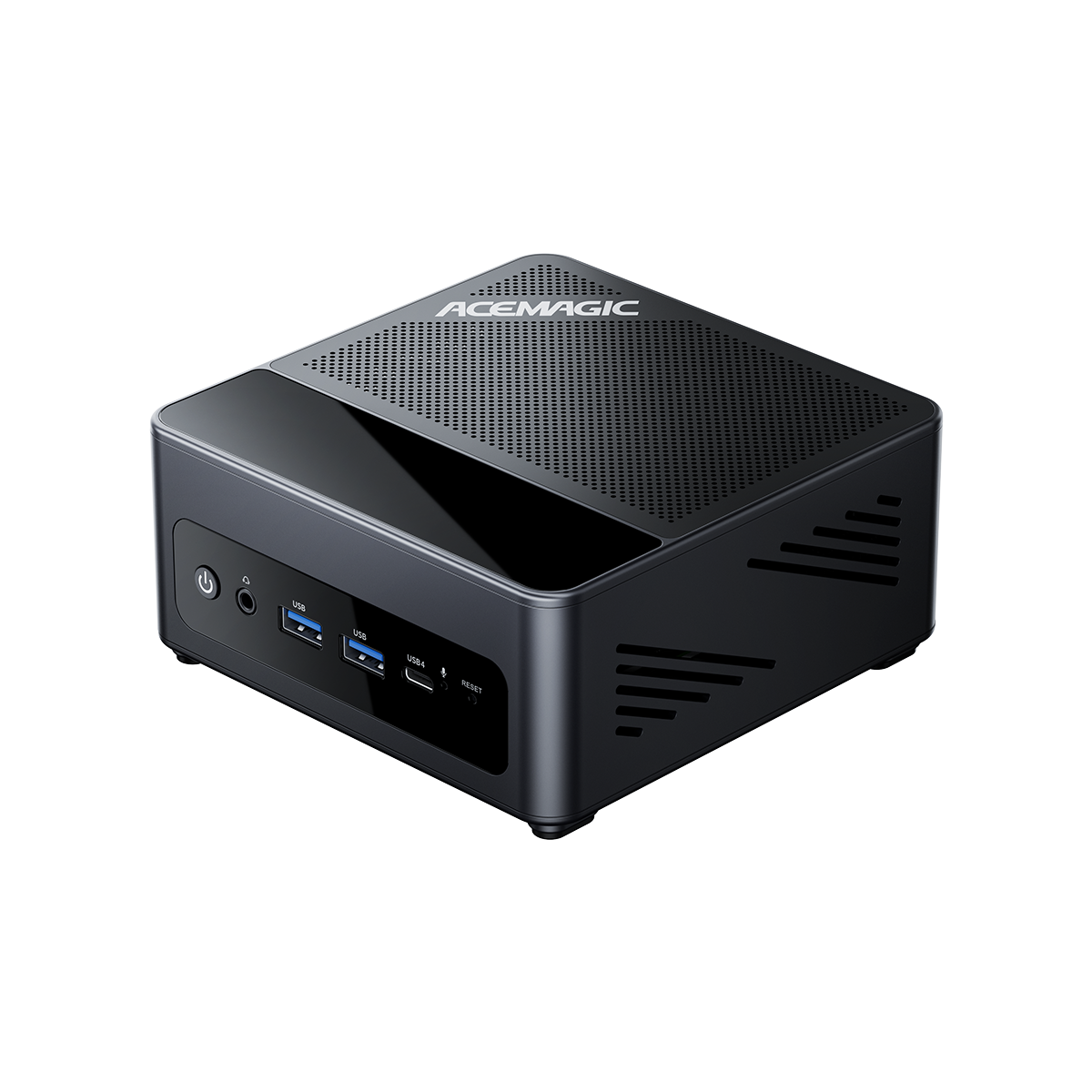
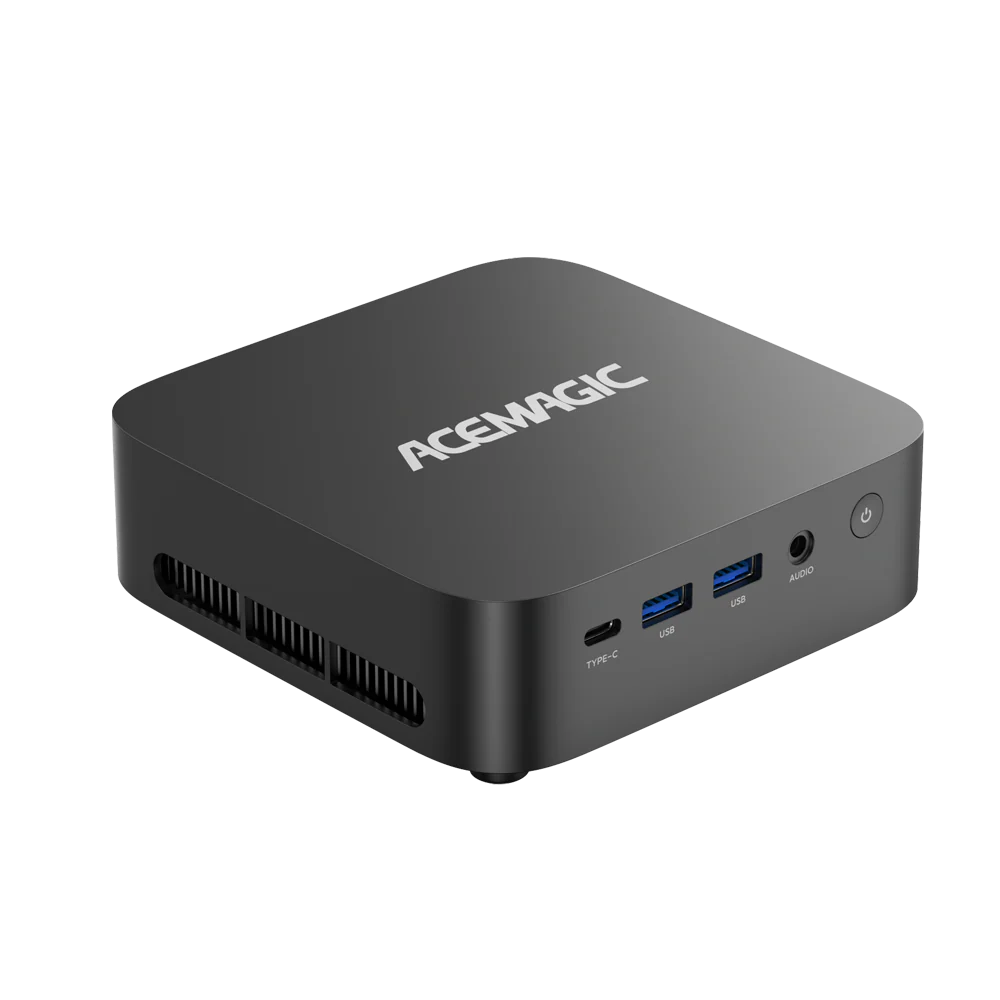
The ACEMAGIC F5A is one example of a mini PC configuration built around those fundamentals.

ACEMAGIC F5A AMD Ryzen AI 9 HX 370 Mini PC
Experience the power of the Ryzen™ AI 9 HX 370 and AMD Radeon™ 890M in a futuristic chassis. Features BT 5.4, WiFi 7 and OCuLink support.
For moderate gaming, the built-in Radeon 890M covers a wide range of titles at sensible settings. If you want a deeper gaming experience (higher settings, higher resolutions, or a wider AAA comfort zone), F5A also includes an OCuLink port to support an external GPU upgrade path (with a compatible eGPU dock/enclosure and power supply).
OCuLink eGPU demo video:
If you are shopping, use the benchmark tables above to compare the performance you want with the device class you are considering.
If you want the exact source for the benchmark overlay used in this article, use the video linked near the top.
FAQ
Is Radeon 890M a dedicated GPU?
No. It is an integrated GPU inside the processor. It shares power and cooling budget with the CPU and uses system memory instead of dedicated VRAM.
Why does my friend’s 890M laptop get different FPS than a mini PC?
Because the iGPU label does not tell you the device’s sustained power limit, cooling, or memory bandwidth. Those factors can change both peak FPS and 1% lows.
Is the 890M better than the RX 7600M?
No. The RX 7600M is a discrete GPU with its own 8GB of GDDR6 and a much higher power budget, so it has far more gaming headroom for higher settings and heavier titles.
Radeon 890M is an iGPU built for efficient, compact systems. If your goal is solid 1080p gaming with sensible settings in a small box, 890M can be a great fit. If gaming performance is the priority, RX 7600M is the stronger choice.
AMD Radeon 890M vs RTX 3050, which is better?
In most gaming-focused laptops, an RTX 3050 still offers more consistent headroom because it pairs dedicated VRAM with higher sustained power. Radeon 890M can be surprisingly capable for an iGPU, but the gap usually shows up when you push higher settings or run heavier scenes.
If you mainly play esports and lighter titles, 890M can be enough with optimized settings. If you want a safer baseline for AAA at higher settings, an RTX 3050-class dGPU is generally the easier route.
Radeon 890M vs Arc 140V, which is better?
They sit in the same upper iGPU tier, and real-world results depend heavily on the laptop’s power limits and memory configuration. In some devices and tests, Arc 140V can edge ahead; in others, 890M is very close and remains highly competitive.
Treat this as a platform decision first: pick the CPU and chassis you prefer, then judge the specific device’s sustained performance rather than expecting a fixed winner.
What matters more on an iGPU, CPU boost or memory?
For many games, memory bandwidth and dual-channel configuration are the first bottleneck. CPU boost can matter in specific CPU-heavy titles, but memory is often the baseline limiter on iGPU gaming.
Sources you should trust when cross-checking specs
-
Advanced Micro Devices, Inc. (AMD). (n.d.). AMD Ryzen™ AI 9 HX 370. AMD.
-
Notebookcheck. (2024, June 2). AMD Radeon 890M - Benchmarks and Specs. Notebookcheck.net.
-
Moass, D. (2024, August 11). Radeon 890M iGPU – 1080p benchmarks, FSR and more!. KitGuru.
Quick recap
Radeon 890M is a top-tier iGPU that can deliver strong 1440p native results in lighter or well-optimized titles and solid 1080p performance in heavier games when the platform has the power, cooling, and memory to support it. Use the native benchmark tables above as your baseline, then tune resolution and a few heavy settings to stabilize 1% lows before you consider upscaling or frame generation.