Mobile Workstation vs Laptop: Which One Is Right for You?
You sit down to buy a new portable computer and keep seeing two labels on spec sheets: laptop and mobile workstation. On paper they can look similar, but the way they handle your work can be very different.
For tasks like email, documents, and light photo edits, most laptops feel fast enough. Once you move into CAD projects, complex timelines in Premiere Pro, or heavy datasets, the hardware behind a mobile workstation starts to matter: CPUs with more cores, professional GPUs, extra memory, and certification for specific software.
This guide breaks down what a mobile workstation actually is, how it differs from a normal laptop, and how to decide which one fits your daily workload and budget.

What Is a Mobile Workstation?
A mobile workstation is a high-performance portable computer designed to handle demanding professional applications such as CAD, 3D rendering, video editing, and scientific computing. These devices are built with advanced CPUs, professional-grade GPUs, larger memory capacities, and better cooling systems compared to typical laptops.
Key features of a mobile workstation include:
- High-end CPUs: Often equipped with multi-core processors (Intel Xeon or Intel Core i9, AMD Ryzen 9) for better handling of complex tasks.
- Professional-grade GPUs: NVIDIA Quadro or AMD Radeon Pro graphics cards, optimized for applications like CAD, 3D modeling, and video editing.
- ISV Certifications: Certification from independent software vendors (ISVs) like Autodesk or Adobe, ensuring compatibility with professional software.
- Larger Memory and Storage: Typically supports higher RAM (16GB+), often with the option for ECC (Error-Correcting Code) memory, and larger storage options.
- Enhanced Cooling Systems: Advanced thermal designs to prevent overheating during long rendering sessions or heavy tasks.
- Durable Build: Stronger chassis and more rugged designs compared to standard laptops to handle the demands of professional environments.
While not every mobile workstation has ISV certification, it is an essential feature for high-end, professional-grade workstations that need to maintain peak performance during intensive tasks.

Key Differences Between Mobile Workstations and Laptops
When it comes to choosing between a mobile workstation and a laptop, understanding their differences in key areas such as performance, portability, and price is essential. Below are the primary differences to consider:
Performance and Hardware
- Mobile Workstations: Equipped with high-end processors, professional-grade GPUs, and larger amounts of RAM, these devices are designed to handle intensive tasks such as 3D rendering, CAD modeling, and data analysis. They offer superior computational power, stability, and performance for demanding professional applications.
- Laptops: While modern laptops offer solid performance for everyday tasks like web browsing, office work, and media consumption, they typically feature consumer-grade processors and GPUs. This makes them suitable for general use but less effective when handling resource-intensive tasks like video editing or gaming.
Portability and Form Factor
- Mobile Workstations: These are generally larger and heavier than regular laptops due to their high-performance components and advanced cooling systems. While they remain portable, they are not as lightweight as standard laptops.
- Laptops: Designed with portability in mind, laptops are usually lighter, thinner, and more compact. They are ideal for users who prioritize ease of movement and battery life over raw performance.
Price
- Mobile Workstations: Due to their high-end specifications and professional features, mobile workstations come at a premium price. They are a long-term investment for professionals who need top-tier performance and reliability.
- Laptops: Laptops are typically more affordable, offering a wide range of options across different price points. While higher-end laptops may offer good performance, they do not match the specialized power of a mobile workstation.
Cooling and Durability
- Mobile Workstations: These devices often come with advanced thermal management systems to prevent overheating during prolonged use under heavy workloads. Their build quality is also designed to withstand rough conditions, making them more durable than consumer laptops.
- Laptops: Most laptops use basic cooling systems that are effective for everyday tasks but may struggle to maintain performance under heavy loads. Their build quality is generally lighter, prioritizing portability over durability.
Use Cases: When to Choose Which
Understanding the specific use cases for each device will help you decide which is best suited for your needs. While both mobile workstations and laptops are versatile, they excel in different environments.
Who Should Choose a Mobile Workstation?
- Engineers and Architects: Those who use CAD, BIM, and other design software that require precise rendering and computational power will benefit from the enhanced capabilities of a mobile workstation.
- 3D Modelers and Animators: Professionals working with demanding software like Autodesk Maya, Blender, or Cinema 4D need a mobile workstation for fast rendering and smooth performance.
- Video Editors and Content Creators: Mobile workstations with high-end NVIDIA Quadro or AMD Radeon Pro graphics are perfect for professionals who need to handle 4K editing, motion graphics, and heavy video processing.
- Data Scientists and Analysts: Those who work with big data, complex calculations, or AI applications need the processing power, memory, and GPU capabilities offered by mobile workstations.
Who Should Choose a Laptop?
- Students and Everyday Users: If your primary tasks involve browsing the web, using office apps, or streaming media, a laptop is more than sufficient. Laptops are portable, cost-effective, and ideal for light tasks.
- Business Professionals: Laptops are perfect for professionals who need to work on documents, emails, and presentations while traveling or working remotely. Their lightweight nature and long battery life make them a practical choice for those constantly on the go.
- Casual Creators: For people who do light photo editing, web design, or video editing on a hobbyist level, a laptop with a decent CPU and GPU can handle the load without the need for a mobile workstation.

How to Decide: Quick Decision Checklist
Choosing between a mobile workstation and a laptop ultimately depends on your specific needs, budget, and performance requirements. Here’s a quick decision checklist to help guide your choice:
1. What is your primary use case?
- Mobile Workstation: If your work involves demanding applications such as CAD, 3D rendering, video editing, or large data analysis, a mobile workstation is the better choice.
- Laptop: If you need a device for basic office tasks, web browsing, media consumption, or light photo/video editing, a laptop will suit you well.
2. Do you need professional software compatibility?
- Mobile Workstation: If you rely on ISV-certified software for industry-specific tasks (such as AutoCAD, SolidWorks, or Adobe Premiere Pro), a mobile workstation with ISV certifications is essential for optimal compatibility and reliable performance.
- Laptop: If your software requirements are less specialized, a laptop should be sufficient for general use.
3. How much performance do you need?
- Mobile Workstation: Choose a mobile workstation if you require high-performance hardware for tasks like 3D modeling, AI research, or video production that demand high-end CPUs, GPUs, and large memory capacity.
- Laptop: If your computing needs are more general, a laptop with an Intel Core i5/i7 or AMD Ryzen 5/7 processor will offer good performance for everyday tasks and light multimedia work.
4. What is your budget?
- Mobile Workstation: Expect to pay a premium for mobile workstations due to their specialized components and professional-grade hardware. If budget is not a major concern and you need top-tier performance, a mobile workstation is the best option.
- Laptop: If you need a more budget-friendly option for day-to-day tasks, laptops are available at various price points. Higher-end laptops may offer solid performance but won't match the power of mobile workstations for professional workloads.
5. Do you prioritize portability?
- Laptop: If you need a lightweight, easy-to-carry device that lasts through long working hours or travels, a laptop is ideal. They are designed to be slim, lightweight, and have longer battery life.
- Mobile Workstation: If you require the power of a desktop in a portable format and are willing to trade-off some portability for performance, a mobile workstation offers superior power but tends to be heavier and bulkier.
6. Durability and build quality requirements:
- Mobile Workstation: Choose a mobile workstation if your work demands a rugged, durable device that can handle tough environments and long hours of intensive use.
- Laptop: If you need a device for personal use and light business tasks, a laptop’s build quality should be more than adequate.

Frequently Asked Questions (FAQ)
1. Is a mobile workstation better than a laptop for video editing?
Yes, a mobile workstation is generally better for video editing, especially if you're working with 4K footage or engaging in complex tasks like color grading or visual effects. Mobile workstations come equipped with professional GPUs, larger memory, and advanced cooling systems, which are essential for handling demanding video editing software smoothly.
2. Can a mobile workstation be used for gaming?
While mobile workstations are not specifically designed for gaming, they often have high-end GPUs and powerful CPUs that can run most modern games well. However, laptops designed for gaming (with dedicated gaming GPUs) may offer better performance and a more optimized experience for gaming.
3. What is the lifespan of a mobile workstation compared to a laptop?
Mobile workstations generally have a longer lifespan due to their rugged build and high-quality components designed for professional use. They are made to handle intensive tasks over extended periods without losing performance. Laptops, while durable, may not be as robust under heavy workloads and may need replacing sooner if used for demanding tasks.
4. Are mobile workstations worth the extra cost?
If your work demands high performance, reliability, and specialized software compatibility, the investment in a mobile workstation is worth it. These devices are built to handle intensive professional workloads that regular laptops simply cannot match, ensuring better productivity and fewer issues.
5. Can I upgrade the hardware in a mobile workstation?
Yes, many mobile workstations are designed with upgradeability in mind. Users can often upgrade components such as RAM, storage drives, and sometimes even the GPU to maintain or increase performance as their needs evolve. This flexibility makes them a good long-term investment for professionals.
6. What are the key advantages of a mobile workstation over a regular laptop?
The key advantages include:
- Higher performance for professional applications like CAD, video editing, and 3D rendering.
- ISV certifications for compatibility with specific professional software.
- Advanced cooling systems to handle intensive workloads.
- Durable build quality for long-term reliability.
Conclusion
In conclusion, choosing between a mobile workstation and a laptop depends largely on your specific needs and use cases. If you’re a professional who works with demanding applications like CAD, 3D rendering, or video editing, a workstation is the right choice. Its superior hardware, professional-grade components, and ISV certifications ensure that you can handle intensive tasks without compromising performance.
On the other hand, if your tasks are more focused on everyday use such as office work, web browsing, and media consumption, a laptop provides a more portable and budget-friendly option without sacrificing usability. Laptops are ideal for those who need a lightweight device with long battery life for basic tasks.
Ultimately, the decision should be based on performance needs, budget, and portability preferences. If you’re looking for raw power and reliability for professional workflows, the mobile workstation is your best bet. For all other general uses, a laptop is more than sufficient.
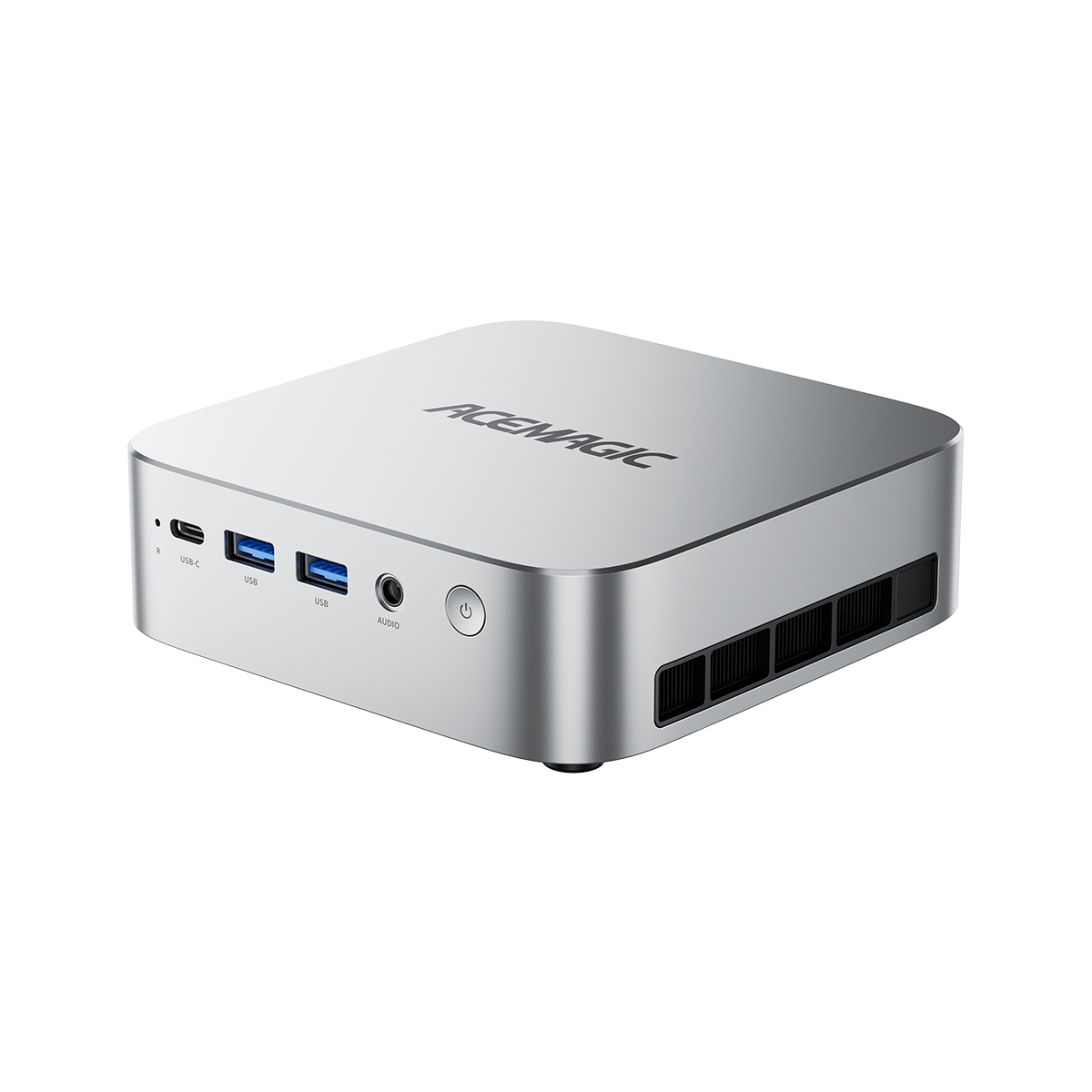
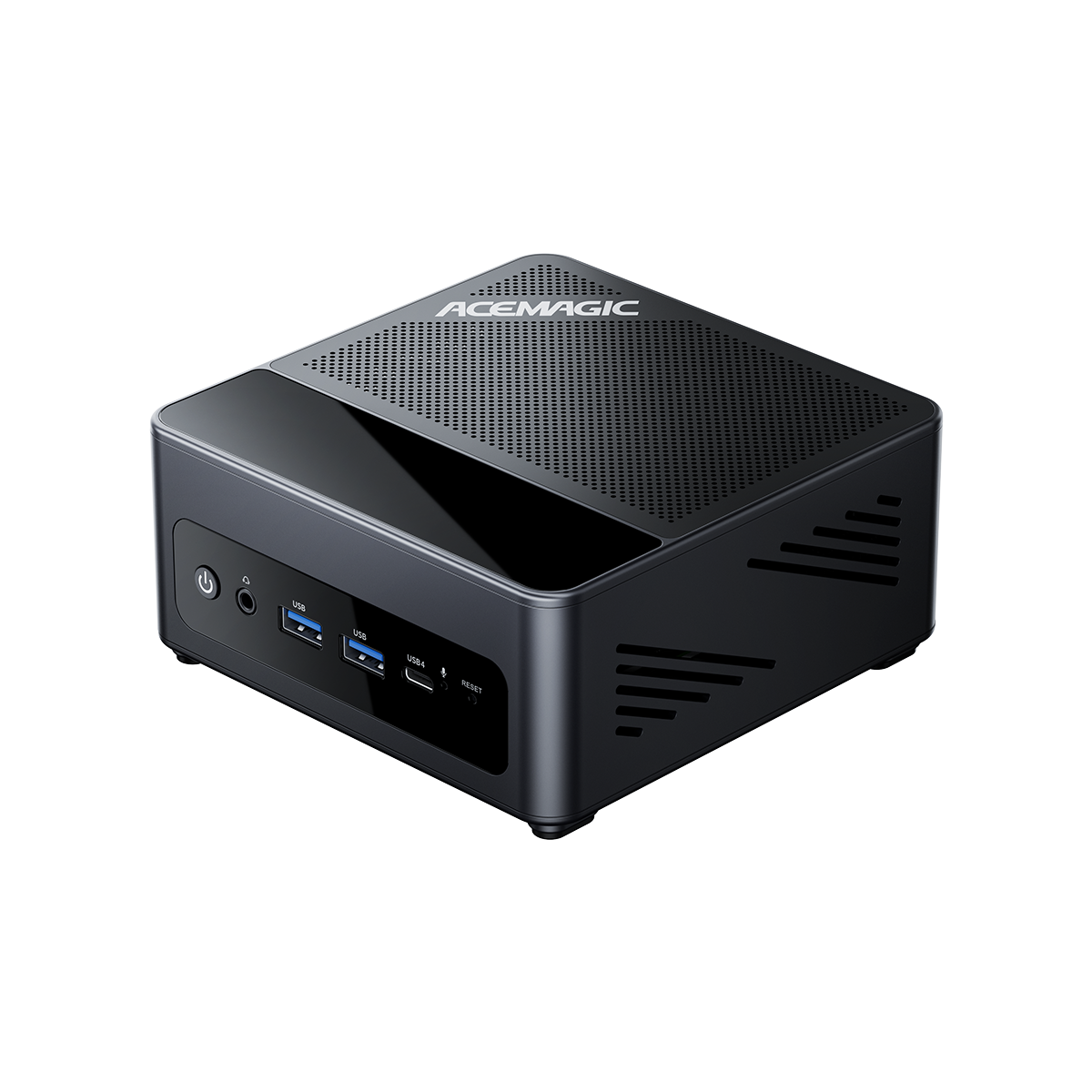
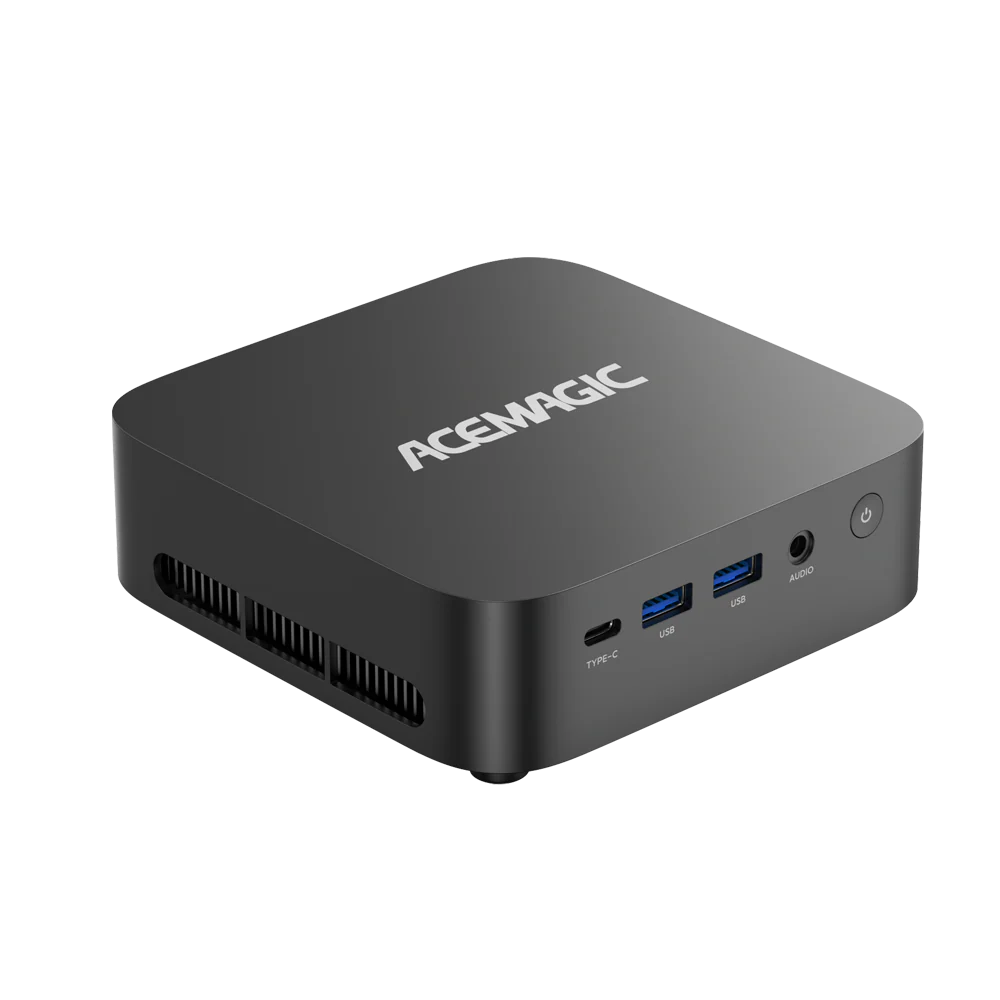
Fresh Arrivals: ACEMAGIC G3A Mini Workstation
Designed for engineers, designers, AI developers, research institutions, and creative professionals, the ACEMAGIC G3A delivers true workstation-class performance inside an incredibly compact 3.46L chassis. Powered by the Intel® Core™ i9-13900F processor and the NVIDIA RTX™ 2000 Ada professional GPU, it provides exceptional computing power for CAD design, 3D rendering, AI inference, simulation, digital signage, and enterprise deployment—all while maintaining excellent thermal efficiency and reliability.
The ACEMAGIC G3A is now available for pre-order.