Processor vs. CPU: Definitions, Differences, and How to Choose

“Processor” and “CPU” are often used interchangeably, especially on product pages and in everyday conversations. That usage is common, but it is not always technically precise. In strict terms, a CPU is a type of processor, while the word processor can refer to several different kinds of computing units depending on the context.
This article explains what each term means, why they are frequently mixed up, how the difference matters in real systems, which specifications affect CPU performance, and how to choose the right processor for a laptop based on typical workloads.
Why “Processor” and “CPU” Get Confused

There are three main reasons people treat these terms as the same:
1. PC and laptop spec sheets simplify language
On many Windows laptop or desktop listings, the “Processor” line usually lists a CPU model (for example, “Intel Core i7-xxxx” or “AMD Ryzen 7 xxxx”). In that context, “processor” is effectively a label for the CPU.
2. Different device categories use “processor” differently
In phones, tablets, and many embedded devices, the “processor” often refers to a system-on-chip (SoC). An SoC is not just a CPU. It usually integrates multiple components, such as CPU cores, a GPU, neural-network accelerators, image processors, and memory controllers. In those cases, the “processor” is the entire SoC, not only the CPU.
3. Marketing terminology is broader than engineering terminology
Manufacturers often choose the broader word “processor” because it can describe a product family across many configurations and integration levels. Engineering discussions usually require more precise terms (CPU, GPU, NPU, DSP, SoC), but consumer-facing pages often do not.
What Is a Processor?
A processor is a general term for a computing unit that executes operations on data. Depending on the design, a processor may execute general-purpose instructions, perform highly parallel computations, run machine-learning workloads efficiently, or handle specialized signal-processing tasks.
A processor typically:
- receives instructions or workloads,
- performs computation or control operations,
- produces results and interacts with memory and other hardware components.
Because the term is broad, “processor” can refer to multiple categories:
- CPU (Central Processing Unit): general-purpose execution and system control.
- GPU (Graphics Processing Unit): highly parallel computation, commonly used for graphics and many compute workloads.
- NPU or AI accelerator: specialized hardware for neural-network inference and sometimes training tasks.
- DSP (Digital Signal Processor): specialized processing for audio, communications, and sensor signals.
- MCU (Microcontroller Unit): control-oriented processor used in appliances, IoT devices, and industrial systems.
- SoC (System on a Chip): an integrated chip that contains CPU cores plus additional processors and controllers.
Key point: “Processor” describes a category; it does not uniquely identify the CPU unless the context makes that clear.

What Is a CPU?
A CPU is a specific type of processor designed for general-purpose computing and system control. It is the component that runs the operating system, executes application logic, schedules tasks, and coordinates many system functions.
A simplified CPU instruction cycle is commonly described as:
- Fetch: retrieve an instruction from memory (often via caches).
- Decode: interpret the instruction and determine required operands and execution resources.
- Execute: perform the operation, possibly reading/writing memory and updating registers.
In modern systems, CPUs also implement mechanisms such as pipelining, branch prediction, out-of-order execution, and multi-level caching. Those details vary by architecture, but the CPU’s role remains consistent: it is the main general-purpose instruction execution engine for the system.
Processor vs CPU: The Difference
CPU is a subset of processor. A CPU is always a processor, but a processor is not always a CPU.
Processor vs CPU comparison
| Aspect | Processor | CPU |
| Scope | Broad term: CPU, GPU, NPU/AI accelerator, DSP, MCU, SoC | Specific type of processor |
| Primary purpose | Varies by processor type (parallel compute, AI inference, signal processing, control, general compute) | General-purpose computing + system control |
| Typical usage in PC/laptop specs | “Processor” often refers to the CPU model (e.g., Intel Core / AMD Ryzen) | Used in technical contexts to explicitly mean the CPU |
| Typical usage in phones/tablets specs | “Processor” often refers to the SoC (CPU + GPU + NPU + ISP + controllers) | Refers to the CPU cores inside the SoC |
One-sentence summary: Use CPU when you mean the system’s general-purpose compute engine, and treat processor as a context-dependent term that may refer to a CPU model (PC) or an SoC platform (mobile).
CPU Performance Factors That Matter
People often focus on a single number such as GHz, but real performance depends on multiple factors. The most important ones include:
Cores and threads
- Cores are physical execution units. More cores can improve throughput on workloads that parallelize well (compiling, rendering, batch processing).
- Threads allow a core to manage more than one execution context. This can improve utilization, but it does not double performance and depends on workload characteristics.
Cache levels and cache capacity
CPU caches (L1, L2, L3) reduce the time spent waiting on main memory. Cache can strongly affect responsiveness and throughput, especially when workloads repeatedly access the same data structures. Larger cache is not a universal guarantee of higher performance, but insufficient cache often causes performance drops due to frequent memory access.
Choosing the Right Processor for a Mini PC
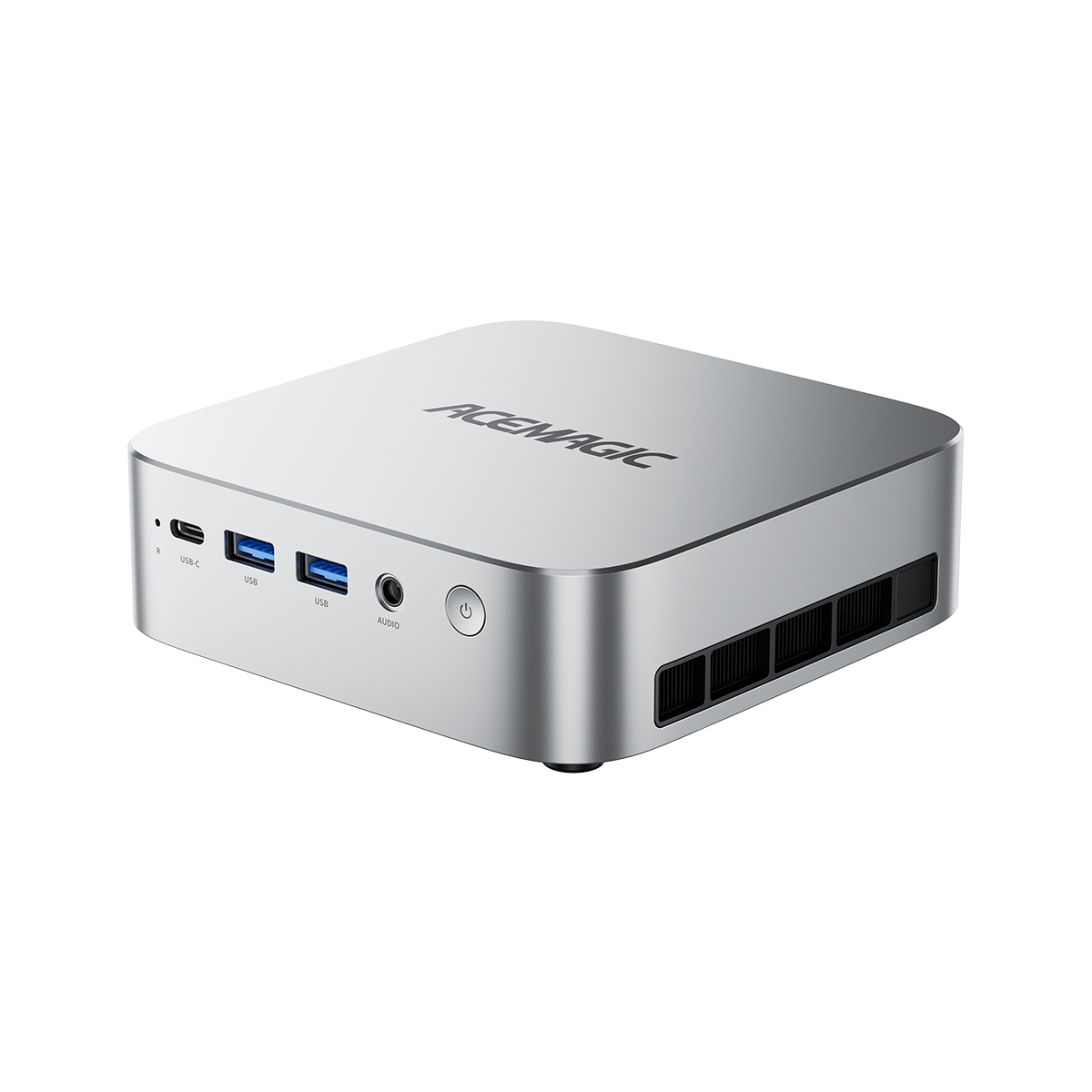
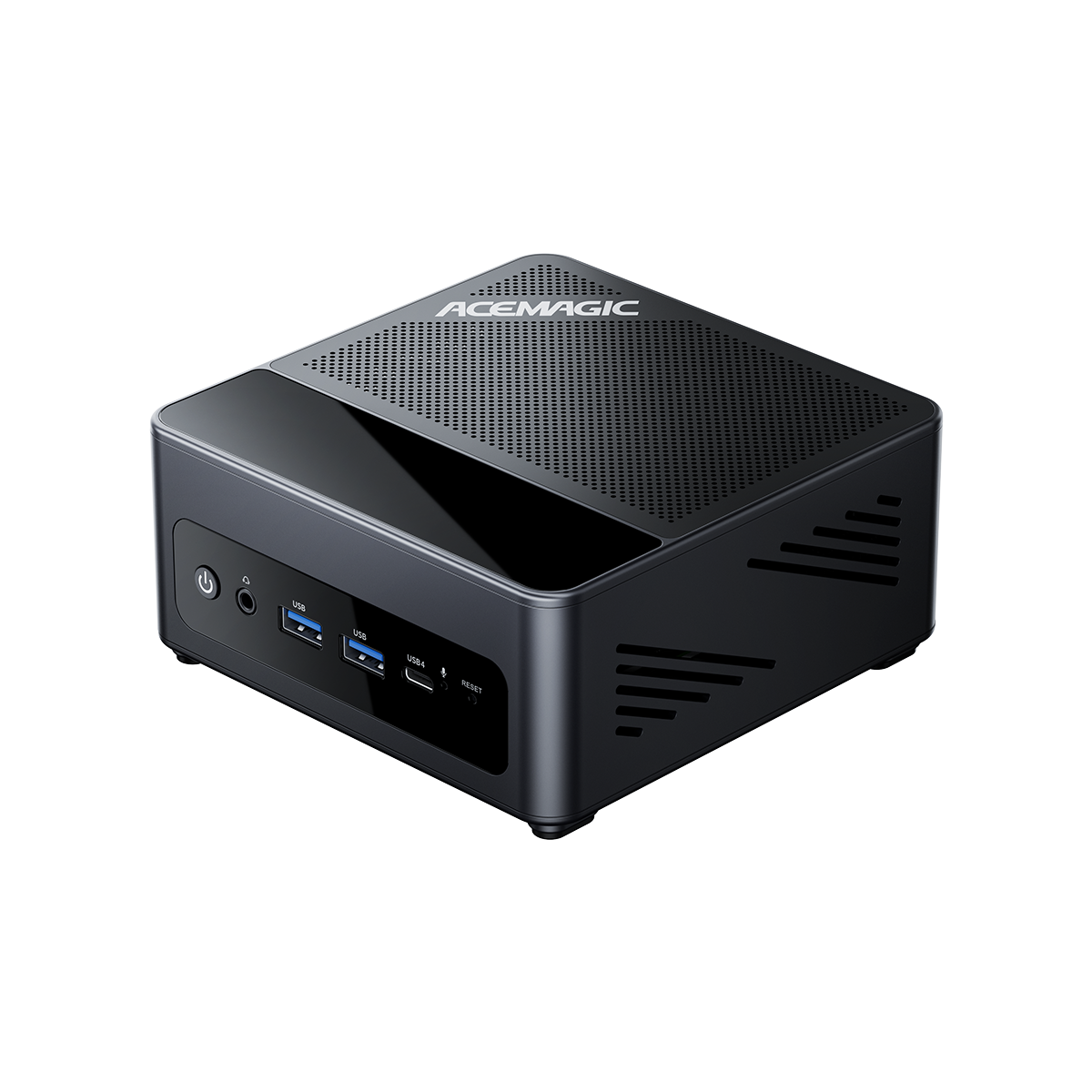
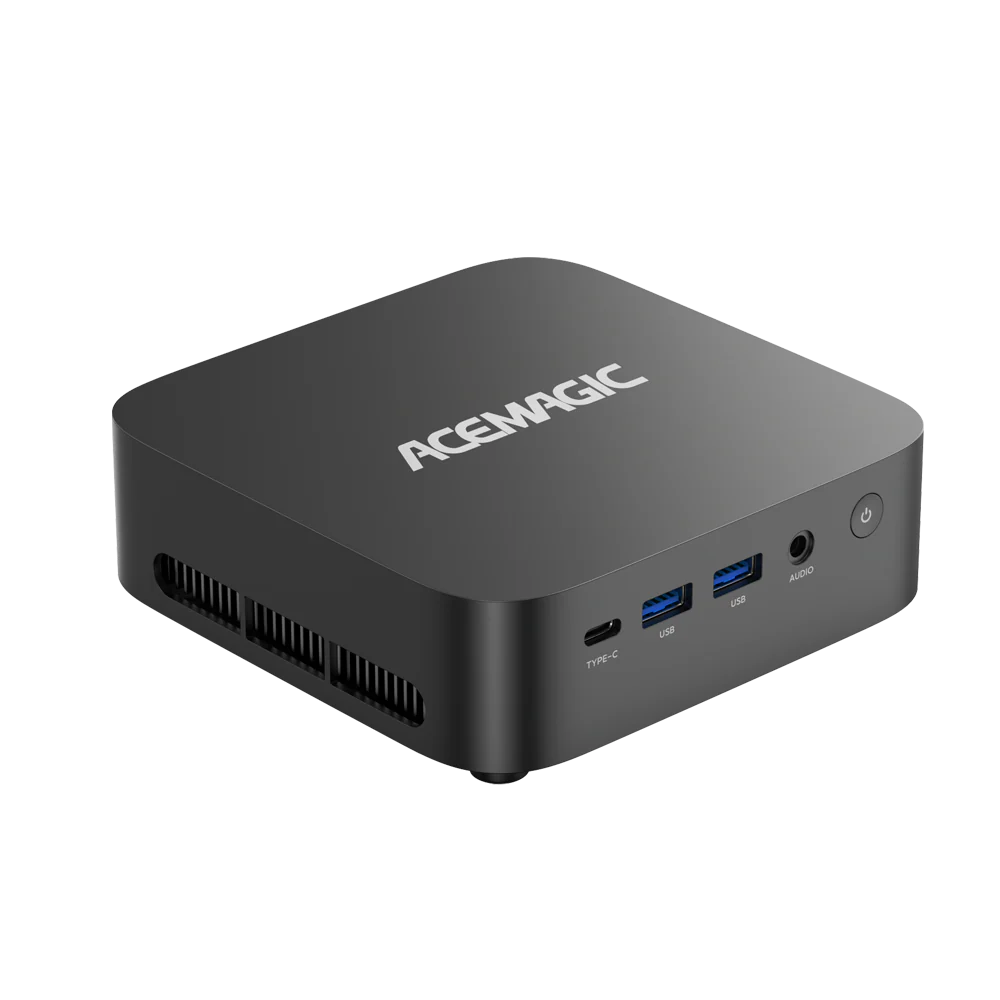
Mini PCs have tighter limits on cooling and power than full desktops. Choose a processor based on your workload, integrated graphics needs, and sustained performance, not peak boost numbers alone.
Match the CPU to your use case
- Office + web + video calls: prioritize efficiency, low noise, and stable responsiveness.
- Media/HTPC: prioritize hardware video decode/encode support and display output capability.
- Development/home lab: prioritize cores/threads, RAM capacity support, storage expansion, and reliable 24/7 thermals.
- Light gaming (no dGPU): prioritize integrated graphics performance and dual‑channel memory support.
- Long heavy workloads: prioritize sustained multi‑core performance and a chassis designed for higher continuous power.
Intel vs AMD (how to compare)
Compare the exact CPU model, real‑world benchmarks for your apps, sustained performance under load, integrated graphics (if needed), and platform features (Thunderbolt, number of display outputs, Ethernet/Wi‑Fi).
Quick checklist before buying
- Exact CPU model (not just “i7/Ryzen 7”)
- Sustained performance and thermals (reviews help)
- RAM type, max capacity, dual‑channel support, upgradability
- Storage slots (M.2 count) and SSD cooling
- Ports, displays, networking (e.g., 2.5GbE if needed)
- Power adapter capacity and noise profile
Conclusion
Processor and CPU are not strictly the same. A CPU is a type of processor, while processor can refer to a wider range of computing units or even a full SoC. In many PC and laptop listings, “processor” is used to mean the CPU, but that assumption does not always hold, especially in mobile devices.
For performance and purchasing decisions, focus on core/thread counts, cache, sustained power behavior, and system design constraints, not only the headline GHz number. The most accurate selection comes from matching the CPU model and laptop design to your workload requirements.
FAQ
1) Does CPU mean RAM?
No. They are two different parts.
The CPU is the part that does the work (runs tasks and makes calculations). RAM is the part that holds what you’re working on right now so the CPU can access it quickly. If you don’t have enough RAM, the computer may slow down even if the CPU is strong.
2) Microprocessor vs CPU: What is the difference?
Most of the time, they mean the same thing in everyday use.
When people say CPU, they usually mean the main chip that runs your computer. The word microprocessor is another way of saying “the CPU chip,” and many websites use them as the same term. In some devices (especially phones), the “main chip” can include more than just the CPU, so the wording can be less precise.
3) What does “4 cores, 8 processors” mean?
It usually means 4 “real cores” and 8 “work lanes” the system can schedule tasks on.
A core is like a separate working unit inside the CPU. Some CPUs let each core handle two streams of work at the same time. So the computer reports 8 because it can schedule work in 8 places, even though there are 4 physical cores. This can help with multitasking, but it doesn’t always double speed.
4) How does a processor work?
It repeats a simple loop: read a step, understand it, do it, repeat.
- A processor runs programs by following instructions one after another:it reads the next instruction,
- it figures out what it means,
- it carries it out,
- it moves on to the next one.
Modern processors can do parts of this faster and handle more tasks at once, which is why newer ones often feel more responsive.
5) Can a CPU be repaired?
Usually no—most CPU problems are solved by replacing it, not repairing it.
If a CPU is truly damaged inside, it’s not something that can be “fixed” like a normal part. What can sometimes be fixed are problems around it—like poor cooling, dust, or bad contact in the socket. In many small devices, the CPU is attached to the board, so repair is even harder and usually not worth the cost.
6) What causes a CPU to go bad?
Most failures come from too much heat, unstable power, or physical damage.
- CPUs rarely fail under normal use. When they do, common reasons include:Overheating for a long time (cooling problems, heavy dust, fan issues)
- Unstable power (power supply problems or electrical spikes)
- Physical damage (liquid spills, bending/dropping during installation)
Often, what looks like a “bad CPU” is actually caused by other issues (memory problems, motherboard issues, or overheating), so testing matters.