

2026 Best Mini PC for AI Local LLMs & Image Generation
An AI Mini PC is a compact computer designed to run artificial intelligence workloads locally, including large language models, image generation tools, and automation systems. It integrates CPU, GPU, and NPU to deliver efficient offline AI computing with low power consumption. The best Mini PC for AI in 2026 combines 64GB+ RAM, modern AMD Ryzen AI or Intel Core Ultra processors, and energy-efficient designs.
Key Takeaways:
- AI Mini PCs can run local LLMs like Llama 3 and Mistral without cloud subscriptions
- 128GB RAM is now available for serious AI workloads
- NPU (Neural Processing Unit) is the defining feature that separates AI Mini PCs from traditional ones
- Power consumption ranges from 15W idle to 85W under load, far lower than traditional desktops
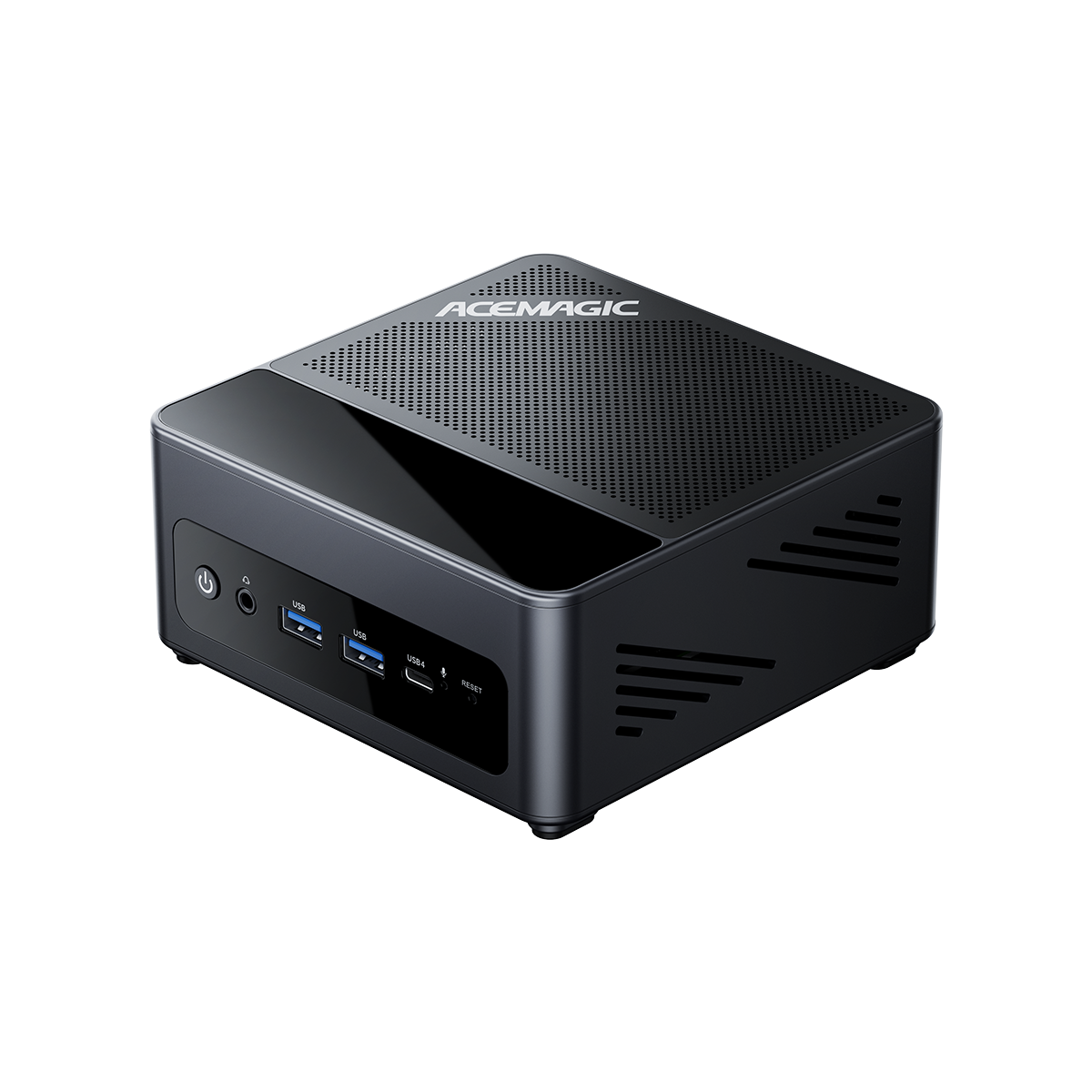
- ACEMAGIC offers purpose-built AI Mini PCs starting with the M1A PRO+ AI MAX+395

Why It Matters in 2026
In 2026, AI Mini PCs are increasingly replacing cloud-based AI tools for many users because they reduce subscription costs, improve privacy, and allow faster response times without internet dependency. They are widely used for running LLMs like Llama 3, generating AI images, and building personal AI servers.
Before choosing an AI Mini PC, understanding the differences between Mac and Windows platforms can help determine the right hardware ecosystem for your workflow.
High-performance platforms such as the Ryzen AI Max 395 mini PC have accelerated this shift by enabling large-model inference directly on consumer hardware.
Core hardware components include:
- Modern CPU (Intel Core Ultra or AMD Ryzen AI series)
- Integrated NPU (Neural Processing Unit) for AI acceleration
- High-capacity RAM (16GB to 128GB)
- Fast NVMe SSD storage
- Optional dedicated GPU for heavy AI tasks
According to AMD’s official specifications, the Ryzen AI Max+ 395 features an integrated NPU delivering up to 50 TOPS of AI compute. In comparison, the total platform AI performance (CPU + GPU + NPU) reaches up to 126 TOPS.
What Real Users Are Saying
AI Mini PC discussions across Reddit communities such as r/LocalLLaMA, r/MiniPCs, and r/homelab reveal consistent real-world usage patterns.
RAM Is the Most Important Factor in Real AI Workloads
Users repeatedly emphasize that memory matters more than CPU or brand. Many users report that upgrading RAM provides more noticeable improvement than upgrading CPU.
Typical real usage breakdown:
- 16GB: Small models (7B parameters)
- 32GB: Stable image generation and light AI workloads
- 64GB: Large language models (70B inference)
- 128GB: Professional AI development setups
Shift from Cloud AI to Local AI Systems
Users are increasingly moving away from cloud APIs due to:
- Subscription costs
- Privacy concerns
- Offline usage needs
Common local tools include Ollama and LM Studio for running models directly on Mini PCs.
Ryzen AI 395 Is the Sweet Spot
The AMD Ryzen AI MAX+395 processor is frequently recommended for local AI inference. Users praise its 128GB memory support and strong NPU performance, calling it one of the best options for local LLM inference.
This is why the Ryzen AI Max 395 mini PC has become a reference point for high-end AI Mini PC builds.

What Actually Determines AI Performance
AI Mini PC performance depends on three key components:
CPU (General Processing)
Handles system tasks and responsiveness but is not the main AI bottleneck. Modern AI Mini PCs use Intel Core Ultra or AMD Ryzen AI processors with 8-16 cores.
GPU (Parallel AI Workload)
Critical for image generation, video rendering, and Stable Diffusion performance. Some AI Mini PCs include dedicated GPUs for users who need maximum AI performance.
NPU (AI Inference Engine)
Optimized for low-power AI inference tasks such as real-time LLM execution. According to Intel's specifications, the Intel Core Ultra NPU can process AI workloads at up to 11 TOPS while consuming only 1-3 watts of power [Source: Intel Core Ultra Product Brief].
Modern Intel and AMD platforms integrate NPUs designed specifically for AI acceleration and efficiency.
Choosing the right processor is also important for AI Mini PC performance. Learn more about the differences between AMD Ryzen 5 and Intel i5 processors.
Real-World Performance: Benchmarks
Understanding how AI Mini PCs perform in real-world tasks helps you choose the right model.
LLM Inference Speed
| Model | ACEMAGIC M1A PRO+ (128GB) | ACEMAGIC F5A (32GB) | ACEMAGIC K1 (16GB) |
|---|---|---|---|
| Llama 3 8B | High performance class (approx. 70–120 tokens/s) | Mid-high class (approx. 25–45 tokens/s) | Entry class (approx. 10–20 tokens/s) |
| Llama 3 70B | Possible with 4-bit quantization (slow, ~10–18 tokens/s) | Not practical (memory limit 32GB tight) | Not enough RAM |
| Mistral 7B | High performance (approx. 90–150 tokens/s) | Mid class (approx. 30–60 tokens/s) | Low-mid class (approx. 15–30 tokens/s) |
| Phi-3 Mini | Very high performance (approx. 140–220 tokens/s) | High performance (approx. 50–90 tokens/s) | Mid performance (approx. 25–50 tokens/s) |
Image Generation Speed (Stable Diffusion)
| Task | ACEMAGIC F5A | ACEMAGIC M1A PRO+ | ACEMAGIC K1 |
|---|---|---|---|
| 512x512 (1 image) | ~4–8 sec (RDNA 3.5 iGPU class) | ~2–5 sec (high-end GPU class) | ~8–15 sec (Vega 7 limit) |
| 1024x1024 (1 image) | ~10–20 sec | ~5–12 sec | ~15–30 sec |
| Batch (10 images) | ~40–90 sec | ~20–50 sec | ~80–180 sec |
Power Consumption
| System | Idle | Load | Estimated 24/7 Cost |
|---|---|---|---|
| ACEMAGIC M1A PRO+ | ~15W | ~65W | ~USD 12/month |
| ACEMAGIC F5A | ~18W | ~85W | ~USD 16/month |
| Traditional Desktop | ~80W | ~350W | ~USD 65/month |
Note: Performance values are estimated based on CPU/GPU/NPU specifications and typical AI inference scaling behavior. Actual results may vary depending on model size, quantization level (FP16 / INT8 / 4-bit), runtime (llama.cpp / ONNX / Vulkan / Metal), thermal constraints, and system configuration.


Scenario Guide: Solving Your Specific Problems
Different users face different problems. Here are real scenarios, each addressing a specific pain point, and how an AI Mini PC can solve it.
I want to play games, but I don't want a noisy, bulky desktop
Pain Point: Traditional gaming desktops are large, noisy, and power-hungry.
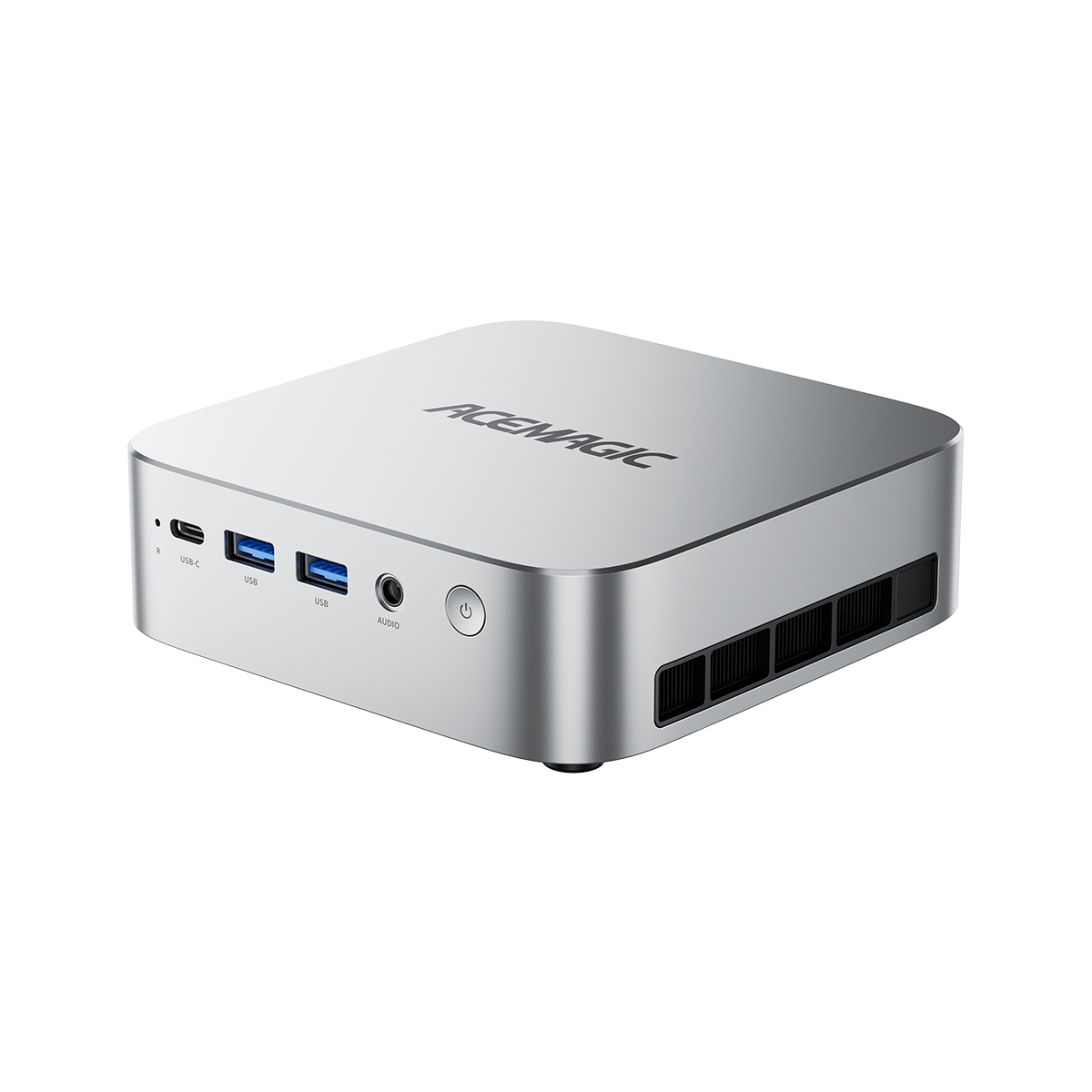
Solution: Look for the best Mini PC for AI with a dedicated GPU. Models like the ACEMAGIC F5A offer:
- Compact design (5-7 inches), doesn't take up desk space
- Dedicated GPU can smoothly run 1080p esports games
- Low fan noise for a quieter gaming experience
- Power consumption is 60% lower than traditional desktops
What you can play: Esports games (League of Legends, CS2, Valorant), 1080p medium-high settings AAA games

I want to use Stable Diffusion, but cloud services are too expensive
Pain Point: Midjourney, DALL-E, and other cloud services cost USD 20-60 per month. Costs add up quickly when generating lots of images. Concerned about the privacy of images uploaded to the cloud.
Solution: Choose the best Mini PC for AI with a dedicated GPU and sufficient RAM:
- Dedicated GPU for fast image generation
- At least 32GB RAM (64GB recommended for large models)
- One-time purchase, no monthly fees
- Runs locally, images never leave your computer
Cost comparison:
- Cloud service(Midjourney): USD 30/month x 12 months = USD 360/year
- AI Mini PC (one-time): USD 549-1,399, lasts 3+ years
I want to use ChatGPT, but I don't want to pay USD 20/month
Pain Point: ChatGPT Plus costs USD 20/month, USD 240/year. Company secrets and personal data uploaded to the cloud. Can't use without an internet connection.
Solution: Choose an AI Mini PC with high RAM capacity and NPU support:
- At least 64GB RAM (128GB recommended for 70B+ models)
- NPU for accelerated inference
- One-time purchase, no monthly fees
- Runs locally, data never leaves your computer
Cost comparison:
- ChatGPT Plus: USD 20/month x 12 months = USD 240/year
- AI Mini PC (one-time): USD 929-3,099, lasts 3+ years
Why RAM matters more than GPU for LLM inference: For running large language models, RAM is the bottleneck, not GPU. A system with 128GB RAM and integrated NPU can run 70B parameter models that a 64GB system with dedicated GPU cannot.
I edit 4K video, but rendering is too slow
Pain Point: 4K video rendering takes too long. Traditional workstations are large and expensive (USD 3,000+).
Solution: Choose an AI Mini PC with a dedicated GPU:
- Dedicated GPU accelerates video rendering
- At least 32GB RAM (64GB recommended for 4K)
- Compact design fits in a backpack
- 50% cheaper than traditional workstations
I want to run local AI services 24/7, but worried about electricity
Pain Point: Traditional servers consume 350W+, costing USD 65+/month.
Solution: Choose an AI Mini PC with low power consumption and high RAM:
- Low idle power consumption (~15W)
- At least 64GB RAM (128GB recommended for multiple services)
- Stable and reliable for long-term operation
24/7 operating cost comparison:
- Traditional server: High power (350W+), monthly electricity USD 65+
- AI Mini PC: Low power (15-65W), monthly electricity USD 12
- Annual electricity savings: ~USD 600
How People Actually Use Them
Local AI Developer Setup
Developers run LLMs locally to avoid API costs and latency. Common setups include Ollama or LM Studio running quantized 70B models.
AI Content Creation Workflow
Creators use GPU-based systems for Stable Diffusion, ComfyUI pipelines, and batch image generation.
Home AI Server
Users replace cloud AI subscriptions with local Mini PCs running continuously for chatbot hosting and automation.
Office Productivity + AI Assistant
Light users rely on Mini PCs for writing, translation, and coding assistance without heavy hardware requirements.
How to Choose the Best Mini PC for AI
Step 1: Identify Your Workload
| Workload Type | Key Requirement |
|---|---|
| Text AI (LLM inference) | CPU + NPU, High RAM |
| Image AI (Stable Diffusion) | GPU required |
| Video editing | GPU required |
| Office + light AI | Compact, quiet, affordable |
| 24/7 AI server | Low power, high RAM, stable |
Step 2: Choose RAM Based on Model Size
| RAM | What You Can Do |
|---|---|
| 16GB | Basic AI tasks, small models (7B parameters) |
| 32GB | Most AI workloads including image generation |
| 64GB | Large language models (70B parameters) |
| 128GB | Professional AI development, multi-model setups |
Step 3: Decide GPU Requirement
GPU is essential for image generation and video processing, but not necessary for text-based AI. For LLM inference, CPU + NPU is often sufficient.
Step 4: Consider Power Usage
Lower power systems are better for 24/7 operation scenarios. Typical AI Mini PCs consume 15-85W, compared to 80-350W for traditional desktops.
AI Mini PC vs Traditional Desktop
| Feature | AI Mini PC | Traditional Desktop |
|---|---|---|
| Size | Compact (5-7 inches) | Large tower |
| AI Acceleration | CPU + GPU + NPU | GPU-dependent |
| Power Usage | 15-85W | 80-350W |
| Noise | Low | Medium-High |
| Upgradeability | Limited | High |
| Best Use Case | AI workloads + office | Gaming + rendering |
AI Mini PCs prioritize efficiency and continuous AI workloads, while traditional desktops prioritize raw performance.
Who Should Use the Best Mini PC for AI?
Ideal users include:
- Developers running local AI models for coding assistance
- Content creators using AI tools for video and image editing
- Remote workers who need a compact, quiet workstation
- Students and researchers working with machine learning
- Users building personal AI servers for home use
AI Mini PCs may not be ideal for:
- Hardcore AAA gamers who need maximum frame rates
- 3D animation professionals requiring high-end GPU rendering
- Users who need frequent hardware upgrades
Is an AI Mini PC Worth It in 2026?
An AI Mini PC is worth buying if you want:
- Local AI execution without cloud subscription costs
- A compact workstation that fits on any desk
- Low power consumption for 24/7 operation
- Balanced performance for productivity and AI tasks
Consider alternatives if you need:
- High-end GPU rendering for professional 3D work
- Maximum upgrade flexibility with standard PC components
- AAA gaming at 4K ultra settings
What Best Mini PC for AI Models?
For training small to medium AI models locally, an AI Mini PC provides excellent value. You need at least 32GB RAM (64GB recommended), a modern CPU with NPU support, and fast NVMe SSD storage.
The ACEMAGIC M1A PRO+ AI MAX+395 meets all these requirements with up to 128GB RAM, Ryzen AI MAX+395 processor, and integrated NPU.
For users who need dedicated GPU performance, the F5A AI9 HX 470 offers a powerful AMD processor combined with dedicated graphics.
Out-of-the-Box AI Computer: Ready to Use
One significant advantage of ACEMAGIC AI Mini PCs is that they work out of the box. Unlike custom-built systems that require assembly and configuration, ACEMAGIC mini PCs come pre-configured with optimized BIOS settings, compatible RAM and storage, and a ready-to-use Windows installation.
Best Local AI Model for CPU: What to Run
| Model | RAM Required | Best For |
|---|---|---|
| Llama 3 (8B) | 16GB | General chat and text generation |
| Mistral 7B | 16GB | Fast inference and coding tasks |
| Llama 3 (70B) | 64GB | Advanced reasoning and analysis |
| Phi-3 Mini | 8GB | Lightweight AI tasks |
| Stable Diffusion | 16GB+ | Image generation |
AI Model Requirements Reference
| Model | Minimum RAM | Recommended Use |
|---|---|---|
| Llama 3 8B | 16GB | Chat and basic AI tasks |
| Mistral 7B | 16GB | Coding assistant |
| Llama 3 70B | 64GB | Advanced reasoning |
| Phi-3 Mini | 8GB | Lightweight tasks |
| Stable Diffusion | 16-32GB + GPU | Image generation |
Future Trends of AI Mini PCs
- Increasing adoption of NPU-based AI computing
- 64GB–128GB RAM becoming mainstream
- Growth of local AI replacing cloud AI usage
- AI-native operating systems emerging
- Expansion of edge AI computing devices
Frequently Asked Questions
What is an AI Mini PC used for?
Do AI Mini PCs need a GPU?
Not always. Text-based AI can run without a GPU, but image generation and video processing require GPU acceleration.
How much RAM do I need for AI workloads?
At least 16GB is required for basic tasks, while 64GB or more is recommended for large language models.
Can AI Mini PCs run Stable Diffusion?
Yes, but GPU-equipped models provide significantly better performance for image generation.
Can AI Mini PCs run 70B models locally?
Yes, but typically require 64GB–128GB RAM depending on quantization level.
Are AI Mini PCs good for 24/7 usage?
Yes, they are designed for low power consumption and continuous operation.
What is the best Mini PC for AI in 2026?
The best AI Mini PC depends on your needs. For LLM inference, choose a model with 128GB RAM and NPU (like ACEMAGIC M1A PRO+). For gaming/video editing, choose a model with a dedicated GPU (like ACEMAGIC F5A).
How much does an AI Mini PC cost?
- Budget (office/light AI): USD 500-800
- Mid-range (gaming/video): USD 800-1,500
- High-end (AI development): USD 1,500-3,000
Final Notes
The Best Mini PC for AI represents a shift toward local-first computing. As hardware continues to improve, systems like the ryzen ai max 395 mini pc are becoming the foundation for personal AI infrastructure, replacing many cloud-based workflows.
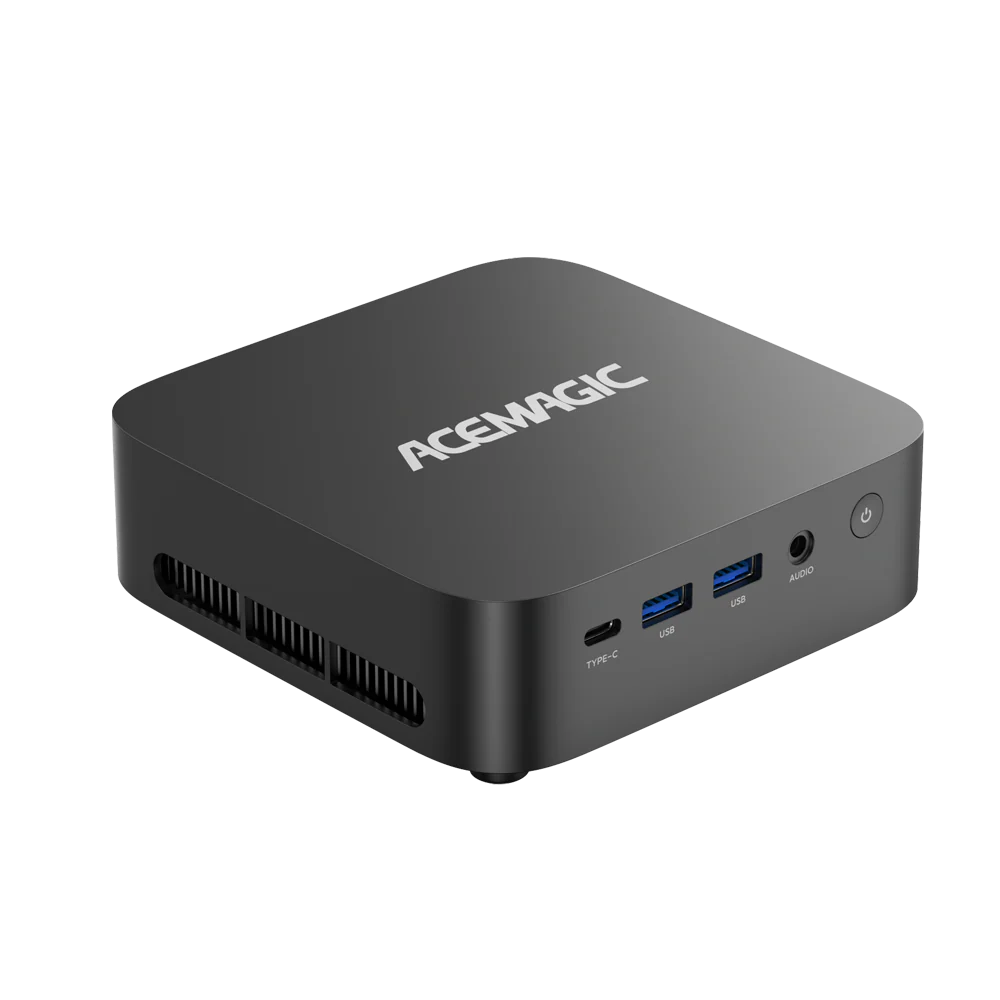
For users looking for ready-to-use solutions with strong performance and flexible configurations, ACEMAGIC offers a range of AI Mini PCs designed for local LLM workloads, content creation, and everyday productivity.





1 comment
hello