
Best Mini PCs for Proxmox in 2026: Top Virtualization & Homelab Picks
Mini PCs are becoming popular virtualization servers because they provide enough performance for multiple virtual machines while using less power than traditional servers.
Nobody wants a loud, power-hungry rack server in their closet anymore. Consolidating your network services—like Home Assistant, NAS storage, media servers, and virtual firewalls—into a single, quiet mini PC is the better way to build a homelab. Proxmox Virtual Environment (VE) handles the software side perfectly, but Choosing the right Proxmox mini PC hardware is important because virtualization workloads require enough CPU cores, RAM, storage speed, and network flexibility.

Mini PCs save space and electricity, but buying the wrong one leads to bottlenecked virtual machines (VMs), restricted storage, and limited routing options. This guide covers the exact hardware you need for a stable Proxmox setup and looks at the current ACEMAGIC lineup to help you find the right fit for your network.
Why Use a Mini PC for Proxmox?
Lower Power Bills
Used enterprise servers often idle at 100W or more. Modern mini PCs typically idle between 15W and 25W. If you run your server 24/7, that power efficiency can literally pay for the hardware itself in a year or two.
Size and Noise
You can hide a mini PC behind a monitor, on a bookshelf, or inside a media cabinet. They run almost silently, meaning you don’t have to deal with the jet-engine fan noise of a 1U or 2U rack server.
Hardware Requirements for Proxmox
CPU Cores and Virtualization
Proxmox needs cores to distribute across your VMs and LXC containers. An 8-core / 16-thread CPU gives you plenty of room to overprovision. Just make sure hardware virtualization (Intel VT-x or AMD-V) is enabled in the BIOS. If you want to pass physical hardware like a network card or GPU directly to a virtual machine, you’ll also need a system that supports IOMMU (Intel VT-d or AMD-Vi).
RAM: The Real Bottleneck
You will rarely max out your CPU in a homelab, but you will constantly run out of memory. RAM is the lifeblood of Proxmox. 16GB is the bare minimum if you just want to run a few basic containers. If you plan to run multiple full operating systems and a firewall, aim for 32GB to 64GB.
NVMe Storage
Virtual machines need fast storage to stay responsive. NVMe M.2 SSDs are mandatory here. A motherboard with multiple M.2 slots is a massive bonus, as it lets you separate the Proxmox boot drive from your VM storage pool or set up ZFS mirroring for data redundancy.
The Best ACEMAGIC Mini PCs for Proxmox
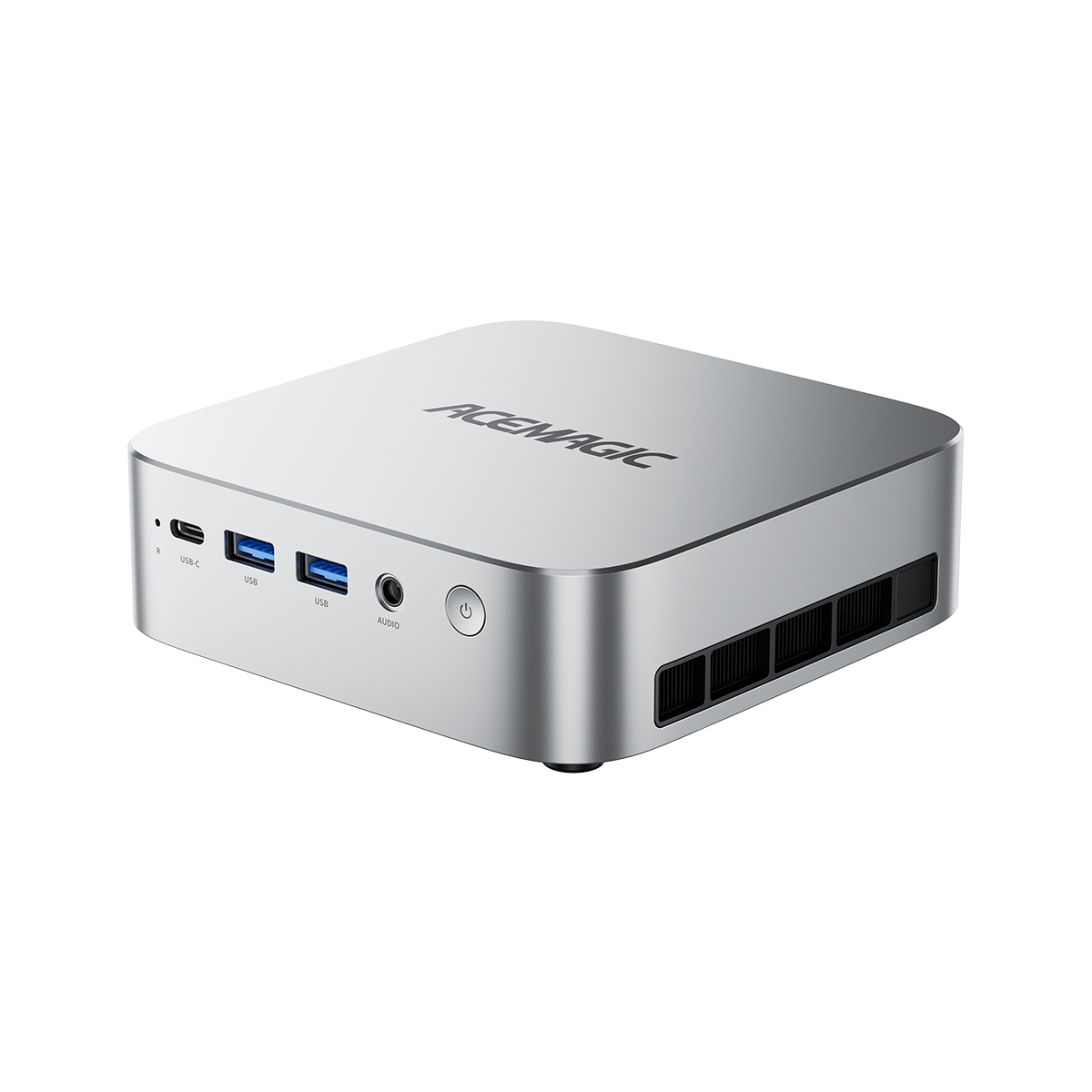
1. The All-Rounder: ACEMAGIC AM18 Mini PC
For most home lab users, the best Proxmox setup is not about having the highest benchmark score—it is about having the right balance between performance, efficiency, and long-term reliability.
The ACEMAGIC AM18 Mini PC is designed for users who want to run multiple virtual machines, Docker containers, Home Assistant, media servers, and everyday Linux workloads from a compact system.
Powered by a modern AMD Ryzen™ processor, the AM18 provides enough multi-core performance for virtualization workloads while keeping power consumption and noise levels suitable for a 24/7 home server environment.

With fast NVMe storage support, high-speed memory, and a compact design, the AM18 is a strong choice for anyone building a quiet Proxmox homelab without the size and power requirements of traditional rack servers.
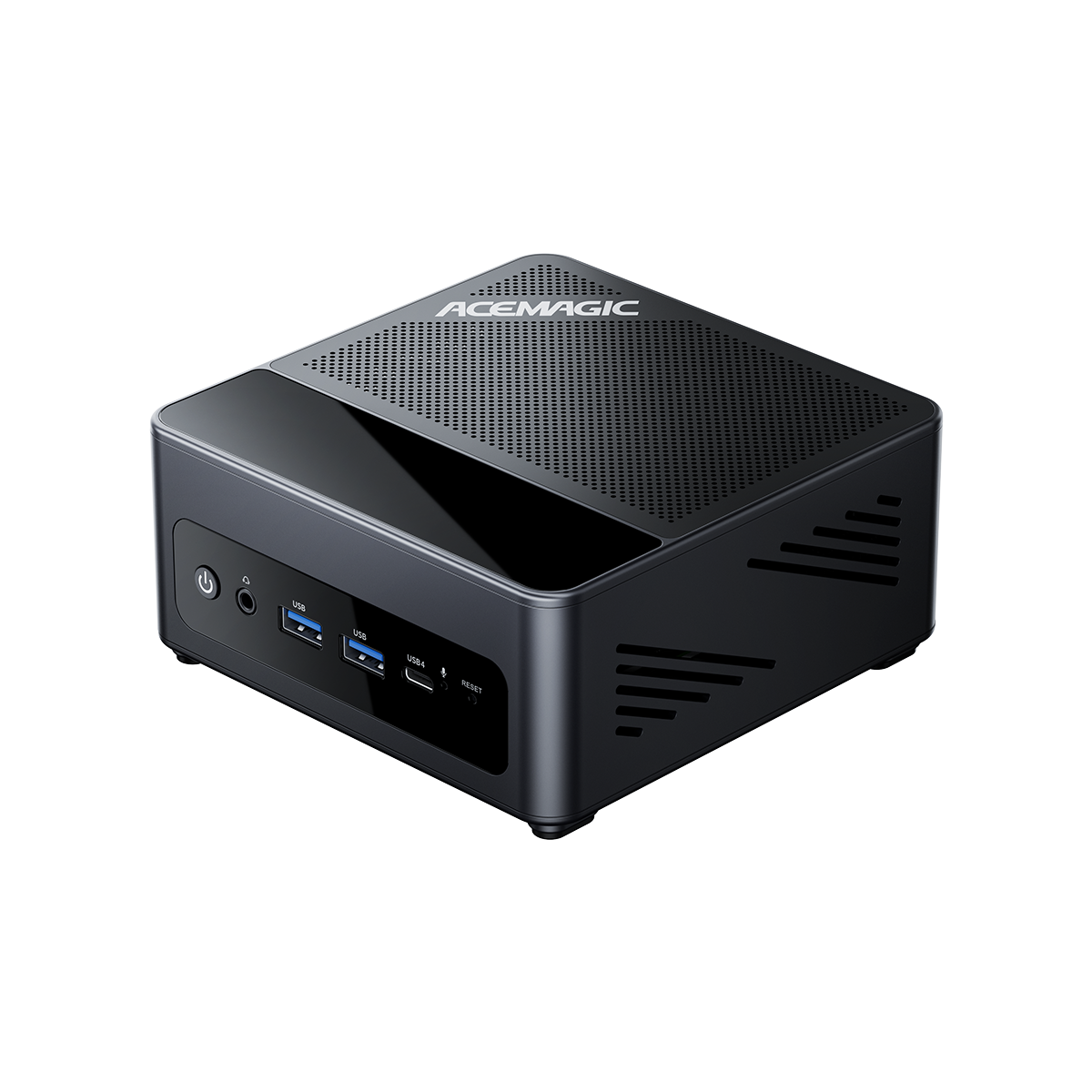
2. For AI and Heavy Virtualization Workloads: ACEMAGIC M1A-395 Mini PC
As local AI becomes a bigger part of home labs, many Proxmox users are looking for hardware that can handle more than traditional server tasks.
The ACEMAGIC M1A-395 Mini PC brings workstation-level performance to a compact form factor. Powered by the AMD Ryzen™ AI Max+ 395 processor with advanced Radeon graphics, it provides the computing power needed for demanding virtual machines, AI workloads, content creation, and GPU-accelerated applications.
If you want your homelab to support both virtualization and next-generation AI applications, the M1A-395 provides the performance headroom to grow.

For advanced Proxmox users, this type of hardware opens possibilities such as running AI development environments inside virtual machines, deploying local AI models, or experimenting with GPU passthrough configurations.
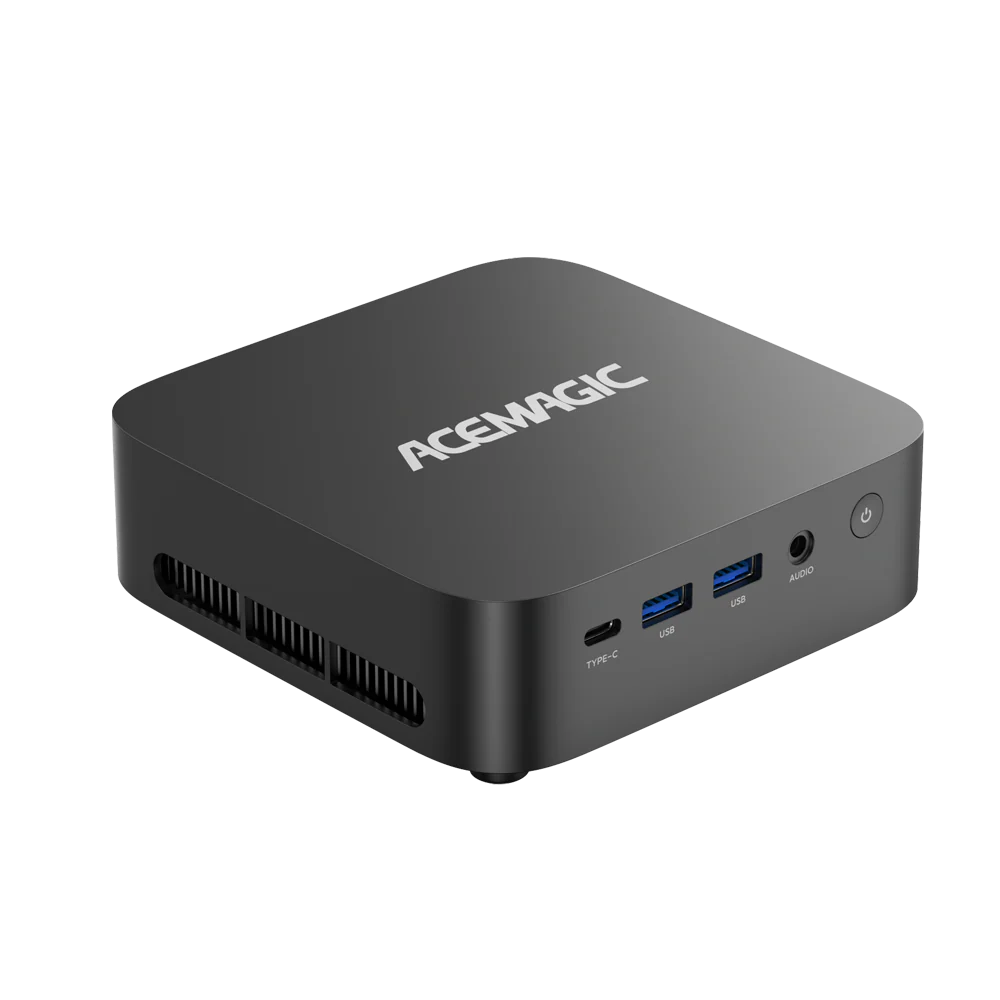
3. Best Expandable Option: ACEMAGIC G3A Mini Workstation
For users who want a more flexible system that can grow with their homelab, the ACEMAGIC G3A Mini Workstation provides a workstation-class foundation for virtualization.
Unlike entry-level mini PCs, workstation-focused systems are built for users who need more performance flexibility for multiple services running at the same time.
The G3A is suitable for advanced Proxmox deployments, including multiple operating systems, development environments, private cloud services, and professional workloads.

Its workstation positioning makes it a strong choice for users who want a compact alternative to traditional servers while keeping enough performance capacity for future upgrades.
Do You Really Need Dual NICs?
Isolating Traffic
Having two network ports lets you isolate your traffic. You can use one port just for the Proxmox web interface and management, leaving the full bandwidth of the second port for your VM data.
Virtualized Firewalls
If you want Proxmox to replace your physical home router with a virtual firewall (like pfSense or OPNsense), two ports are highly recommended. One port acts as the WAN for incoming internet, and the other acts as the LAN going out to your switch.
FAQ
Can a Mini PC Run Proxmox?
Yes. A mini PC can run Proxmox VE if it supports hardware virtualization (Intel VT-x or AMD-V) and has enough RAM and SSD storage. Modern mini PCs are a popular choice for home labs because they provide sufficient performance while using less power than traditional servers.
What Is the Best Mini PC for Proxmox?
The best Proxmox mini PC depends on your workload, but a system with a multi-core CPU, 32GB+ RAM, NVMe storage, and good expansion options is ideal for most home labs. The ACEMAGIC AM18 is a strong all-around choice for running multiple VMs, Docker containers, and Home Assistant.
How Much RAM Do I Need for Proxmox?
16GB RAM is enough for basic Proxmox setups, while 32GB is recommended for most home labs running multiple VMs and containers. Users running advanced workloads such as AI applications, databases, or many virtual machines should consider 64GB or more.
Can I run Proxmox over Wi-Fi?
Technically, yes, if you heavily modify Debian via the command line. But you shouldn’t. Wi-Fi drops packets and adds latency. A bare-metal hypervisor needs a hardwired Ethernet connection to remain stable.
How much RAM does Proxmox actually use?
The base OS only needs about 1GB to 2GB of RAM. However, if you use the ZFS file system, Proxmox will automatically grab up to 50% of your total RAM to use as an Adaptive Replacement Cache (ARC) to speed up storage. Don’t worry if your idle server shows high memory usage—ZFS releases that cached RAM instantly the moment a VM actually needs it.
Is an 8-core CPU enough?
Yes. Because Proxmox lets you overprovision CPU cores, an 8-core chip can easily manage dozens of lightweight, idle services at the same time without breaking a sweat.
Final Thoughts
Moving your homelab to a mini PC is an efficient upgrade. The hardware you choose ultimately dictates how stable your network will be, so prioritize RAM, fast storage, and the right network layout.
For most users, the ACEMAGIC AM18 offers the best balance between performance, efficiency, and everyday virtualization needs. Users who want to explore AI workloads and advanced virtual machine configurations can consider the M1A-395, while professionals and advanced homelab builders looking for more flexibility can choose the G3A Mini Workstation.
Check out the ACEMAGIC lineup to see current pricing, and drop a comment below letting us know what services you plan to host first!