Corporate Mini PC Procurement Guide: Strategies for Volume Purchasing in 2026

Enterprise offices are rapidly replacing desktop towers with compact mini computers. This hardware transition saves valuable desk space and reduces overall energy consumption. Ordering these units in volume requires a strategy that goes beyond multiplying a standard unit price. Buyers must evaluate the total cost of ownership, physical deployment logistics, and IT management capabilities. This guide outlines a clear process for your next hardware rollout.
1. Determine Your True Hardware Needs
Component prices, specifically for memory, remain high in 2026. Procurement teams often try to lower initial costs by selecting entry-level specifications. This specific approach reliably increases the total cost of ownership over time.
We recommend setting 32GB of RAM as the baseline for corporate workstations. A 32GB configuration handles heavy multitasking easily and extends the hardware lifecycle. Paying a slightly higher upfront cost prevents early obsolescence and keeps your workforce productive for years. Cutting hardware budgets on core components usually results in frustrated employees and a much shorter replacement cycle.
2. Workspace Aesthetics and Port Placement
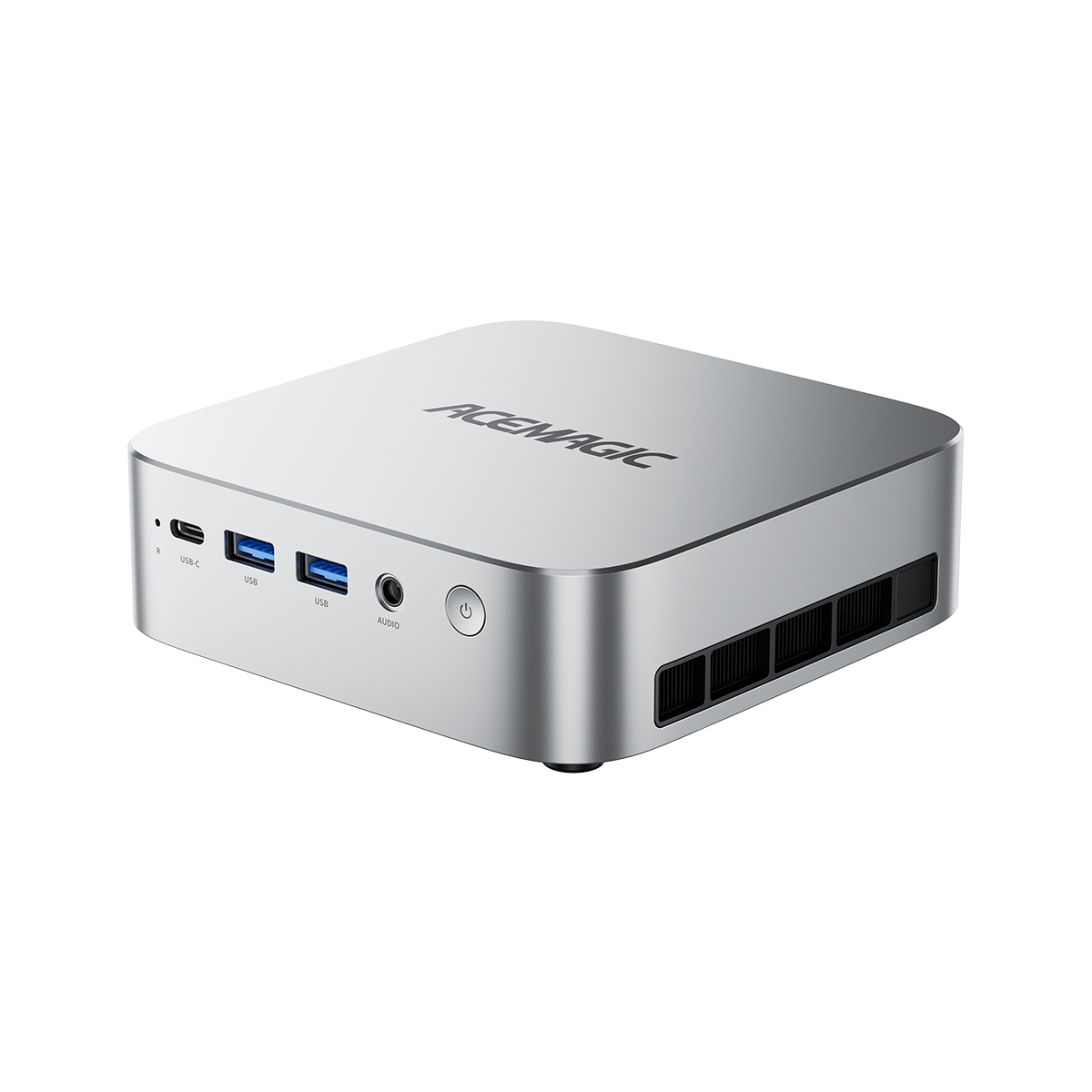
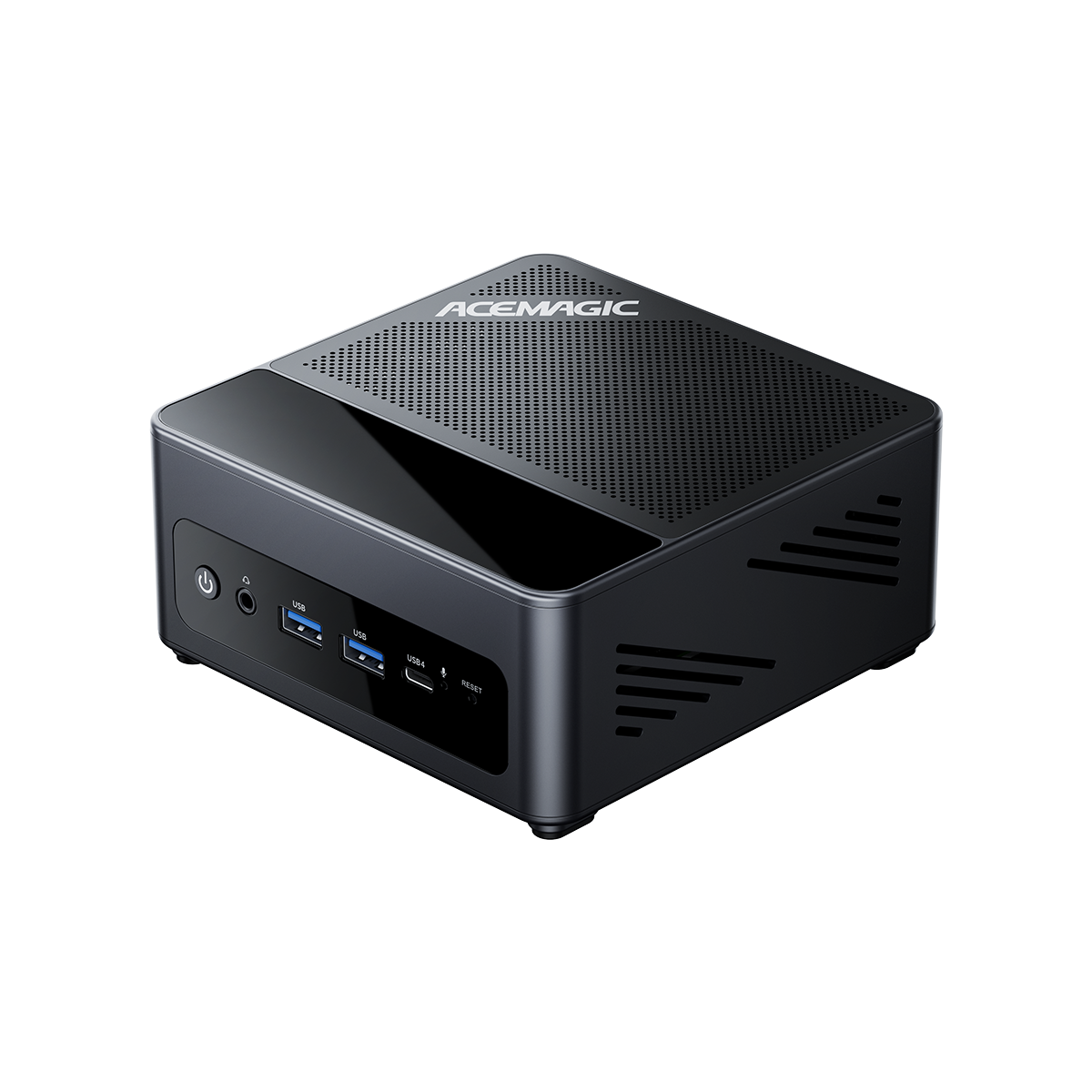
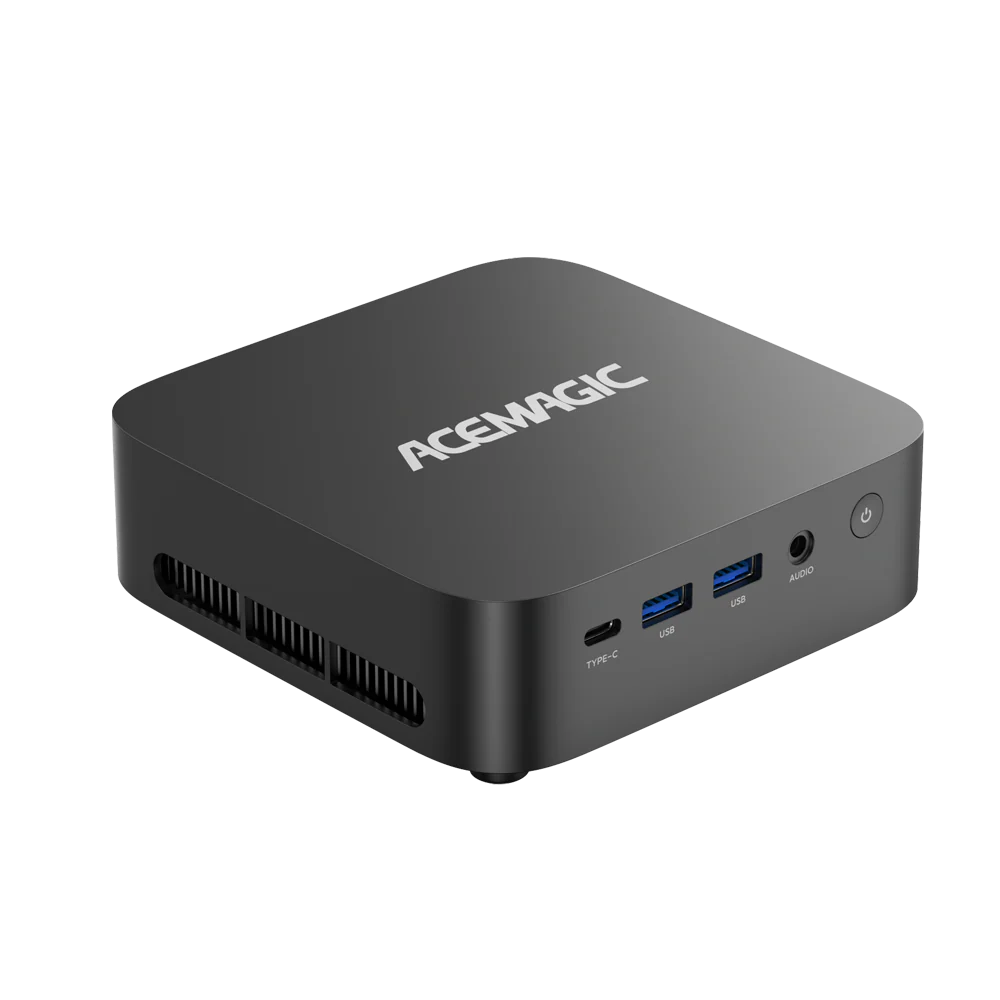
The main advantage of a mini computer is its compact size. A poor physical design can easily ruin that benefit. Buyers must check the exact placement of the input and output ports before committing to a purchase.
Effective industrial designs place all major connections on the rear panel. Rear-facing power, display, and ethernet ports allow for clean cable management. Combined with a VESA mount, rear ports let IT staff hide the device completely behind a monitor. This setup creates a neat wireless desk environment that improves the overall office aesthetic. Front-facing ports should remain strictly reserved for temporary connections like USB flash drives.
3. IT Deployment and Fleet Management
Purchasing the hardware is only the first phase. Your IT department still has to deploy and maintain hundreds of machines across different departments. Enterprise-grade mini PCs must include robust remote management protocols to keep long-term maintenance costs low.
Check the motherboard specifications for features like PXE Boot. This function allows IT staff to install operating systems over the network in large batches. Wake-on-LAN and Auto Power On are equally valuable features. These tools enable administrators to push security updates during off-hours or automatically restart units after a sudden power failure. Hardware lacking these features will require manual IT intervention for every small software update.
4. The Role of Customization in Volume Orders
Standard retail units work well for many businesses. Volume orders open the door to valuable customization options that save significant deployment time. Ask your supplier about factory-level services before finalizing the contract.
Pre-imaged operating systems offer the highest return on investment. The supplier loads your specific corporate software image before shipping, making the units ready to use upon arrival. Custom BIOS screens that display your company logo during the boot process add a professional touch to the equipment. Barebone options offer the flexibility to install your preferred enterprise storage and memory brands directly.
5. Standard Procedures for Physical Testing
Never sign a large purchase order without physical testing. Buying hardware based entirely on a specification sheet carries massive risk. Establish a standard operating procedure that requires testing a sample unit before final approval.
Hand this sample over to your IT team for thermal stress testing. They need to run heavy workloads to evaluate heat dissipation and fan noise. Fifty computers with loud fans will easily disrupt a quiet open-plan office environment. A physical test ensures the machines perform well under your specific daily conditions and verifies that all existing legacy equipment connects properly.
Upgrading Your Office Fleet
Refreshing your corporate hardware is a major investment. Choosing the correct mini PCs improves daily productivity and modernizes your physical office layout.
Contact our B2B sales team today to discuss volume pricing and exact specifications for your project. You can request a sample unit directly to verify performance and thermal efficiency in your own workspace.