
Steam Machine Alternatives: Can a Mini PC Be the Better Living Room Gaming PC?
Can a Mini PC Really Replace the Steam Machine?
A mini PC can replace the Steam Machine, but only if it is the right kind of mini PC. The inexpensive boxes built around integrated graphics are great for indie games, esports, emulation, and lighter 1080p gaming. They are not automatically equivalent to a machine with a dedicated gaming GPU at the same resolution and quality settings.
For a living-room build, raw FPS is only half the decision. The other half is whether the PC behaves well next to a TV: how much setup it needs, whether a controller can handle day-to-day navigation, what happens when the system sleeps and wakes, and whether the price you are comparing is for a finished PC or a barebone kit that still needs memory and storage.
Short version
If you mainly play indie games, esports, or older titles, a Radeon 780M/890M-class mini PC may already be enough. If you want current AAA games at high settings—especially at 1440p—a high-end APU or a mini PC with a discrete GPU is the more realistic Steam Machine alternative. Steam Machine still has the advantage in appliance-like simplicity; a mini PC wins on hardware choice, Windows access, and upgrade flexibility.

Start With the Right Definition of “Steam Machine Alternative”
Valve’s 2026 Steam Machine starts at USD 1,049 for the 512GB model. Its hardware pairs a six-core Zen 4 CPU with a 28-CU RDNA 3 GPU, 16GB of DDR5 system memory and 8GB of dedicated GDDR6 graphics memory. More important than the component list, though, is the way Valve designed it: SteamOS, quick suspend/resume, controller support, HDMI-CEC integration and a small cube intended to sit under a TV.
Data source: Valve Steam Machine. store.steampowered.com. Valve engineer interview on price, CEC and living-room design. tomshardware.com. Accessed September 30, 2026.
That gives us a better test than simply asking whether a small PC can launch Steam. A useful alternative should be judged on five things:
- Modern game performance at 1080p and 1440p, not just whether a game opens.
- A GPU tier that matches the buyer’s quality and frame-rate target.
- A practical TV and controller experience.
- An operating system that fits the user’s game library.
- The final ready-to-play price, not an incomplete bare-bones sticker price.
| What to compare | Steam Machine | Mini PC alternative |
|---|---|---|
| GPU approach | Dedicated RDNA 3 GPU, 8GB GDDR6 | Ranges from shared-memory iGPU to RTX/Radeon dGPU |
| Base storage/memory | 512GB + 16GB on base model | Varies; many complete PCs ship with 1TB / 32GB |
| OS | SteamOS | Windows, Bazzite or another Linux build |
| Couch-first behavior | Designed in | Depends on OS, controller and setup |
| Upgrade flexibility | More appliance-like | Often easier RAM / SSD expansion |
| Setup effort | Low | Low to moderate |
Why an iGPU Mini PC Can Be Good Without Being an Equal Replacement
Integrated graphics are much better than they were a few years ago. That is why small Ryzen systems have become credible gaming PCs instead of simple office boxes. But “playable” and “equivalent at the same settings” are different claims.

For lighter gaming, you may not need a discrete GPU at all. Our Radeon 780M gaming guide covers the mainstream iGPU case, while our Radeon 890M benchmark includes native-resolution average FPS and 1% lows. Rather than copy those older benchmark tables into this article, it is more useful to treat them as the lower-power end of the living-room PC spectrum.
The gap becomes more obvious with newer AAA games, high-resolution textures, and 1440p high settings. An iGPU shares system memory and thermal budget with the CPU. A discrete GPU has its own graphics memory and a much larger graphics power envelope. That does not make an iGPU bad; it simply changes what kind of Steam Machine replacement it is.
| Your gaming target | Hardware tier that makes sense |
|---|---|
| Indie, emulation, esports | 780M / similar modern iGPU can be enough |
| 1080p AAA with tuned settings | 890M / high-end iGPU or stronger |
| 1080p High / 1440p AAA | High-end APU or discrete GPU |
| 1440p High with more headroom | Discrete GPU is the safer choice |
Steam Machine vs M1A Pro: A More Useful Spec Comparison
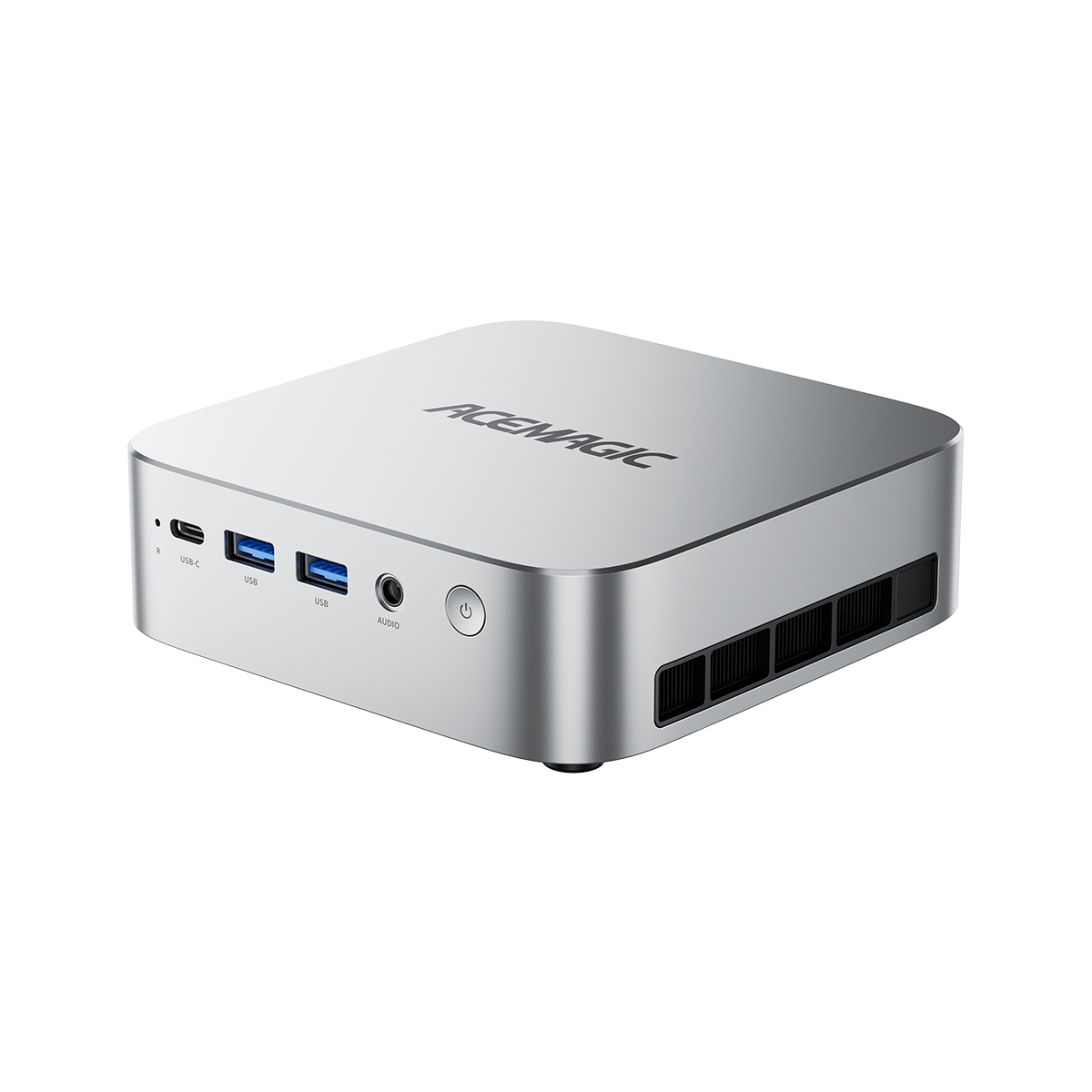
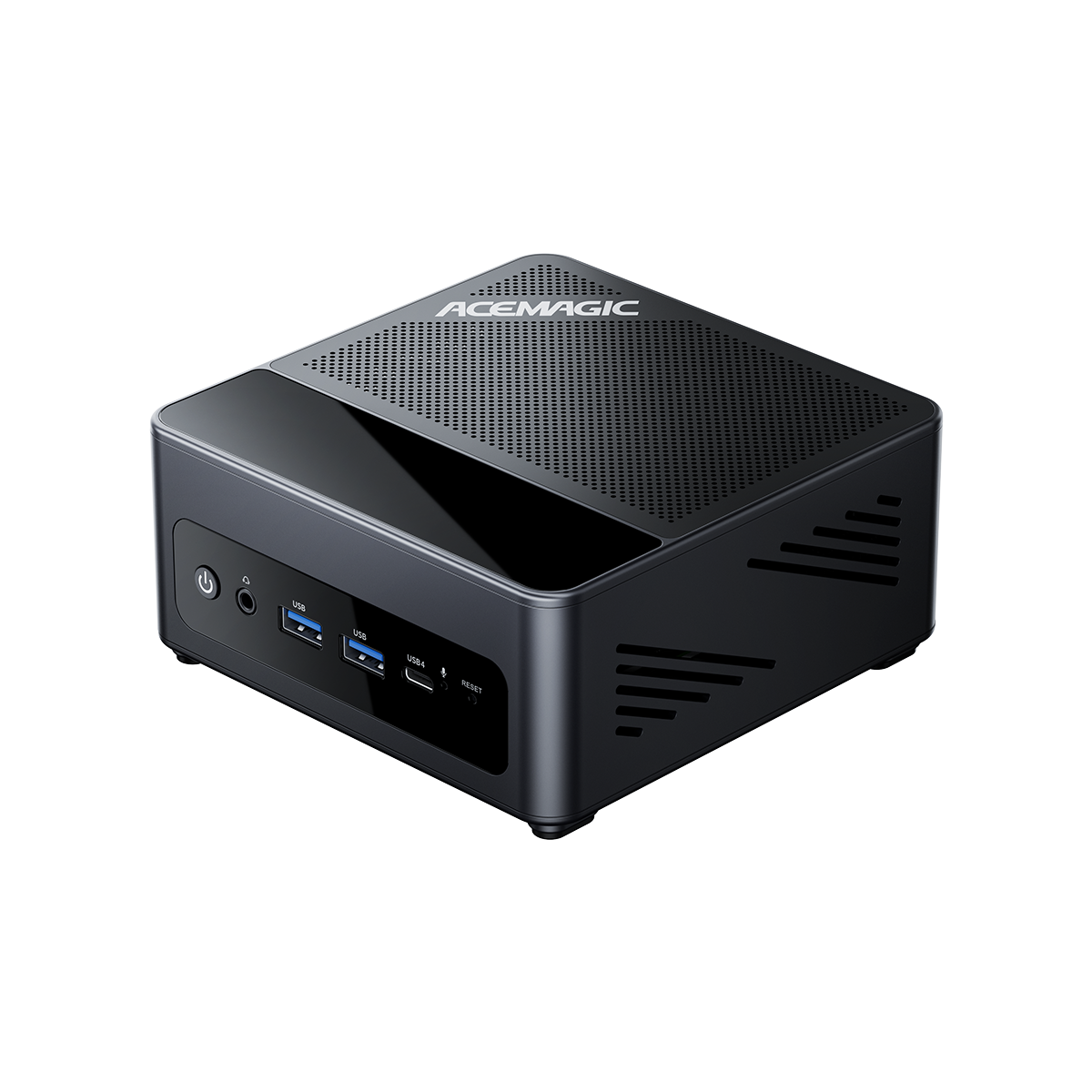
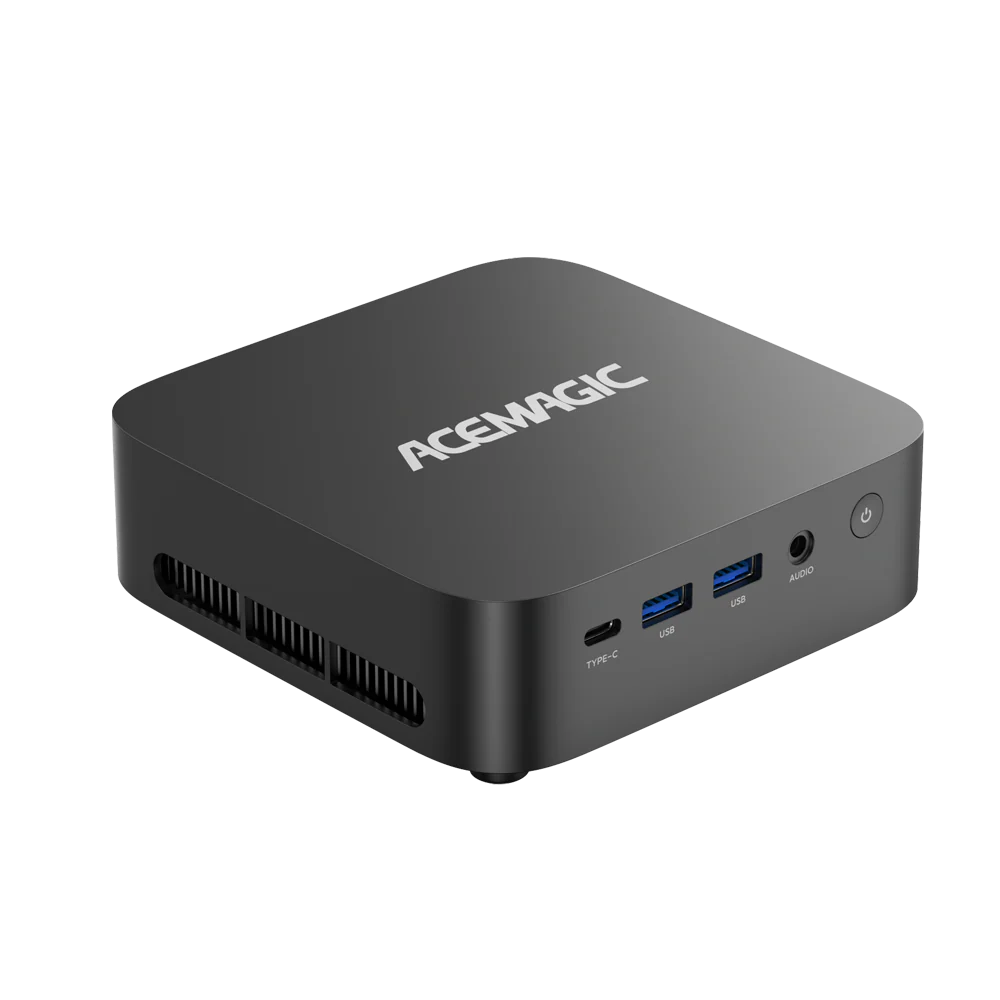
A spec table is still useful, as long as it is not mistaken for a benchmark. The ACEMAGIC M1A Pro is a good example because it is a complete mini gaming PC rather than a barebone kit, and its RTX 5060 configuration has been tested across multiple resolutions by an independent reviewer.
| Valve Steam Machine (512GB) | ACEMAGIC M1A Pro RTX 5060 | |
|---|---|---|
| Current listed price | USD 1,049 | USD 1,499 |
| CPU | 6-core / 12-thread Zen 4 | Intel Core i9-13900HK, 14C / 20T |
| GPU | 28-CU RDNA 3 | GeForce RTX 5060 |
| System memory | 16GB DDR5 | 32GB DDR5 dual-channel |
| Storage | 512GB | 1TB NVMe SSD |
| OS | SteamOS | Windows 11 Pro |
| Video output | Living-room focused | HDMI 2.0 4K60 + DP 2.0 + USB4 |
| Upgrade path | Appliance-oriented | 2 SO-DIMM slots; 2 M.2 NVMe slots |
The M1A Pro costs more at current listed prices, so the point of the comparison is not “cheaper equals better.” It is that the two products spend the budget differently. Steam Machine pays a heavy price for integration and the console-like living-room experience. The M1A Pro gives you a stronger discrete-GPU class, more base RAM and storage, Windows, and conventional expansion.
Real 1080p, 1440p and 4K Gaming on a Discrete-GPU Mini PC
The most useful evidence is not a synthetic score. It is the same mini PC running the same games at several resolutions under one graphics setup. In Take2Play’s independent M1A Pro RTX 5060 test, the games below were run at High settings with DLSS Quality enabled, ray tracing disabled, and frame generation disabled.

| Game | 1080p | 1440p / 2K | 4K |
|---|---|---|---|
| Cyberpunk 2077 | 115 FPS | 92 FPS | 47 FPS |
| Red Dead Redemption 2 | 126 FPS | 96 FPS | 57 FPS |
| Forza Horizon 5 | 143 FPS | 125 FPS | 73 FPS |
| Resident Evil Requiem | 125 FPS | 95 FPS | 46 FPS |
| Black Myth: Wukong Benchmark | 85 FPS | 64 FPS | 38 FPS |
| Crimson Desert | 83 FPS | 60 FPS | 37 FPS |
| Pragmata | 110 FPS | 80 FPS | 37 FPS |
Benchmark source: Take2Play — ACEMAGIC M1A Pro RTX 5060 review. Tests shown at High settings with DLSS Quality enabled, Ray Tracing off, and Frame Generation off.
1080p: Plenty of Headroom
Every game in this sample cleared 60 FPS at 1080p, and several were comfortably above 100 FPS. That matters if your living-room display is 1080p or if you prefer a high-refresh experience over extra pixels. For this class of mini PC, 1080p is not the compromise setting; it is the high-frame-rate setting.
1440p: The Sweet Spot
The 1440p results are the more interesting story. Cyberpunk 2077 reached 92 FPS, Red Dead Redemption 2 96 FPS, Forza Horizon 5 125 FPS, and Black Myth: Wukong 64 FPS. Across this sample, 1440p stayed at or above 60 FPS. That is a much stronger fit for a modern living-room PC than chasing native 4K in every game.
4K: Playable, but Not a Guaranteed 60 FPS Target
4K is where the limits become obvious. Forza Horizon 5 still reached 73 FPS, while several newer AAA titles landed in the high-30s to high-40s. That is not a failure; it is simply a reminder that “4K output” and “4K/60 High in every new game” are different things. At 4K, upscaling, frame generation, or a lower preset becomes part of the tuning process.

The M1A Pro stands out for its stronger gaming performance and flexibility. It gives you more room for demanding games while keeping the freedom of a full Windows PC.
View M1A ProBarebone Price vs Ready-to-Play Cost
This is one of the easiest ways to make a Steam Machine comparison look better or worse than it really is. A barebone price normally excludes RAM, SSD storage, and an operating system. A complete mini PC includes them. Putting those two sticker prices next to each other is not an apples-to-apples comparison.
| Cost item | Barebone mini PC | Complete mini PC |
|---|---|---|
| RAM | Buy and install separately | Included |
| SSD | Buy and install separately | Included |
| Operating system | Install Bazzite/Linux or add Windows | Usually preinstalled |
| Controller | Add if needed | Add if needed |
| Real comparison point | Final ready-to-play total | Listed system price + accessories |

For a gaming build, it is more useful to normalize the comparison around the same usable configuration—say 32GB of memory and 1TB of NVMe storage—then add the operating system and any parts you do not already own. A barebone kit can still be excellent value if you already have compatible SO-DIMMs or an SSD. It simply should not be compared with a finished PC before those costs are included.
If you are considering a barebone route, our barebones mini PC build guide explains what is normally missing, what parts you need and how the installation process works.
Bazzite vs Windows for a Living-Room Gaming PC
The OS choice changes the feel of the machine more than a CPU comparison ever will. Windows gives you the widest PC game and launcher compatibility. Bazzite is more attractive when the goal is to make a PC behave like a Steam-first console.

| Priority | Bazzite | Windows 11 |
|---|---|---|
| Controller-first Steam interface | Strong, especially with Gaming Mode | Use Steam Big Picture / auto-launch |
| PC Game Pass | Not a native fit | Best option |
| Game/launcher compatibility | Good, but Proton and anti-cheat matter | Broadest |
| AMD Steam Gaming Mode | Most straightforward path | Works normally |
| NVIDIA Steam Gaming Mode | Supported with more caveats | Simpler default |
| Desktop/work software | Linux ecosystem | Broad Windows ecosystem |
Bazzite’s current documentation supports Steam Gaming Mode on modern AMD GPUs and offers dedicated Nvidia Gaming Mode images, but it also describes Nvidia support as more limited than AMD. See Bazzite’s hardware compatibility guide and Bazzite image FAQ.
For the RTX 5060 M1A Pro, Windows 11 is the low-friction default. You can make it couch-friendly by launching Steam automatically into Big Picture Mode. If your project is specifically a Bazzite-first DIY Steam Machine, an all-AMD system is still the cleaner place to start.
Does It Actually Feel Like a Console?
This is where many “faster than Steam Machine” comparisons stop too early. A tower can beat Valve’s box in FPS and still be a worse living-room product. Valve’s engineers specifically call out quietness, HDMI-CEC and a dedicated Bluetooth antenna as features that are difficult to reproduce just by buying a faster GPU.
| Check before buying | Why it matters in the living room |
|---|---|
| TV refresh-rate path | Verify the exact HDMI / DP / USB4 path needed for your TV, not just the maximum resolution on the spec sheet. |
| Controller-first navigation | Routine game launching should not require a keyboard and mouse. |
| Sleep/wake behavior | A console feels different when it can resume reliably from the couch. |
| Acoustics | High-performance mini PCs are compact, but compact does not mean silent at full load. |
| Storage expansion | Modern AAA libraries make a second M.2 slot more useful than many buyers expect. |
One concrete example is video output. The M1A Pro lists HDMI 2.0 at up to 4K/60Hz, plus DisplayPort 2.0 and USB4. That is straightforward for a 4K/60 television. If your goal is 4K/120 with HDR and VRR, confirm the exact adapter, display input, and OS path before buying. A spec line that says “8K” does not automatically guarantee the specific TV mode you want.
For the media side of a TV setup, see our Mini PC for Home Theater guide. Gaming adds the extra requirements above.
Steam Machine vs Mini PC: The Buying Decision in One Table
| If you care most about... | Steam Machine | iGPU Mini PC | dGPU Mini PC |
|---|---|---|---|
| Plug-in-and-play Steam couch UX | Best fit | Requires setup | Requires setup |
| Indie/emulation/esports | More power than needed for some users | Excellent fit | Often unnecessary |
| 1080p modern AAA | Strong target | Depends heavily on iGPU/settings | Strong |
| 1440p High | Core use case | Limited on mainstream iGPUs | Best mini-PC route |
| 4K AAA | Upscaling/tuning expected | Not the main target | Possible, but game-dependent |
| Windows / Game Pass | Not the main experience | Flexible | Flexible |
| Hardware/storage flexibility | More appliance-like | Usually strong | Usually strong |
Which Type of Buyer Should Choose Which Route?
You mainly play indie games, esports, or emulators
Do not buy a discrete GPU just because the words “Steam Machine” are in the comparison. A modern iGPU may already cover your library, and it will usually use less power and cost less.
For emulation specifically, see Best Mini PC for Emulation in 2026.
You want modern AAA games at 1080p
A high-end APU or discrete GPU can both make sense. Your choice depends on whether you value a smaller power envelope or more graphics headroom. Look at the actual games you play and the settings you expect, not the GPU name alone.
You want 1440p High as the default
This is where a discrete-GPU mini PC becomes the safer choice. The M1A Pro data above is a good example: under one consistent test setup, the sample stayed at or above 60 FPS at 1440p.
You want 4K/60 High or Ultra in every new AAA game
Treat any compact gaming PC claim carefully. A system may be able to output 4K and still need DLSS, FSR, frame generation, or lower settings to stay near 60 FPS in the heaviest games.
You want the least possible setup
Steam Machine remains the cleaner appliance. A mini PC becomes more attractive when you value Windows, storage expansion, hardware choice, and the ability to use the machine for more than Steam.
Final Verdict: Yes, but the GPU Is Only Half the Story
A mini PC can be a real Steam Machine alternative, but not every mini PC belongs in the same comparison. Mainstream iGPUs are excellent for lighter gaming and tuned 1080p. High-end APUs close more of the gap. If the goal is modern AAA at 1440p High, a discrete-GPU mini PC is the most direct hardware match.
The M1A Pro RTX 5060 benchmark makes that point without relying on a synthetic score: 1440p stayed at or above 60 FPS across the tested sample, while 4K varied much more by game. That is exactly the kind of boundary a buyer needs to see.
Steam Machine still has the advantage if what you want is a tightly integrated SteamOS console that wakes, sleeps and talks to a TV with minimal fuss. A mini PC asks for more decisions, but it also gives you more control over the GPU, storage, operating system and the rest of your PC library.
If the discrete-GPU route fits your use case, see the ACEMAGIC M1A Pro or browse ACEMAGIC mini PCs with NVIDIA GPUs.
Frequently Asked Questions
Can I wake both the PC and the TV with one controller button?
Sometimes, but it is not as automatic on a generic PC as it is on a purpose-built console. Recent Bazzite users have reported success waking the PC with a controller and adding TV control through HDMI-CEC adapters or Bazzite’s CEC tools. Others have run into GPU- or TV-specific problems. If one-button couch wake is important to you, treat CEC as a feature to validate on your exact TV, adapter and GPU rather than assuming it will work out of the box.
Why can HDR or VRR work in Windows but be awkward in Bazzite Game Mode?
The display stack is different, and TV firmware, EDID data, GPU drivers and HDMI link behavior can all matter. Recent Bazzite HTPC threads include users who needed EDID workarounds, users who had HDR behave differently at 4K/120 than at 1440p, and AMD users who benefited from newer Bazzite HDMI configuration tools. The practical lesson is to test the exact combination of TV, refresh rate, HDR and VRR you care about before treating “Linux compatible” as the end of the story.
Is dual-booting Windows and Bazzite practical if the PC lives under a TV?
It can be, but the boot menu is the awkward part. One recent Bazzite user found that a Bluetooth keyboard was not available at the GRUB screen, which is exactly the sort of small friction that matters in a couch setup. Their workaround was to use a tool that sets which OS should boot next, so the choice could be made before restarting instead of at the bootloader. If you plan to dual-boot, design the boot workflow before you hide the keyboard.
Can 6GHz Wi-Fi be a hidden problem on a custom SteamOS/Bazzite build?
It can be on some combinations of Wi-Fi card, router, and regulatory settings. In a recent custom SteamOS build, one user reported stable 5GHz but repeated drops when the network included 6GHz; they eventually fixed it by explicitly setting the wireless regulatory region. That does not mean 6GHz is generally broken, but it is a useful troubleshooting clue if a living-room PC is stable on Ethernet or 5GHz and unreliable on a combined 6GHz SSID.
Is controller wake from suspend guaranteed on Bazzite?
No. The answer depends on the motherboard’s suspend mode, USB wake settings, Bluetooth or 2.4GHz receiver behavior, and the controller itself. Recent HTPC builders have reported setups that wake reliably and others that immediately wake back up or fail to resume cleanly. If controller wake is a must-have feature, test it before you finalize the TV cabinet setup and before you assume a particular controller connection method is the answer.