Is AMD Radeon Graphics Good? What Mini PC Buyers Should Know

AMD Radeon integrated graphics is already enough for the kind of work many people actually do on a compact desktop: email, browser tabs, spreadsheets, streaming, video calls, media playback, and a fair amount of gaming outside the high-end AAA range. It will not replace a desktop system built around a dedicated graphics card. It does not need to. That is not the job.
What matters more is whether you need a balanced machine for daily work and light gaming, or a stronger system with more room on the graphics side. In practice, that often means deciding whether a Radeon 780M class mini PC is already enough or whether moving up to Radeon 890M is the better call.
This article stays focused on integrated AMD Radeon Graphics in mini PCs. It is not a guide to Radeon RX desktop graphics cards.
Who This Type of Mini PC Makes Sense For
AMD Radeon Graphics in a mini PC makes sense for buyers who mostly need:
- office work and browser-heavy tasks
- video calls and media playback
- multi-monitor use
- light creative work
- esports titles, indie games, and many older games
It makes less sense if the system is being bought mainly for:
- demanding new AAA games
- high graphics settings as a default expectation
- heavier 3D production work
- workloads that already call for a dedicated GPU
What AMD Radeon Graphics Means in a Mini PC
In this category, AMD Radeon Graphics usually refers to graphics built into the processor. That is different from a Radeon RX graphics card installed as separate hardware in a desktop tower.
The distinction is practical.
| Type | What it is | Where it usually fits |
| Integrated Radeon Graphics | Graphics built into the CPU | Mini PCs, compact desktops, lower-power systems |
| Radeon RX graphics card | Separate dedicated graphics card | Desktop gaming PCs and heavier GPU workloads |
A mini PC is built around size, power efficiency, and a simpler setup. No separate graphics card means less space used, less heat to manage, and fewer parts. For the buyer, the useful question is straightforward: is the integrated graphics tier in this system enough for the way it will actually be used?
Everyday Work: No Problem
For daily use, Radeon integrated graphics is already past the point of being a concern in most modern mini PCs. If the workload revolves around productivity, web tools, meetings, streaming, and keeping several windows open at once, the graphics side is rarely the first limit you hit.
That workload usually looks like this:
- documents, spreadsheets, and presentations
- browser-based platforms and cloud tools
- email, messaging apps, and video meetings
- music and video streaming
- basic photo work and routine visual tasks
In this range, memory, CPU performance, and storage often have more impact on the day-to-day experience than the graphics tier.
Mini PCs also tend to be used in places where a full tower does not fit well: home offices, TV setups, shared desks, reception counters, or small workstations. Integrated Radeon graphics suits that environment because it keeps the system compact without stripping it down to the point where daily use feels limited.
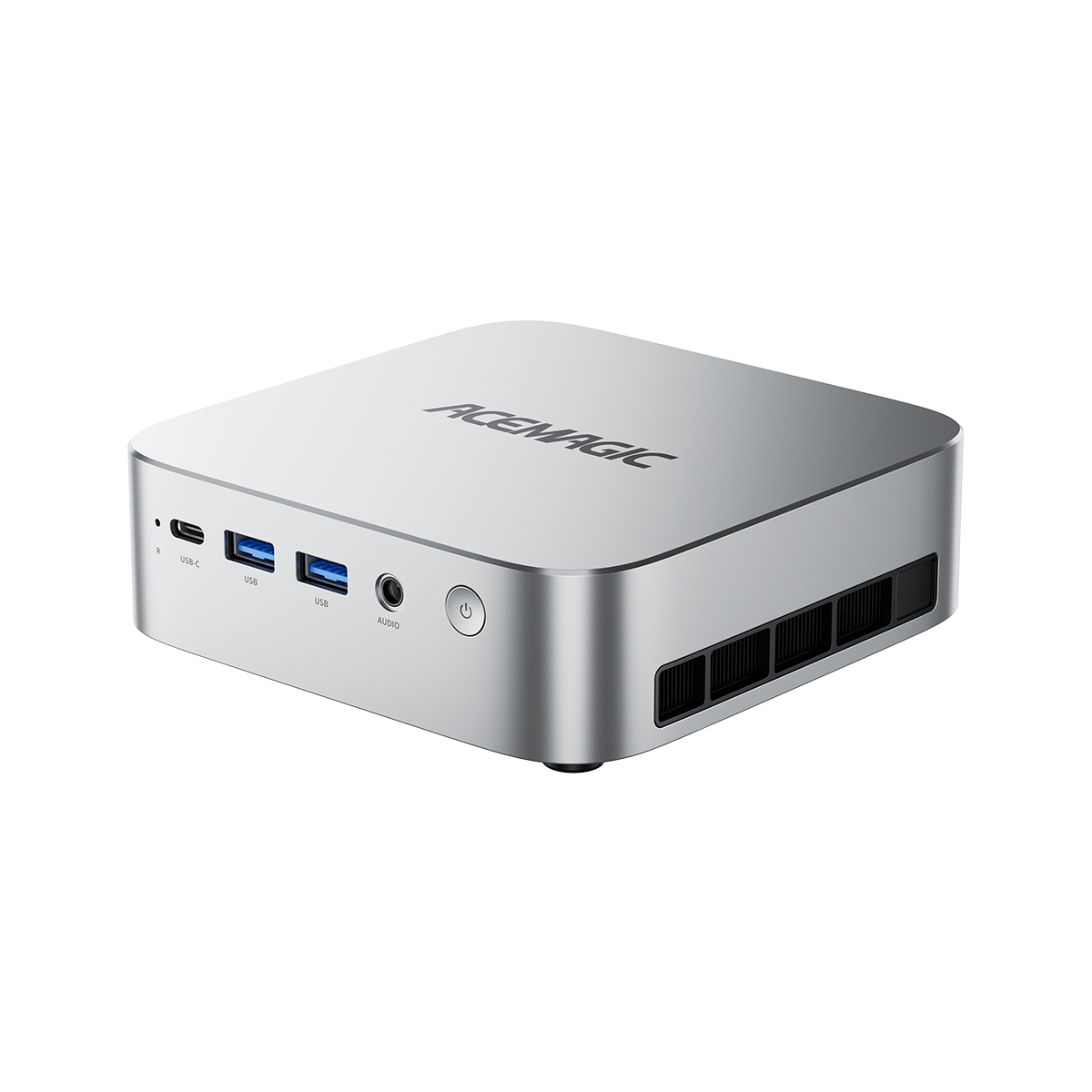
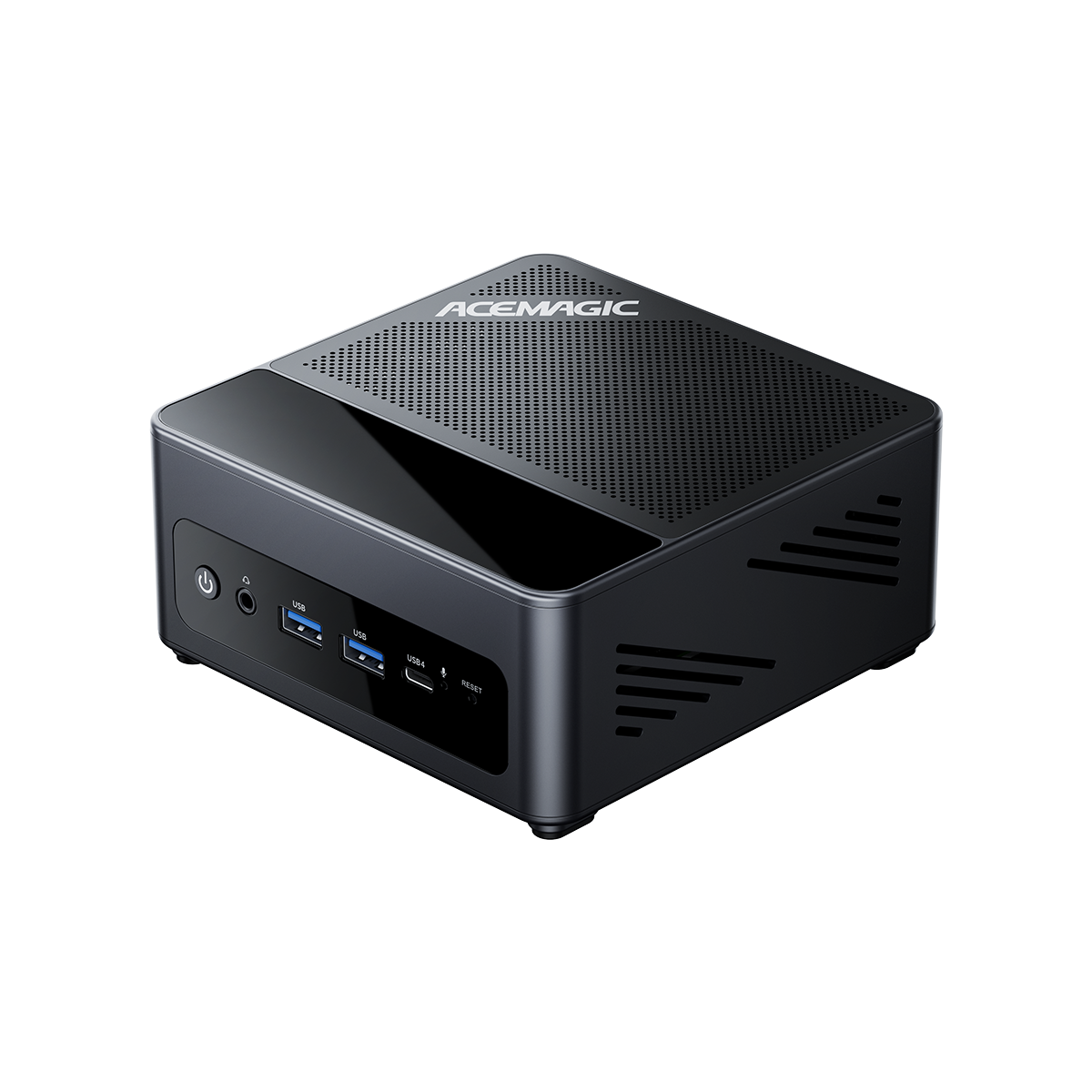
That is why a machine like the ACEMAGIC S3A is easy to justify for buyers who want solid all-around performance without paying extra for headroom they may never use.
Gaming: Good, With Limits
Gaming is where the answer stops being broad and starts depending on what you actually play.
A mini PC with integrated Radeon graphics can handle a meaningful amount of gaming. That includes many esports titles, indie games, older AAA games, and players who are comfortable staying around sensible settings instead of pushing for the highest preset every time.
That is very different from buying a system mainly to run demanding new releases at high settings. Integrated graphics can do a lot now, but it still has a ceiling. Treating it like a dedicated desktop GPU leads to the wrong expectation from the start.
A cleaner way to read the category is this:
| Gaming expectation | How integrated Radeon graphics usually fits |
| Esports, indie games, lighter titles | A sensible match |
| Older AAA games with moderate settings | Often reasonable |
| Newer demanding AAA games at high settings | Weak match |
| Desktop-class gaming as the main goal | Wrong product category |
So yes, AMD Radeon Graphics can be good for gaming in a mini PC. The phrase only works when the standard is clear. It means useful 1080p gaming with reasonable expectations, not a substitute for a gaming tower with a dedicated card.
Radeon 780M vs Radeon 890M
Once the basics are clear, the buying decision usually comes down to headroom.
Radeon 780M already covers a wide range of normal mini PC use. It suits buyers who want one compact machine for work, media, multitasking, and light to moderate gaming without drifting too far up in price. If the system is meant to stay grounded in everyday use with some extra range for games, 780M is often enough.
Radeon 890M is easier to justify when graphics performance carries more weight in the purchase. That can mean more interest in gaming, more visual work, a longer replacement cycle, or a stronger preference for buying above today’s needs instead of directly at them.
Here is the split in plain terms:
| Option | Better for | Typical buyer mindset |
| Radeon 780M | work, media, multitasking, light gaming | buy what is enough and keep the budget under control |
| Radeon 890M | heavier mixed use, more gaming interest, more future margin | leave more room now and avoid feeling limited too soon |
The gap is not only about graphics. A higher-tier mini PC can also bring a stronger overall platform, which matters for display flexibility, external expansion, and how comfortably the machine fits into a more demanding desk setup.
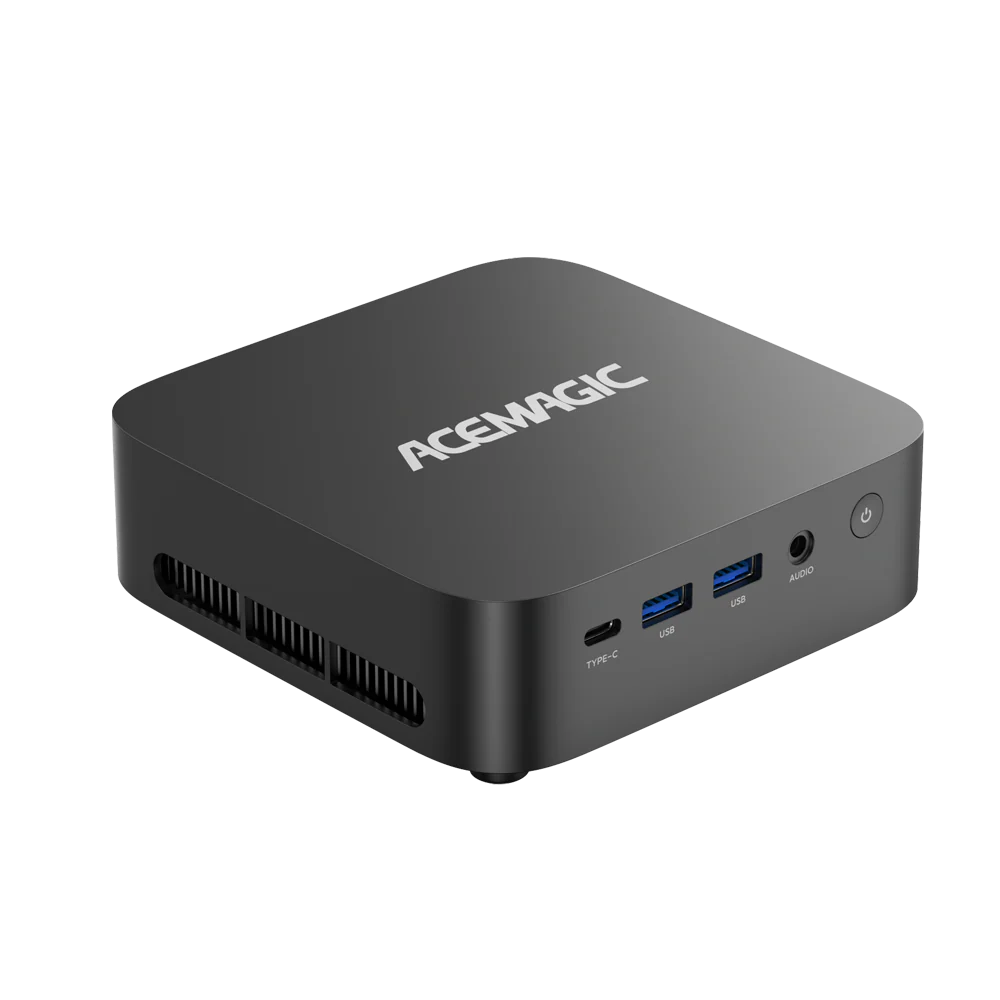
That is why the ACEMAGIC F5A works better as the upgrade path, while the S3A remains the more balanced stopping point.
Choosing Between the S3A and F5A
The cleaner way to choose is to look at your regular use, not edge cases.
Choose the ACEMAGIC S3A if the system will mostly be used for work, browsing, streaming, media, and light gaming, and you want a compact machine that stays well-rounded without moving into a higher tier too early.

ACEMAGIC S3A Mini PC
A new generation of performance cores, easily mastering high-load tasks like E-sports, professional design, and content creation with stable output.
- AMD Ryzen™ 9 8945HS CPU
- 32GB/64GB DDR5 RAM + 1TB SSD
- AMD Radeon™ 780M GPU & Built-in NPU (Up to 39 TOPS)
- Efficient Cooling System with Dual Pure Copper Heat Pipes
Choose the ACEMAGIC F5A if graphics performance has a larger role in the purchase, you want more breathing room for mixed work and gaming, or you would rather buy with more margin now than wonder later whether the lower tier would have been enough.

ACEMAGIC F5A Mini PC
A compact AI system designed to run automation agents and background workflows reliably.
- AMD Ryzen™ AI 9 HX 370 CPU
- AMD Radeon 890M (2900MHz)
- OCULink support
- Efficient Dual-Fan Cooling System
If the gap between the two still feels vague, the S3A is usually the safer pick. Buyers who truly need the F5A usually have a clearer reason for stepping up.
When Integrated Radeon Graphics Is the Wrong Tool
There are cases where a mini PC with integrated graphics is the wrong purchase from the start.
That includes buyers who need:
- high-end AAA gaming at aggressive settings
- desktop-class GPU performance as a fixed requirement
- heavier 3D production work
- a system that depends on dedicated graphics from day one
Outside that range, integrated Radeon graphics remains a sensible option because it gives a compact system enough graphics capability to cover a broad mix of work and entertainment without adding a separate GPU.
Choose Based on Your Actual Workload
For most mini PC buyers, AMD Radeon Graphics is already good enough to be a realistic option. The decision is usually simpler than it sounds: either a Radeon 780M class system already matches the way you use a PC, or Radeon 890M makes more sense because you want more room on the graphics side from the start.
That is a smaller question, but it leads to a better purchase.
FAQ
Is the $700 Premium for AMD 890M Over 780M iGPU Worth It for Light Gaming + Productivity?
No, it is not worth the premium. While the Radeon 890M (built on the newer RDNA 3.5 architecture) offers roughly a 15% to 25% performance improvement over the 780M depending on power limits and RAM speed, a $700 price gap is far too steep for the value it provides.
- For Light Gaming: The older 780M is already an exceptional integrated GPU, easily handling esports titles (CS2, Valorant, League of Legends) and older AAA games at 1080p with medium settings.
- For Productivity: General productivity, office applications, and even moderate photo editing will see practically zero difference between the two.
- The Verdict: If you have an extra $700 to spend, you are much better off buying a laptop with a dedicated graphics card (like an RTX 4060 or 4070) which will vastly outperform any integrated GPU.
What is the difference between Radeon 880M and 780M?
The primary difference between the Radeon 880M and the 780M is the underlying architecture, as the 880M utilizes AMD’s newer RDNA 3.5 design compared to the 780M’s RDNA 3. While both integrated GPUs share the exact same core configuration of 12 Compute Units, the 880M benefits from higher clock speeds (up to 2.9 GHz), an optimized memory subsystem, and support for faster LPDDR5X memory. These architectural refinements translate to roughly a 15% overall performance improvement for the 880M in gaming and synthetic benchmarks, making it a noticeably more efficient chip within the same power footprint.
Are AMD Radeon graphics cards better than Nvidia GPUs for older, slower CPUs?
Generally, yes. This comes down to something called “driver overhead.” Nvidia’s graphics drivers (specifically in DirectX 11 and early DirectX 12 titles) historically require more CPU processing power to organize and send instructions to the GPU.
If you pair a powerful GPU with an older, slower CPU, the CPU becomes a bottleneck. Because AMD’s drivers typically have lower overhead, an older CPU doesn’t have to work as hard to keep the AMD GPU fed with data. This often results in more stable frame rates and fewer stutters in CPU-limited scenarios compared to using an Nvidia card on the exact same aging processor.
How to update AMD Radeon graphics driver
You can update your drivers using the official AMD software already installed on your system or by downloading a fresh installer:
Method 1: Using AMD Adrenalin (Easiest)
- Right-click anywhere on your Windows desktop and select AMD Software: Adrenalin Edition.
- Click the Gear icon (Settings) in the top-right corner.
- Under the System tab, locate the “Software & Driver” section.
- Click Check for Updates. If one is found, click Download and Install.
Method 2: Fresh Download
- Visit the official AMD Drivers and Support page.
- Download the “Auto-Detect and Install” tool.
- Run the downloaded .exe file and follow the on-screen prompts to install the latest recommended driver.
How to check AMD Radeon graphics version
If you need to find out which driver version you are currently running, or the exact model of your GPU:
To check the Driver Version:
- Open AMD Software: Adrenalin Edition.
- Click the Gear icon (Settings).
- On the System tab, look at the Software Version box. It will display your current driver number (e.g., 24.3.1).
To check the Hardware Model:
- Press Ctrl + Shift + Esc to open Task Manager.
- Click on the Performance tab on the left side.
- Scroll down and click on GPU. The top-right corner of the window will display your exact graphics card model (e.g., AMD Radeon RX 7600 or AMD Radeon Graphics).
Can I play GTA 5 on AMD Radeon graphics?
Yes, absolutely. Grand Theft Auto V was released on PC back in 2015 and is incredibly well-optimized. It does not require high-end modern hardware to run smoothly.
- Integrated Graphics (iGPU): Almost any modern AMD processor with integrated graphics (Radeon Vega series, 680M, 780M, etc.) can run GTA 5 smoothly at 1080p on normal or high settings. Even older, entry-level laptop chips can manage it well at 720p.
- Dedicated Graphics (dGPU): If you have any dedicated AMD Radeon RX series card from the last five to seven years, you can easily max out the game’s settings at 1080p, 1440p, or even 4K depending on the specific card.