How to Play Clash of Clans on PC?

Clash of Clans can be played on PC through Google Play Games. For most people, that is the right place to start. It gives the game an official Windows install path, keeps the setup process clear, and does not require a third-party emulator.
The hardware bar is also reasonable. If a Windows Mini PC has an SSD, 8GB of RAM, four physical CPU cores, and hardware virtualization enabled, it meets the baseline for Google Play Games on PC. That makes Clash of Clans a practical fit for compact desktop systems, especially for players who want a larger screen and a fixed desk setup without buying a full-size tower.
Can You Play Clash of Clans on PC?
Yes. Clash of Clans is available on Google Play Games on PC, so there is an official way to install and run it on Windows.
That changes the answer many older guides still give. In the past, playing Clash of Clans on a computer usually meant using an Android emulator. That is no longer the only option. Google Play Games gives players a direct Windows route, and Google also supports game library and progress sync across devices for supported titles. If you already play on Android, that makes the PC setup easier to manage.
Best Way to Play Clash of Clans on PC
For most readers, Google Play Games is the better option.
It is the official PC channel, the install flow is direct, and the system requirements are clearly defined. For a setup guide, that matters more than extra emulator features.
An emulator can still work, but it is usually more useful when a game has no official PC path or when a player wants features such as multi-instance use, deeper control remapping, or broader compatibility settings. Clash of Clans does not need to start there. If the goal is to install the game, sign in, and keep playing on a larger screen, Google Play Games is the cleaner method.
How to Install Clash of Clans on PC
Use the steps below to install Clash of Clans on a Windows PC.
1. Check your system first
Confirm that the PC meets Google Play Games requirements before downloading anything. The main points to check are Windows version, SSD storage, available RAM, and virtualization support.
2. Download Google Play Games on PC
Go to the official Google Play Games page and download the Windows installer. Avoid third-party download pages.
3. Sign in with your Google account
Open Google Play Games and sign in with the Google account you use for your games. If you already play Clash of Clans on Android, use the same account to avoid confusion later.
4. Search for Clash of Clans
Use the search bar to find the official Clash of Clans listing inside Google Play Games.
5. Install the game
Open the listing and click Install. Wait for the download to finish.
6. Launch the game and check your progress
Open Clash of Clans and confirm that the correct account is connected. If your progress does not appear, sign out and check whether the wrong Google account was used during setup.
Minimum Requirements to Play Clash of Clans on PC
Google lists the following minimum requirements for Google Play Games on PC:
- Windows 10 version 2004 or later
- An SSD with at least 10GB of free storage
- 8GB of RAM
- 4 physical CPU cores
- Graphics comparable to Intel UHD Graphics 630
- A Windows administrator account
- Hardware virtualization enabled
Clash of Clans itself is not a demanding PC game. The baseline above is mostly about the platform layer rather than the game alone. That point matters because some readers will assume a light mobile game can run well on any old Windows box. That is not the right test here. The better question is whether the system meets Google Play Games requirements.
For a Mini PC, the safest baseline is straightforward: SSD storage, 8GB of RAM, support for hardware virtualization, and a current Windows install.
What Kind of Mini PC Is Enough for Clash of Clans?
A large gaming desktop is unnecessary for Clash of Clans. A Mini PC is enough if it meets the Google Play Games baseline.
Budget Mini PC
A budget Mini PC works well for a narrow use case: Clash of Clans, web browsing, video playback, and a few light desktop tasks. In that setup, the parts that matter most are not high-end gaming parts. The real baseline is an SSD, 8GB of RAM, four physical CPU cores, and virtualization support.
That is the right fit for readers who want a compact Windows system for light Android gaming and do not plan to keep many other apps open at the same time.
Better Mini PC for multitasking
A stronger Mini PC makes more sense when the desktop workload is broader. If the player usually keeps a browser open, runs Discord, watches video, or plans to play more Android games later, more memory and a stronger processor make the system feel steadier.
For that kind of use, 16GB of RAM is easier to recommend. Not because Clash of Clans needs it, but because the rest of the desktop session often does.
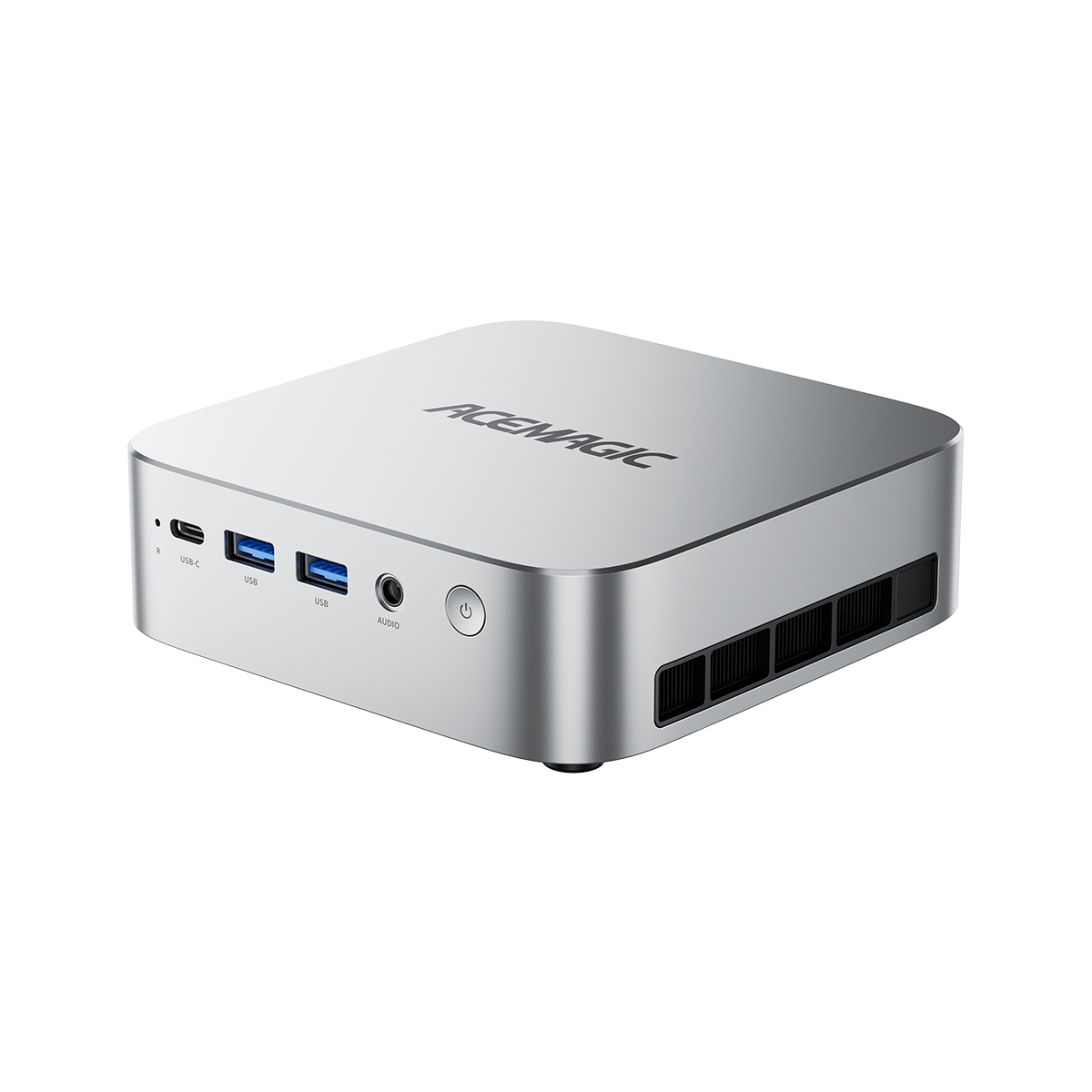
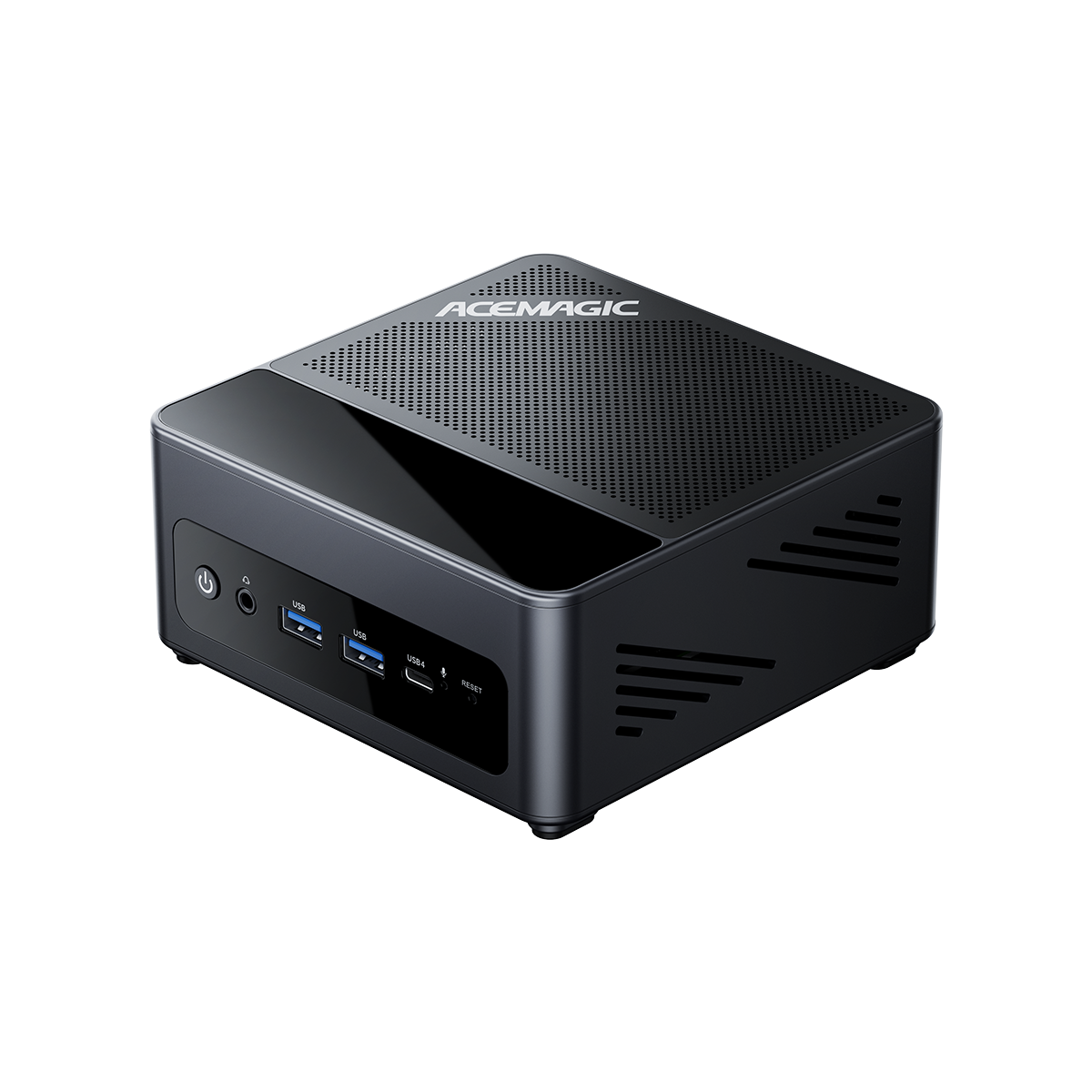
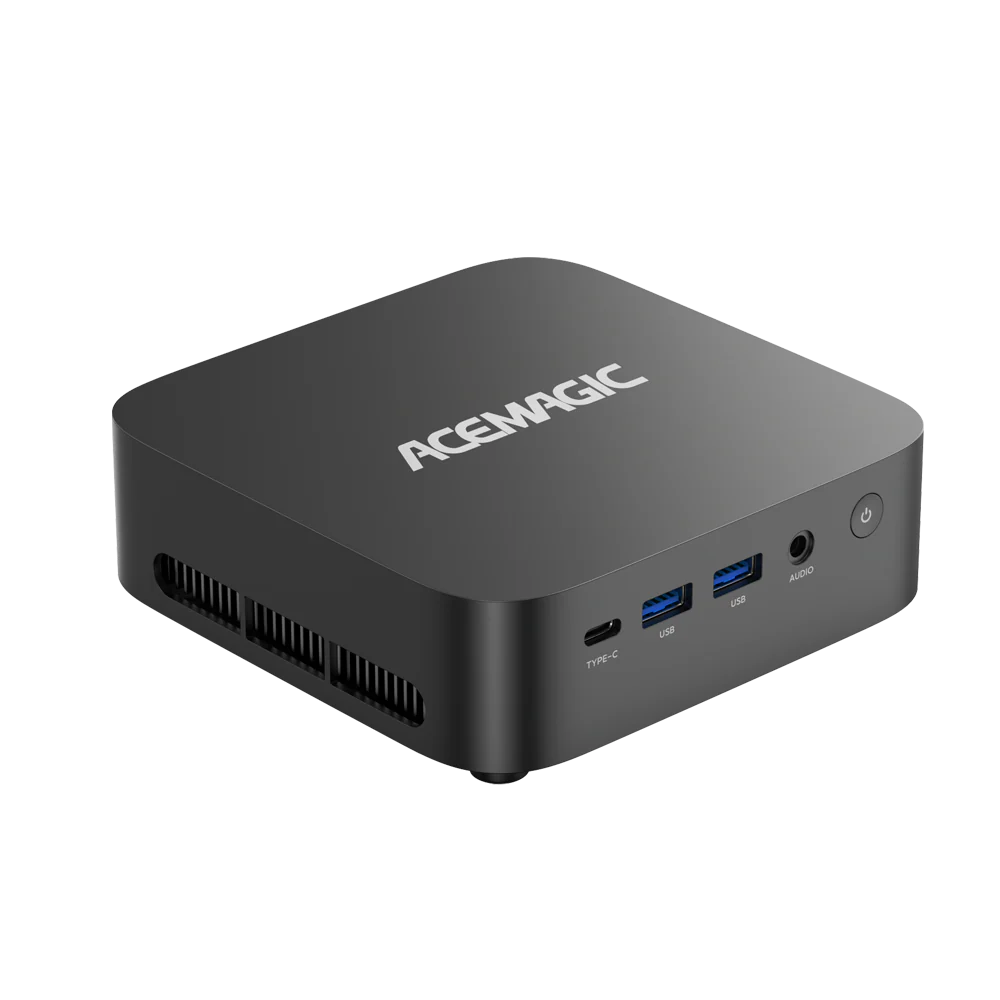
See ACEMAGIC best budget Mini PCs for Clash of Clans

ACEMAGIC AD15 Mini PC
A sleek and powerful mini PC built to handle intensive daily computing and high-definition entertainment with absolute reliability.
- Intel® Core™ i5-12450H Processor
- 16GB RAM+512GB SSD
- Triple 4K@60Hz Display Output
- Space-saving Vertical Tower Design with Efficient Cooling

ACEMAGIC K1 Mini PC
Unlike many "silent" mini PCs that throttle performance when they get hot, the K1 uses a dual-exhaust cooling system. This allows the hardware to maintain higher speeds during longer gaming sessions without overheating.
- Intel® Core™ i5-12600H Processor (12 Cores, 4.5GHz)
- 16GB RAM + 512GB SSD (Expandable to 64GB/4TB)
- Triple 4K@60Hz Display Output (HDMI + DP + Type-C)
- Compact, Space-Saving Design with Advanced Dual-Fan Cooling
Best Settings for Smooth Clash of Clans Gameplay on PC
Most setup problems come from the system, not from Clash of Clans itself. Start with the basics.
Turn on hardware virtualization
If virtualization is disabled in BIOS, Google Play Games may fail to install, refuse to launch, or run poorly.
Install and run the game from an SSD
Google already treats SSD storage as a requirement. That is a good reason not to cut corners here.
Keep background apps under control
On a system with 8GB of RAM, extra browser tabs, chat apps, and background utilities can reduce available memory quickly. Closing what you do not need before launch can help.
Update graphics drivers and Windows
Driver or OS issues can look like game problems when the real cause is platform compatibility.
Use a stable network connection
Clash of Clans still depends on a steady online connection. If the network is unstable, the game can feel sluggish even when the PC is fine.
Common Problems When Playing Clash of Clans on PC
Google Play Games will not install
Start with the baseline checks: Windows version, free SSD storage, administrator access, and virtualization. One missing requirement is enough to stop the install.
Clash of Clans will not launch
Check whether the PC meets Google Play Games requirements and whether the game is available for the account and region in use. If the install completed but the game does not start, sign out and sign back in before trying again.
Virtualization is disabled
This is one of the most common setup issues. The fix usually happens in BIOS, not inside Windows.
There is not enough free storage
Low storage can interrupt installation and updates. Even a light game still needs working space on the SSD.
Progress is not syncing
Check the Google account used during sign-in. Account mismatch is a common reason a saved village does not appear on PC.
FAQ About Playing Clash of Clans on PC
Can you officially play Clash of Clans on PC?
Yes. Clash of Clans has an official Google Play Games on PC listing, so players can install it on Windows without relying on an emulator.
Do you need an emulator to play Clash of Clans on PC?
No. Google Play Games is the direct PC option for this game.
Is 8GB of RAM enough for Clash of Clans on PC?
Yes. That meets the minimum requirement for Google Play Games on PC. For a system that also keeps many desktop apps open, 16GB can make the overall session feel steadier.
Can a Mini PC run Clash of Clans?
Yes, if it meets the platform baseline. Check for an SSD, 8GB of RAM, four physical CPU cores, and hardware virtualization support.
What matters more for Clash of Clans on PC: GPU or storage?
Storage and platform compatibility matter more than raw graphics power here. Clash of Clans is not a heavy desktop graphics workload, but Google Play Games still requires the right Windows setup and compatible hardware.