
Snapdragon vs Intel vs AMD: Which Processor Should You Choose?
💡 Quick answer: for a laptop you carry all day, shortlist Snapdragon X2 after checking Windows on ARM compatibility. For a desktop using established Windows software, start with Intel Core Ultra or AMD Ryzen AI. For gaming, compare the GPU and the games you play. The fastest benchmark score will not fix an incompatible VPN or plug-in.
This guide compares Snapdragon X2 Elite, Intel Core Ultra Series 3, and Ryzen AI 400 using published tests and practical buying checks. It also explains what changes when you buy a mini PC instead of a laptop.

Snapdragon vs Intel vs AMD at a glance
Start with your apps, then compare complete systems.
For browsing, documents, and video calls, all three platforms are worth considering. A browser-based workflow leaves you more freedom than a business application tied to a particular driver.
| Platform | Why pick it? | Check before you buy |
|---|---|---|
| Snapdragon X and X2 | Consider a tested laptop for mobile work when your software is supported | Arm64 drivers and performance of any emulated applications |
| Intel Core Ultra | Shortlist for an existing x86 workflow; check the particular Arc GPU and media support | Features differ across series and chips; cooling and price still matter |
| AMD Ryzen AI | Shortlist for an x86 desktop or laptop with Radeon graphics and supported AI features | Radeon GPU tier, memory bandwidth, and application support |
For a travel laptop, compare tested battery life alongside performance. For a PC that stays on a desk, give more weight to memory, ports, sustained performance, noise, and the cost of the whole setup.
There is no need to pay extra for an AI badge just to use browser-based AI services. An NPU becomes a purchasing consideration when the features or applications you want can actually use it.

Compare the right processor generations first
A family name does not identify a specific chip.
Snapdragon X and X2 use Arm processors. Intel Core Ultra and AMD Ryzen AI use x86-64, the architecture behind most established Windows PCs. That difference affects how applications and drivers run; it does not establish which machine is faster.
A comparison of first-generation X Elite, Core Ultra 200V, and Ryzen AI 300 can still help someone buying those machines. Its results do not automatically describe X2, Panther Lake, or Ryzen AI 400.
| Name on the listing | What to identify before comparing |
|---|---|
| Snapdragon X, X Plus, or X Elite | First-generation part number, memory, and tested laptop |
| Snapdragon X2 Elite or Elite Extreme | Exact X2E part number; CPU and GPU configurations differ |
| Intel Core Ultra 5, 7, 9, or X7 | Full model number and series; the tier alone does not specify graphics or NPU capability |
| AMD Ryzen AI 7 or 9 | Full model number and Radeon GPU; distinguish 300 and 400 series |
| AMD Ryzen AI Max or Max PRO | A separate class of graphics and memory configurations; compare it within an appropriate budget |
For reference, Qualcomm lists the X2E-88-100 with 18 CPU cores and Adreno X2-90 graphics; the higher X2E-94-100 has different GPU clocks and memory bandwidth. Intel lists the Core Ultra X7 358H with 16 cores and Arc B390 graphics. AMD lists the Ryzen AI 9 HX 470 with 12 cores, 24 threads, and Radeon 890M graphics.
Sources: qualcomm.com; intel.com. AMD HX 470 specifications are listed in References.
Core counts and clock speeds cannot rank different architectures by themselves. Use them to identify the chip, then look for results from the applications you run.
Snapdragon X2 vs Intel Core Ultra: Which is better for Windows laptops?
Snapdragon can lead in speed; Intel keeps x86 support.
Is Snapdragon better than Intel? It can be in a particular workload, but compatibility may decide the purchase first.
Choose Snapdragon when its tested performance and battery life suit your working day, and your apps and devices are supported. Choose Intel when you need to preserve an x86 workflow or when a particular Intel system offers better graphics, connectivity, or value.
Snapdragon is capable of more than light work. In Notebookcheck's Cinebench 2024 multi-core results, the X2E-88-100 Zenbook A14 in Performance mode scored 1,471, versus 1,172 for the Core Ultra X9 388H Zenbook Duo. These scores compare the tested laptops rather than isolated processors.
That result supports a rendering comparison. For spreadsheets, editing, or software development, look for tests of the work you actually do.
Battery comparisons need the same care. Look for a common test with matching brightness, power mode, and workload. A manufacturer video-playback claim tells you little about a full afternoon of calls, compilation, and multitasking. Battery capacity and display choices also affect the result.
When reading a Snapdragon X vs Intel Core Ultra comparison, check the date and exact chips. A Panther Lake vs Snapdragon X2 comparison needs current-generation results on both sides.
For a current Intel Core Ultra X7 358H Windows laptop that keeps full x86 software support, ACEMAGIC’s RX16 Ultra is the matching portable option beside the desktop F2A configs covered later.

Is Snapdragon better than AMD?
AMD keeps x86 support and offers Radeon graphics.
AMD is the practical choice when you want Radeon integrated graphics while keeping an x86 Windows setup. Snapdragon is a viable alternative when the complete laptop delivers what you need and your software is supported. Neither platform should get an automatic win for creative work or AI.
For gaming, identify the Radeon model before comparing. The HX 470's Radeon 890M, the Radeon 880M in other Ryzen AI chips, and the larger GPUs in Ryzen AI Max systems represent different hardware. The game results below identify the tested GPU rather than treating them as interchangeable.
For editing, begin with the app version, your footage formats, and any plug-ins. Adobe documents native Windows on Arm support for several video and audio apps starting with version 26.0. It also states that Intel-compiled third-party plug-ins are incompatible with those Arm versions. An editor opening successfully is only part of the check.
If an essential plug-in has no compatible Arm build, that can decide the purchase before performance enters the discussion. If everything you use is supported, compare the actual export, playback, or rendering results within your budget.
Intel Core Ultra vs AMD Ryzen AI
Choose between actual configurations, not logos.
Once you have decided on x86, compatibility alone rarely decides Intel Core Ultra vs AMD Ryzen AI. Both can run mainstream x86 Windows applications without translating them to Arm, but application requirements and hardware-specific acceleration still apply.
For office work, start with enough memory for your normal workload and an SSD with room for your files. A more expensive processor may offer little value if the lower-priced machine already handles your working day comfortably. For recurring exports or compilation, seek a sustained test rather than a short burst score.
For creative work, check which GPU and media features your software supports. Codec, effects, resolution, and export settings matter. Avoid assuming every Core Ultra chip has the same Arc GPU, or every Ryzen AI chip the same Radeon graphics.
| Your priority | Most useful evidence |
|---|---|
| Office and multitasking | Tests of your apps, sufficient RAM, and responsiveness with your usual workload |
| Video editing | Supported codecs, effects acceleration, export tests, and plug-in compatibility |
| Gaming without a discrete GPU | Exact integrated GPU, memory configuration, settings, and frame-time results |
| Local AI | Supported runtime and backend, usable memory, model format, and measured latency |
| Long renders or builds | Sustained performance, temperature, fan behavior, and power mode |
Intel's CPU tier and AMD's Ryzen AI tier are starting points, not guarantees of a win. For example, a Core Ultra 7 listing without its full model number does not tell you which integrated GPU you are buying. Get the model number before using any benchmark to justify a higher price.
Windows on Arm compatibility before you buy
Check apps, plug-ins, and drivers separately.
Windows on Arm compatibility has improved, but it is worth checking your own setup rather than relying on a general assurance. Native Arm64 apps run directly. Many x86 and x64 applications run through emulation. Drivers need appropriate Arm support; app emulation cannot supply a missing device driver. See Microsoft's emulation documentation.
Use the following table with the software and equipment you already own.
| Item to check | Where to confirm | What to resolve before buying |
|---|---|---|
| Main application | Developer's system requirements and release notes | Supported Windows on Arm version and required features |
| Plug-ins and extensions | Each plug-in vendor's support page | Compatibility with the host app's Arm build |
| Company VPN and security tools | Your IT team and software vendor | Supported client and any required ARM64 driver |
| Printer, scanner, or audio interface | Device maker's driver downloads | Exact model, operating system, and driver availability |
| Games and launchers | Publisher's current support information | Game support, launcher, and anti-cheat requirements |
Write down the version numbers, not just the application names. When a vendor's page is unclear, ask about the precise feature or device you need.
💡 Confirm work-critical dependencies before ordering. A return window is useful if a test fails, but you do not want to discover an unsupported VPN on your first working day.
Microsoft says many Windows applications work on Arm PCs, while noting limitations for some drivers, peripherals, and games. Avoid both extremes: treating ARM as broadly unusable or assuming every existing Windows setup will transfer unchanged. Microsoft's Windows ARM PC FAQ is listed in References.
If one essential dependency remains unsupported and you need the computer immediately, choosing a suitable Intel or AMD system is the more practical decision. You can reconsider ARM when that dependency changes.
Is Snapdragon good for gaming?
💡 Check game support before comparing frame rates.
Snapdragon can be a reasonable choice for a supported game library. Buying primarily for gaming calls for a stricter check: the exact titles, anti-cheat support, graphics driver, resolution, and target frame rate all matter. An average across games you never play is less useful than results for the ones you do.
The following results come from Notebookcheck's laptop tests.
 Laptop and external monitor displaying a science-fiction game scene, with a controller on the desk](https://cdn.shopify.com/s/files/1/0738/1499/9346/files/03-gaming-system.webp?v=1793352357)
Test settings: 1920 x 1080, High preset. Cyberpunk 2077: FSR off. Baldur's Gate 3: AA:T (temporal anti-aliasing). Figures are average FPS.
| Tested laptop and integrated GPU | Cyberpunk 2077 | Baldur's Gate 3 |
|---|---|---|
| Zenbook Duo / Core Ultra X9 388H / Arc B390 | 54 FPS | 45.7 FPS |
| Zenbook A16 / X2E-94-100 / Adreno X2-90 | 43 FPS | 43.4 FPS |
| Zenbook S16 / Ryzen AI 9 465 / Radeon 880M | 28.2 FPS | 28.7 FPS |
Source: notebookcheck.net.
The Intel machine's lead is larger in Cyberpunk than in Baldur's Gate 3. Check your own games before extending that result to a purchase.
Do not carry a laptop's integrated-GPU result straight over to a mini PC, even with the same processor. Sustained power limits, memory, and cooling can change the result. More room for cooling may help a desktop, but higher performance is not automatic.
When evaluating ARM vs. x86 gaming, separate three questions. Does the game work? Is its performance acceptable at your settings? Does it stay responsive during demanding scenes? Frame-time graphs and 1% lows help with the last question when reviewers provide them.
Also separate native rendering, upscaling, and frame generation. A generated-frame counter is not the same measurement as native FPS. For an explanation of the features and hardware requirements, see our FSR and AMD mini PC support guide.
For an existing PC game collection with uncertain ARM support, Intel or AMD is usually the simpler starting point. For a handful of verified titles alongside office work, Snapdragon may still fit. Demanding ray tracing or high-refresh AAA gaming can justify a discrete GPU regardless of the CPU brand.
Do you need an NPU for local AI and Copilot+ on Windows?
Buy for the AI tools you will actually use.
A CPU runs general application code. A GPU accelerates supported parallel workloads, including graphics and many AI tasks.

An NPU accelerates supported neural-network workloads, which can include language, image, and audio models. Whether an app uses it depends on the model, runtime, and driver support. An NPU is not limited to one fixed feature, but owning one does not make every AI app use it. For more background, see our guide to what an NPU does.
| What you want to do | What to check first |
|---|---|
| Use browser-based AI services | Service requirements, subscription, and internet connection |
| Use specific Copilot+ PC features | Eligible device, NPU requirements, Windows version, and feature availability |
| Run a local language model | Model size and quantization, runtime support, memory, and acceleration backend |
| Generate images locally | Application and model requirements, supported GPU/backend, memory, and output time |
| Apply AI effects in a creative app | Whether the exact effect uses the CPU, GPU, NPU, or a cloud service |
If you are comparing Copilot vs Copilot Plus, first check what the listing means. Microsoft Copilot is a service/app experience; Copilot+ PC is a hardware category for additional Windows experiences, not a subscription upgrade.
Microsoft's requirements include an eligible 40+ TOPS NPU, 16GB DDR5/LPDDR5 memory, and 256GB SSD/UFS storage. Individual features can have further conditions. Microsoft's Copilot+ PC requirements are listed in References.
When comparing Qualcomm, Intel, and AMD TOPS claims, check the numerical precision, dense versus sparse counting, and whether the number describes the NPU or the whole platform. Figures with different definitions are not directly comparable. Even matching definitions describe theoretical throughput, not the speed of your app. Qualcomm's explanation of dense and sparse TOPS is listed in References.
For local models, verify the software path first. LM Studio, for example, documents support for both x64 and ARM Windows systems. That does not establish identical GPU or NPU acceleration on every computer. Check the runtime and driver support for your model and machine against the LM Studio system requirements.
Useful local-AI measurements include time to first token, generation speed, and the memory used at your intended context length. Compare the same model, quantization, runtime, and settings. A computer that can load a larger model is not automatically faster at generating text.
If you need high-memory local inference, our RTX Spark, DGX Spark, Strix Halo, and Gorgon comparison covers that separate buying decision. It also explains why NVIDIA RTX Spark/N1X and DGX Spark should not be treated as interchangeable products.
What changes when you buy a mini PC?
Desktop buyers need different evidence than travelers.
A laptop review can help you understand a processor. Its battery runtime does not answer how a mini PC will behave behind your monitor. Cooling, firmware, memory, and power settings can change what a small desktop sustains.
| Laptop buying question | Mini PC question to ask instead |
|---|---|
| How long does the battery last? | What is the measured wall power at idle and in my workload? |
| Is it comfortable to carry? | Does it fit the desk or VESA mount while leaving vents clear? |
| Does the screen suit my work? | Do the ports support my monitors at the required resolution and refresh rate? |
| How does it perform unplugged? | What performance and fan behavior does it sustain during a long task? |
| Is this memory configuration enough? | Is RAM replaceable, or must I buy the lifetime capacity now? |
A processor's TDP or package-power reading is not total system draw. A mini PC also powers memory, storage, networking, and other components, with conversion losses at the power supply. Compare wall measurements taken under named workloads. A reading during office testing is not a maximum for gaming or stress testing.
The same care applies to noise. A reviewer's description of a quiet fan is useful context, but a numerical comparison needs a stated distance, background level, workload, and mode. Without a matching method, two dBA figures may tell you more about the tests than the computers.
Compare the complete cost
If you are choosing between an Intel and AMD mini PC, shortlist configurations with the RAM and storage you need, then check expansion and support. If you are also considering a Snapdragon mini PC, confirm a real retail configuration and current software support rather than treating a laptop announcement as an available desktop.
| Cost or constraint | Include it in the comparison |
|---|---|
| Base configuration | Exact CPU, RAM, SSD, Windows license, and included power supply |
| Your existing desk | Required display cables, adapters, webcam, keyboard, and Wi-Fi capability |
| Future upgrades | Replaceable RAM, spare SSD slots, access instructions, and capacity limits |
| External graphics | Supported ports, enclosure, GPU, power supply, cables, and desk space |
| Ownership | Delivery, return terms, warranty, and access to the right drivers |
Compare the cost of meeting your requirements. If you need 32GB and a 1TB SSD, price that configuration on both sides. A cheaper 16GB/512GB listing is not equivalent, especially when its RAM cannot be upgraded. Include any necessary display adapter or dock before deciding which machine costs less. For a broader desk-setup shortlist, see our beginner's mini PC buying guide.
If an eGPU is part of the plan, compare the connection and full hardware cost before choosing a small desktop. Our OCuLink vs USB4 guide introduces the two connection routes. Confirm that the exact PC and enclosure support your intended setup.
Where an ACEMAGIC mini PC fits
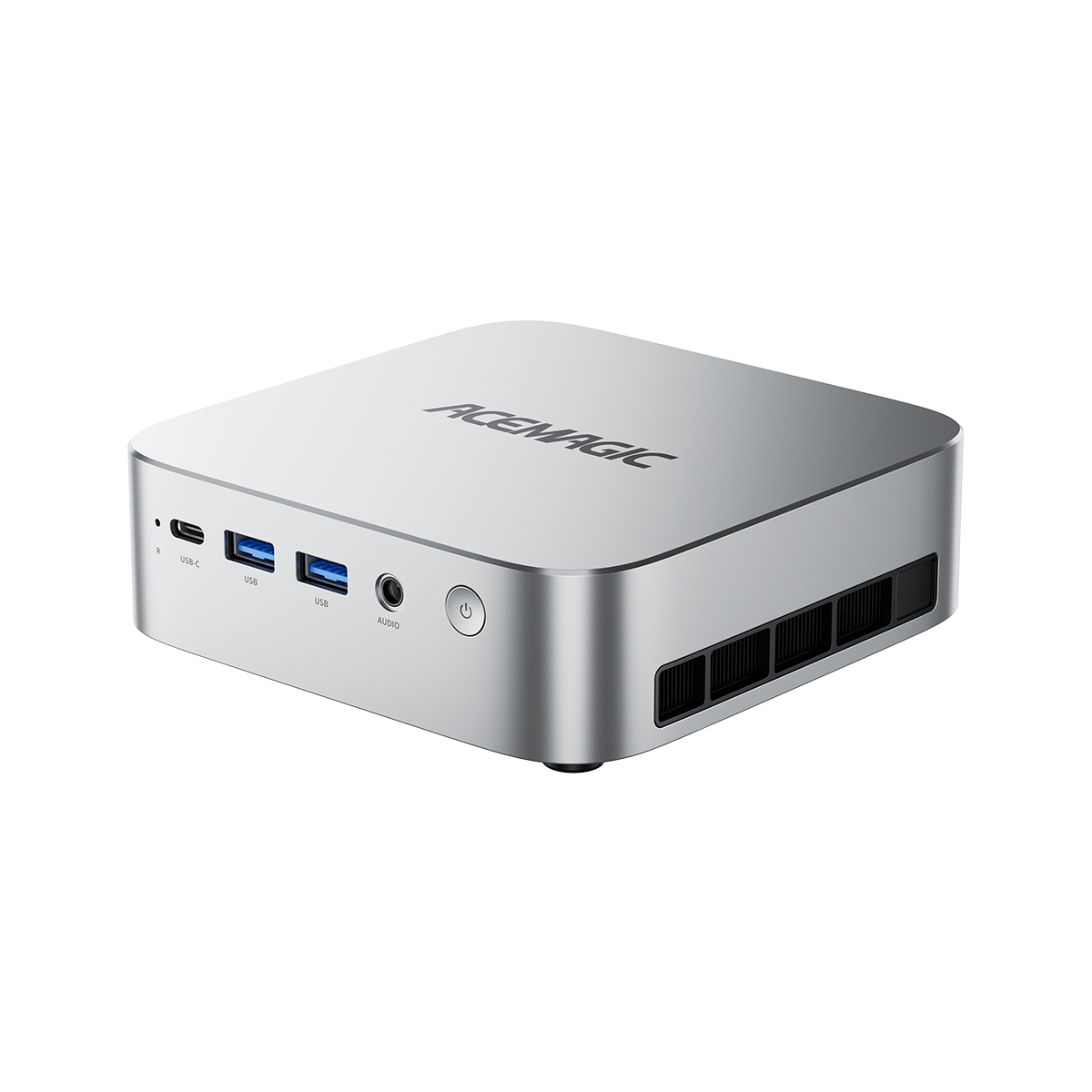
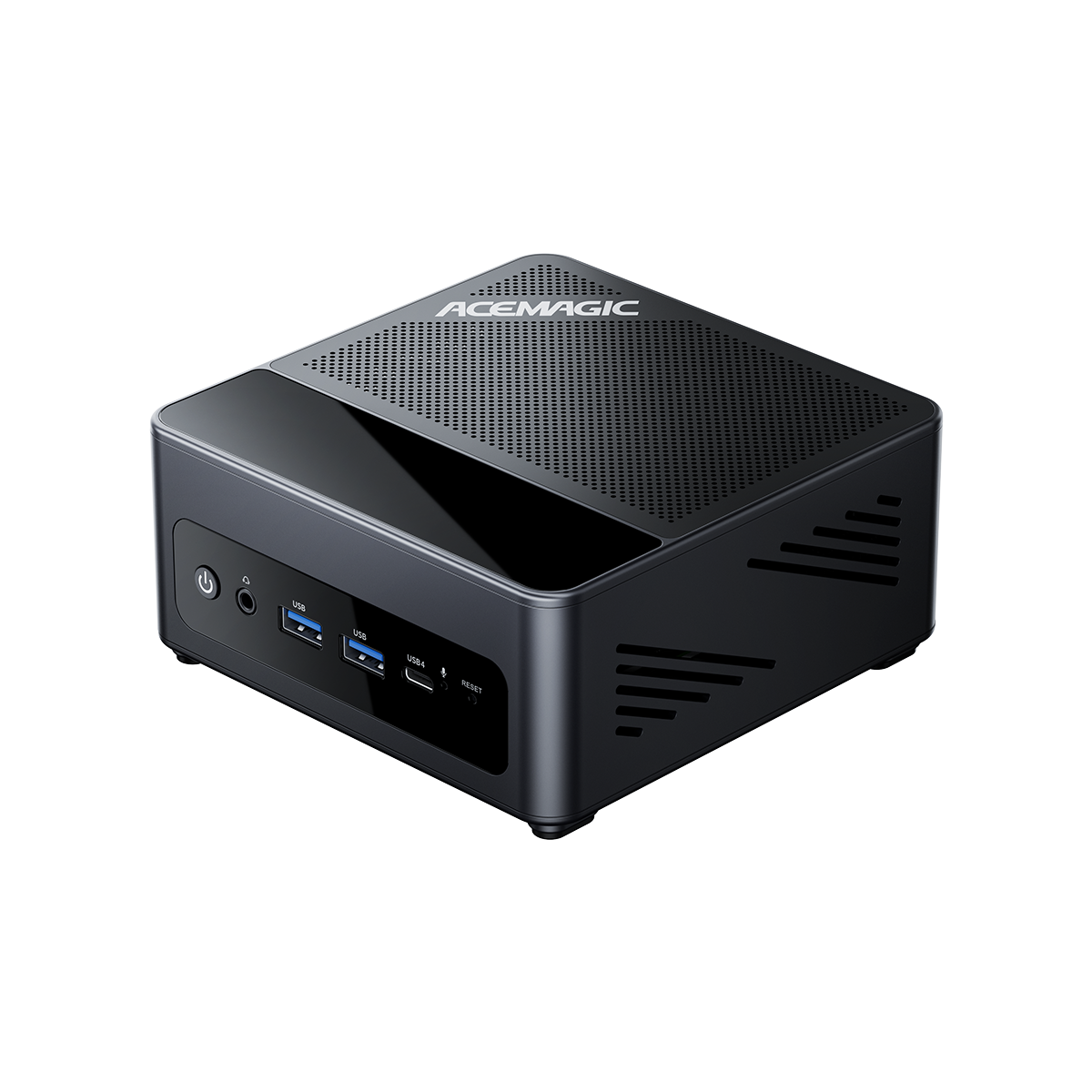
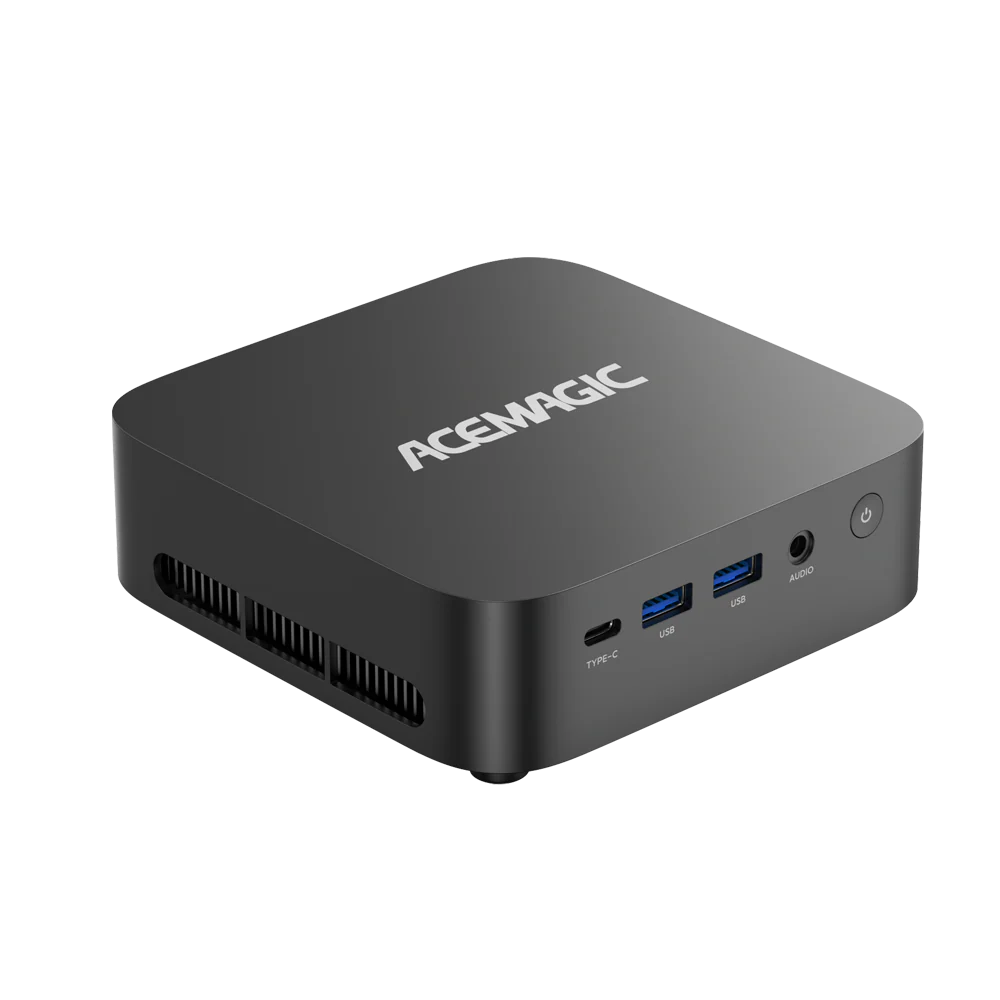
If you have decided on an x86 desktop, the ACEMAGIC F2A mini PC provides an Intel Core Ultra or AMD Ryzen AI route in a compact system. Choose it for a desk that needs a small Windows computer with integrated graphics, then check the exact configuration against your software and displays. Its onboard memory makes capacity a purchase-time decision.


There are published tests of the hardware, not just specification claims. Retro Handhelds tested the F2A 358H and reported 4,176 in Steel Nomad Light; its review also noted that the sample needed an NPU driver installation. That is a useful reminder to check software setup alongside hardware. See the Retro Handhelds F2A review.
Check live pricing for the Core Ultra X7 358H / 32GB / 1TB configuration on our US store page. Confirm the selected processor, memory, storage, and checkout total before ordering.
Final verdict for different buyers
💡 Pick the platform that fits your working day.
For a supported mobile workflow, shortlist Snapdragon X2 alongside tested Intel and AMD laptops. For specialized Windows software or a desktop that needs to work with your existing equipment, start with x86. For gaming, make the GPU and game library the deciding factors.
| Your situation | Recommended approach | What could change the choice |
|---|---|---|
| Office work and frequent travel | Shortlist a Snapdragon X2 laptop if your apps and devices are confirmed | A better tested Intel/AMD laptop such as the ACEMAGIC RX16 Ultra X7 358H, or an unsupported work dependency |
| Specialized Windows software or older peripherals | Start with suitable Intel Core Ultra or AMD Ryzen AI systems | Confirmed Arm support for the full workflow |
| PC gaming is a priority | Compare exact Intel/AMD GPUs and the games you play | A verified Snapdragon game library with satisfactory performance |
| Video editing or content creation | Choose by app version, plug-ins, media support, and export tests | Different footage, effects, or hardware acceleration requirements |
| Browser-based AI and ordinary desktop work | Buy the RAM, storage, ports, and CPU performance you need | A specific local feature that requires an eligible NPU |
| A compact Windows desktop | Check an ACEMAGIC configuration against your workload and monitor setup | Memory growth, discrete-GPU needs, or expansion requirements |
For a desk-based Windows setup, start with the ACEMAGIC F2A configuration page. Confirm the memory capacity and connections before choosing the processor option. Once your software, memory needs, and displays are covered, choose the configuration that fits your budget.
Frequently Asked Questions
Check these details before committing to a platform.
Can you change a Snapdragon PC to Intel or AMD later?
Treat it as a computer replacement, not a CPU upgrade. These platforms use different boards and processor packages; do not buy a Snapdragon system assuming an Intel or AMD processor can be installed later. Storage or other upgrade options depend on the particular machine.
Is Snapdragon suitable for programming and Docker?
It can be, but check your tools and container images. Docker provides a Windows Arm installer, currently labeled Early Access. Confirm your Windows/WSL configuration and whether required images support Arm64.
If your company supplies a private x86-only image, a native Arm editor does not solve that dependency. Agree on a supported Arm64 image, emulation setup, or remote build environment before switching. Emulated builds can be slower for compute-heavy work. See Docker's Windows requirements; the multi-platform image guide is listed in References.
Can AMD Ryzen AI and Snapdragon X2 PCs run Copilot+ features?
Yes, on eligible systems that meet Microsoft's Copilot+ PC requirements. The processor name alone is not enough: verify the device, NPU, memory, storage, Windows version, and the feature you want. Availability can also depend on updates and region. Copilot+ is a category of Windows 11 PCs, not a separate edition of Windows. Microsoft's current requirements are listed in References.
Can Remote Desktop work around an incompatible application?
It can let you use an application running on another compatible computer. That requires a reachable host, an appropriate remote connection, and acceptable latency. It does not install the application locally or create a missing local peripheral driver. Microsoft documents remote PC connections through Windows App; the connection guide is listed in References.
Does the CPU platform still matter with a discrete GPU?
Yes. Check the whole computer: CPU performance, application and driver support, available memory, cooling, and the GPU's own power configuration. A discrete GPU can change the graphics comparison substantially, but it does not remove CPU or operating-system compatibility requirements.
References and Data Sources
- Qualcomm. “Snapdragon X2 Elite Product Brief.” qualcomm.com. “Dense TOPS vs Sparse TOPS: What's the Difference.” qualcomm.com.
- Intel. “Intel Core Ultra Series 3 Processors Product Brief.” intel.com.
- AMD. “AMD Ryzen AI 9 HX 470.” amd.com.
- Notebookcheck. “Qualcomm Snapdragon X2 Elite Extreme Analysis.” notebookcheck.net.
- Adobe. “Windows on Arm support.” helpx.adobe.com.
- Microsoft. “Apps on Arm x86 emulation.” learn.microsoft.com. “Windows Arm-based PCs FAQ.” support.microsoft.com. “Windows 11 specifications / Copilot+ PC requirements.” microsoft.com. “Windows App connection guide.” learn.microsoft.com.
- LM Studio. “System requirements.” lmstudio.ai.
- Docker. “Install Docker Desktop on Windows.” docs.docker.com. “Multi-platform images.” docs.docker.com.